

Best AI Agents for Slack in 2026
 Dott
Here's the thing about every "best AI agents for Slack" list on the first page of Google: a company that sells one wrote it, and that company sits at the top. I'm not going to pretend this one is different. I build Merlin, it's number one below, and you were going to find out anyway.
What I can promise is the rest. Merlin is the agent I use in our own Slack every day, so it's the one I know best, and I'll tell you who shouldn't pick it. For the other eleven, I read each vendor's docs, pricing pages and launch posts (checked on October 8, 2026), opened every site myself, and compared them on the two things their marketing skips: where the agent runs and how you pay for it. Those two decide more than any feature grid, and almost nobody writes them down. I didn't run all eleven in our workspace, so where something is my judgement rather than a documented fact, I say so.
If you're just here for a quick recommendation, here's the summary.
The short answer
- Your engineers already use Claude Code or Codex: Merlin. The team asks in Slack, the work runs on your own machines, and nobody buys another model.
- You want AI that comes with Slack: Slackbot, if you're on Business+ or Enterprise+.
- You live in Claude Team or Enterprise: Claude Tag.
- Ops, marketing or finance want one coworker for everything: Viktor or Opentag.
- You need answers from 100 internal systems with permissions intact: Glean or Dust.
- You want to own every line of code: OpenDots.
The 12 agents at a glance
Here's the whole list in one table. "Ships code from Slack?" is the column that splits the list in half, and "Runs on" is the one I'd read next.
| Agent | Best for | Ships code from Slack? | Runs on | You pay |
|---|---|---|---|---|
| Merlin | Teams already on Claude Code or Codex | Yes, via Claude Code or Codex | Your team's machines | Per workspace from $9 a month, models on your own plans, 14-day free trial |
| Slackbot | Zero-setup help inside Slack | Not documented | Slack's cloud | Per Slack seat, from $15 per user per month |
| Claude Tag | Claude Team and Enterprise shops | Yes, draft PRs | Anthropic's cloud sandbox | Usage from an org balance |
| Cyrus | Linear-first engineering teams | No, Linear only | Self-hosted or Cyrus cloud | Flat plan plus your model keys, free self-hosted |
| Grok Bot | Cursor or SuperGrok subscribers | Not documented | xAI's cloud | Bundled with Cursor or SuperGrok |
| Viktor | Ops teams that want finished deliverables | Yes, PRs and deploys | Viktor's cloud | Credits per workspace, $100 free |
| Dust | A fleet of purpose-built agents | Not its focus | Dust's cloud | Per seat plus credits, free to start |
| Opentag | A model-agnostic coworker across tools | Yes, code and PRs | Opentag's cloud | Per workspace plus credits, $200 trial |
| Glean | Enterprise search in Slack | Draft PRs via Code Writer | Glean's cloud or yours | Sales-led |
| Stilla | A flat-priced teammate for small teams | Yes, opens and reviews PRs | Stilla's cloud | $40 per org per month plus credits |
| Type | Shared automations on your Claude and Codex plans | Via Claude or Codex | type.com's cloud | Credits or your own plans, from $50 per month |
| OpenDots | Owning the whole stack | Not a headline feature | Your own servers | Free (MIT), your model API bill |
These are the list prices I saw on October 8, 2026, and every one of them will be wrong by spring. Follow the links in each section for the current number.
What "AI agent for Slack" covers, and what I compared
The label now covers products that have almost nothing in common beyond an @mention, so here's how I sorted them. First by what they can actually do, on three levels: answer (search, summarize, draft, which most products clear), act (update a ticket, post a report, change a CRM record through connected apps) and ship (change code, run the tests and open a pull request, which far fewer clear). Then by the two things that cost you later:
- Where the work runs. The vendor's cloud is easiest to start, but the agent only sees what you upload or connect, so your local dev environment, internal databases and half-configured scripts stay out of reach. Your own machines mean the agent works where your code already runs. Self-hosted means maximum control and maximum weekend plans cancelled.
- How you pay. Per Slack seat, per credit (a currency each vendor mints on its own exchange rate), or through the Claude Code and Codex plans your engineers already pay for. Credits aren't evil, but they make "how much will this cost next month" a research project.
The 12 best AI agents for Slack in 2026
1. Merlin
Best for teams that already run Claude Code or Codex.
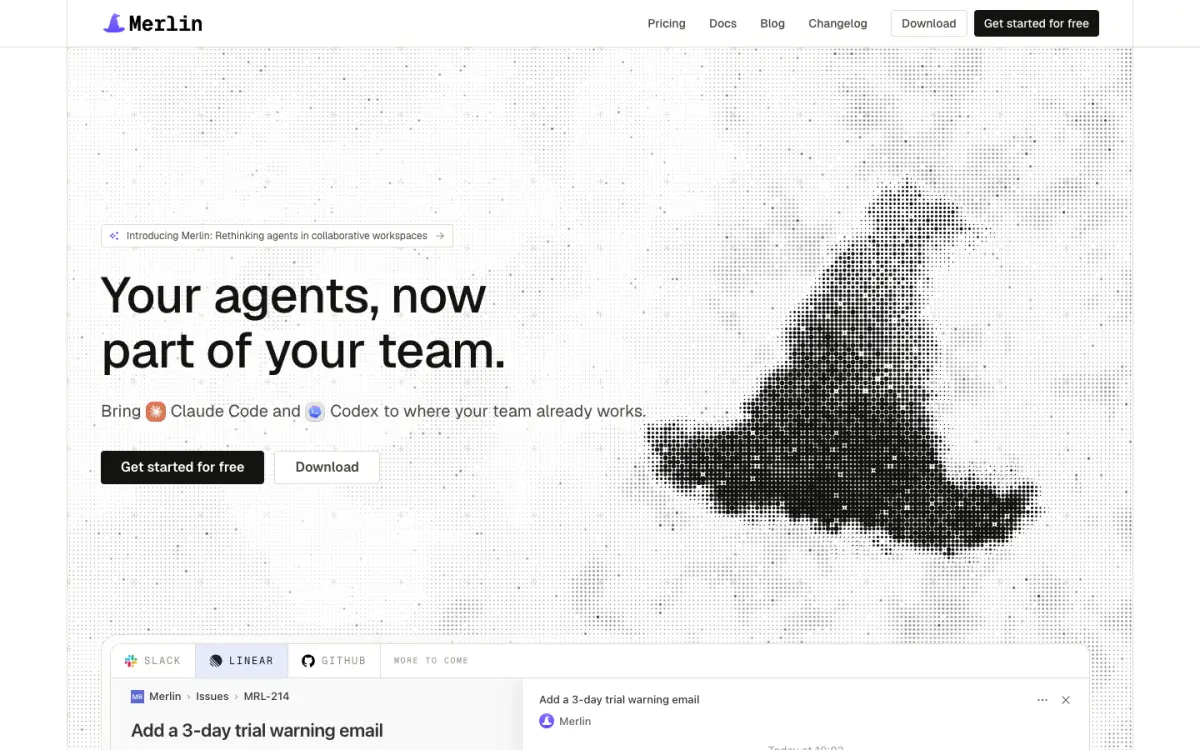 Merlin brings the Claude Code and Codex your engineers already run into Slack, Linear and GitHub.
Here's the problem I started Merlin to fix. Your engineers have Claude Code or Codex set up exactly right: the repositories cloned, the credentials working, the MCP servers wired in, the skills written. It's the most capable agent in the company, and it's locked inside one person's terminal. When the PM wants an answer from it, the PM asks the engineer, who pastes the question in, waits, and pastes the answer back. Congratulations, your senior engineer is now a very expensive clipboard. Merlin turns that setup into a teammate: someone @mentions Merlin in a Slack thread, the work runs on a teammate's machine through the Claude Code or Codex already installed there, and progress and the result land back in the thread, where anyone can add context or correct it mid-run.
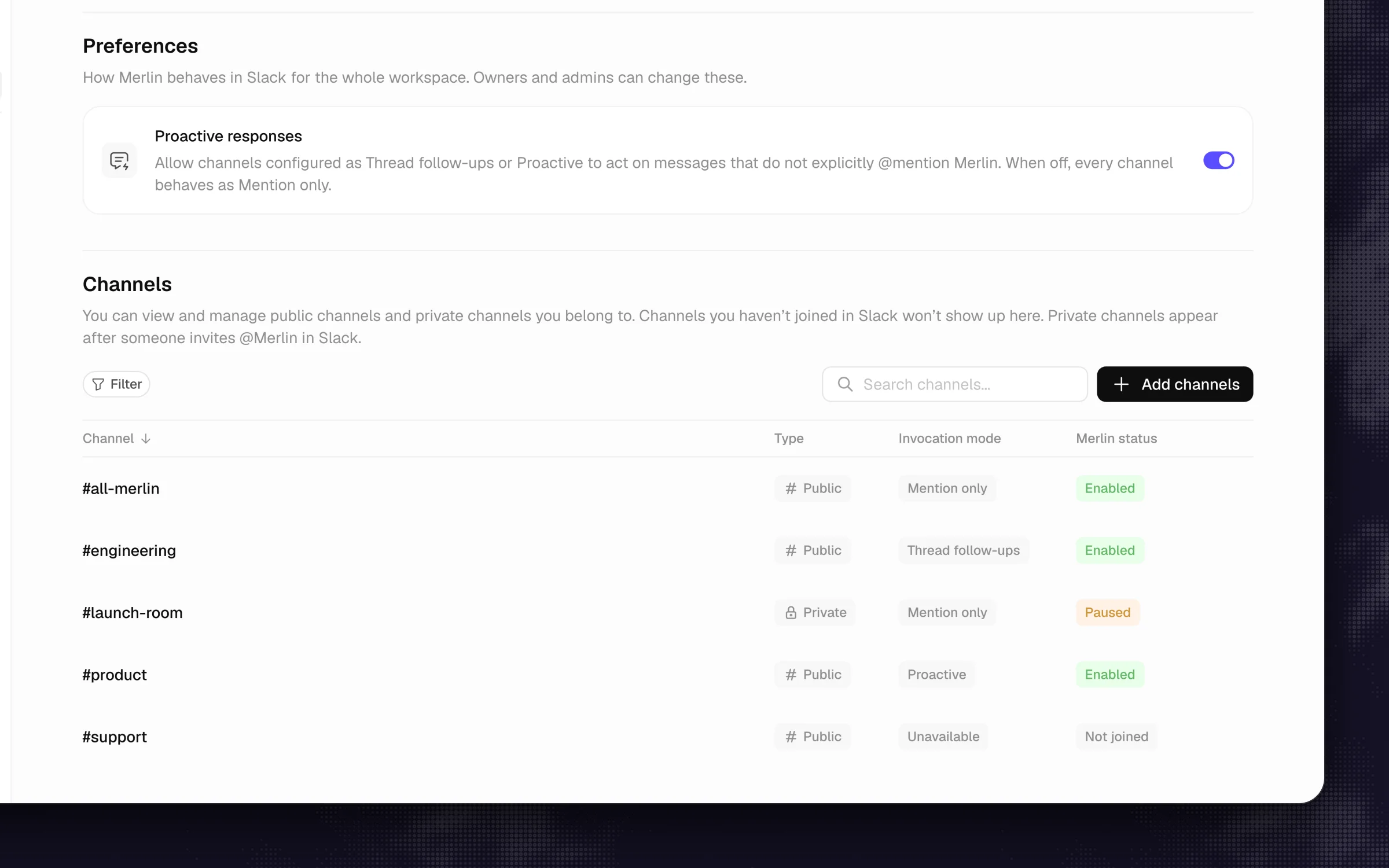 Each channel gets its own invocation mode, from Mention only to Proactive.
What stands out
- Each channel has its own response mode (details in the Slack guide): Mention only, Thread follow-ups (it keeps listening in its own threads) or Proactive (it may pick up unmentioned messages when it can help). Owners can pause any channel.
- The same Merlin works when you delegate a Linear issue or mention it on a GitHub issue or pull request, with shared skills one person publishes for the whole workspace, schedules for recurring work like a weekly progress update, and memory kept separately per workspace and per channel.
- A machine owner decides whether their runtime stays private or is shared with teammates (devices and runtimes).
Worth knowing
- Not for you yet if nobody on the team runs Claude Code or Codex (prerequisites). One of the cloud agents below will get you going faster.
- A shared runtime has to stay awake and online, we support those two agents only, and your Slack admin may need to approve the app.
Pricing: on your team's machines (macOS, Windows or Linux) via the Merlin desktop app or CLI. We don't host a model, so model usage stays on each machine owner's own Claude or ChatGPT plan, and Merlin itself is per workspace: Starter at $9 per month for up to 3 people and 1,000 requests, Team at $59 per month for up to 50 people, Scale at $99 per month for up to 200, with a 14-day Team trial and no card (pricing).
2. Slackbot
Best built-in option.
 Slackbot is Slack's own agent, included on paid plans.
The old reminder bot grew up. Since its general availability in January 2026, Slackbot is a "personal AI agent" that answers from the conversations, files and connected apps you can already see.
What stands out
- Zero setup: it inherits Slack's permissions and context on day one.
- A Deep Research mode, plus actions in other apps through MCP (Jira, Figma, Salesforce and friends).
- The March 2026 update added meeting capture and help in other desktop apps.
Worth knowing
- It's a knowledge-work agent. Slack documents no way for it to change code or open a pull request.
- Fifteen messages a week is about three a workday, so plan your questions like a game show contestant.
Pricing: included with Business+ at $15 per user per month (annual), capped at 15 Slackbot messages per user per week. Enterprise+ removes the cap and is sales-led. Free and Pro get a preview. Slack also warns that advanced capabilities released after June 2026 may move to other pricing.
3. Claude Tag
Best for teams already on Claude Team or Enterprise.
 Claude Tag is Anthropic's own Slack teammate, in public beta.
Claude Tag is Anthropic's answer to the same question Merlin asks, launched in public beta on June 23, 2026. Anyone in a channel can @Claude, it posts a live checklist in the thread, and anyone can steer the running session.
What stands out
- It writes and runs code, clones GitHub repositories, pushes draft PRs, runs scheduled routines and keeps per-channel notes.
- Multiplayer by design: the checklist and the steering happen in the thread, in front of the team.
- No per-seat charge for adding it to a Claude Team or Enterprise organization.
Worth knowing
- The difference from Merlin is where it runs. Each thread runs in "an ephemeral cloud sandbox, not on your local machine" (how it works). That's clean and safe, and it also means the agent starts from a fresh box rather than the environment your engineers spent months tuning. Files in the sandbox disappear when it goes idle, so anything worth keeping has to be pushed or posted.
- It's still a beta, it isn't available on individual plans, and it can't post into Slack Connect channels.
Pricing: Claude Team and Enterprise only. Channel work is billed by usage from an owner-funded balance with a spend limit (overview).
4. Cyrus
Best for Linear-first engineering teams.
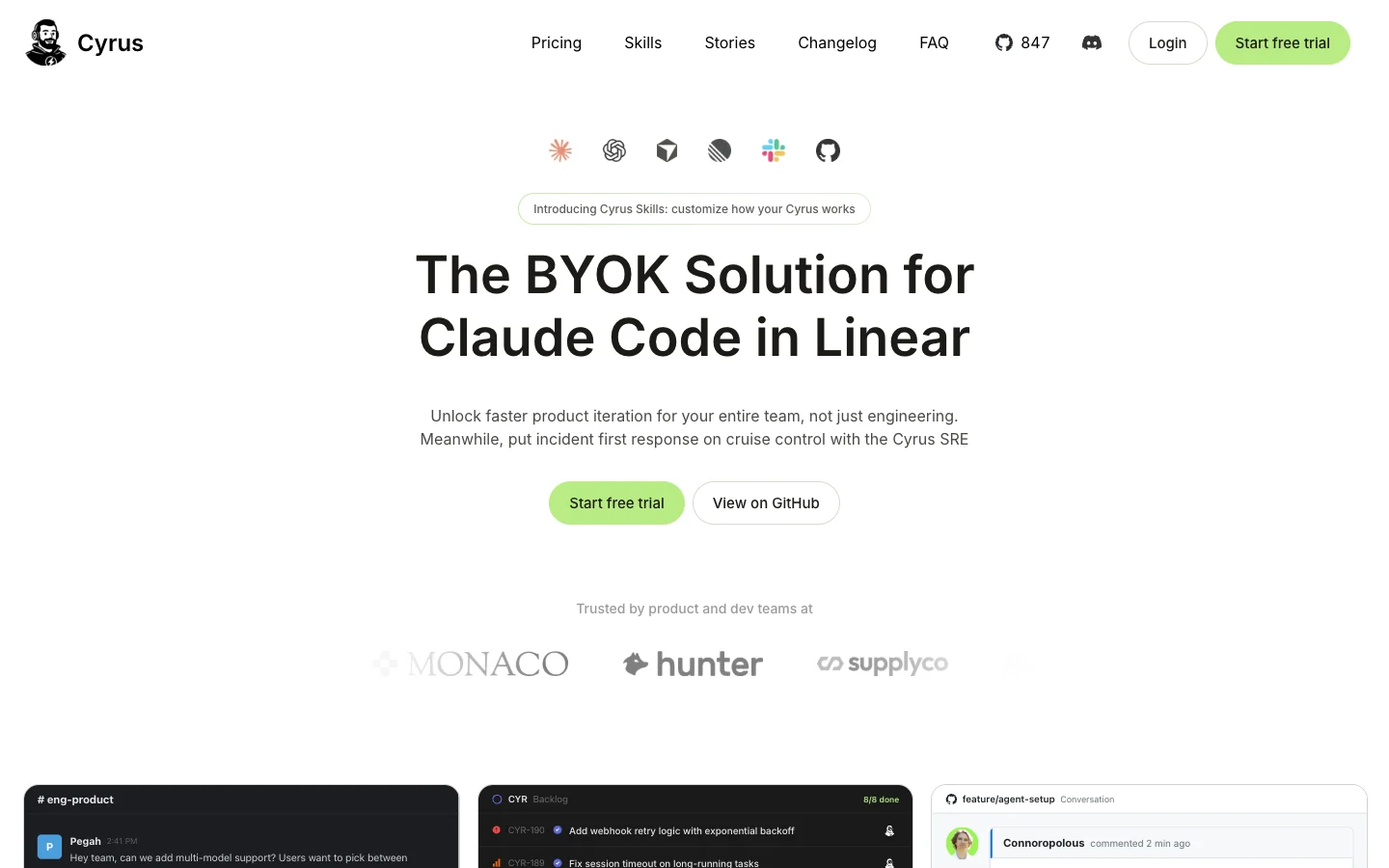 Cyrus runs Claude Code from Linear issues. Slack is its side door.
Cyrus is an open-source agent that turns Linear issues into pull requests with Claude Code (Codex, Cursor and Gemini runners are listed too). Assign an issue, it creates an isolated git worktree, works, and streams updates back to Linear. You bring your own model keys and can self-host it.
What stands out
- Claude Code on your own keys, in your own git worktrees, with the source on GitHub.
- Honest docs: per its own Slack page, "Slack sessions do not create Git worktrees or have access to your codebase." Slack is for questions and research.
Worth knowing
- For code, the docs tell you to create a Linear issue instead. If your requests start in Slack, expect a "please file a ticket" moment.
Pricing: free self-hosted Community edition, then $50 per month for up to 5 Linear members and 5 repositories, $120 for up to 20 members. Model costs are on your keys.
5. Grok Bot
Best if you already pay for Cursor or SuperGrok.
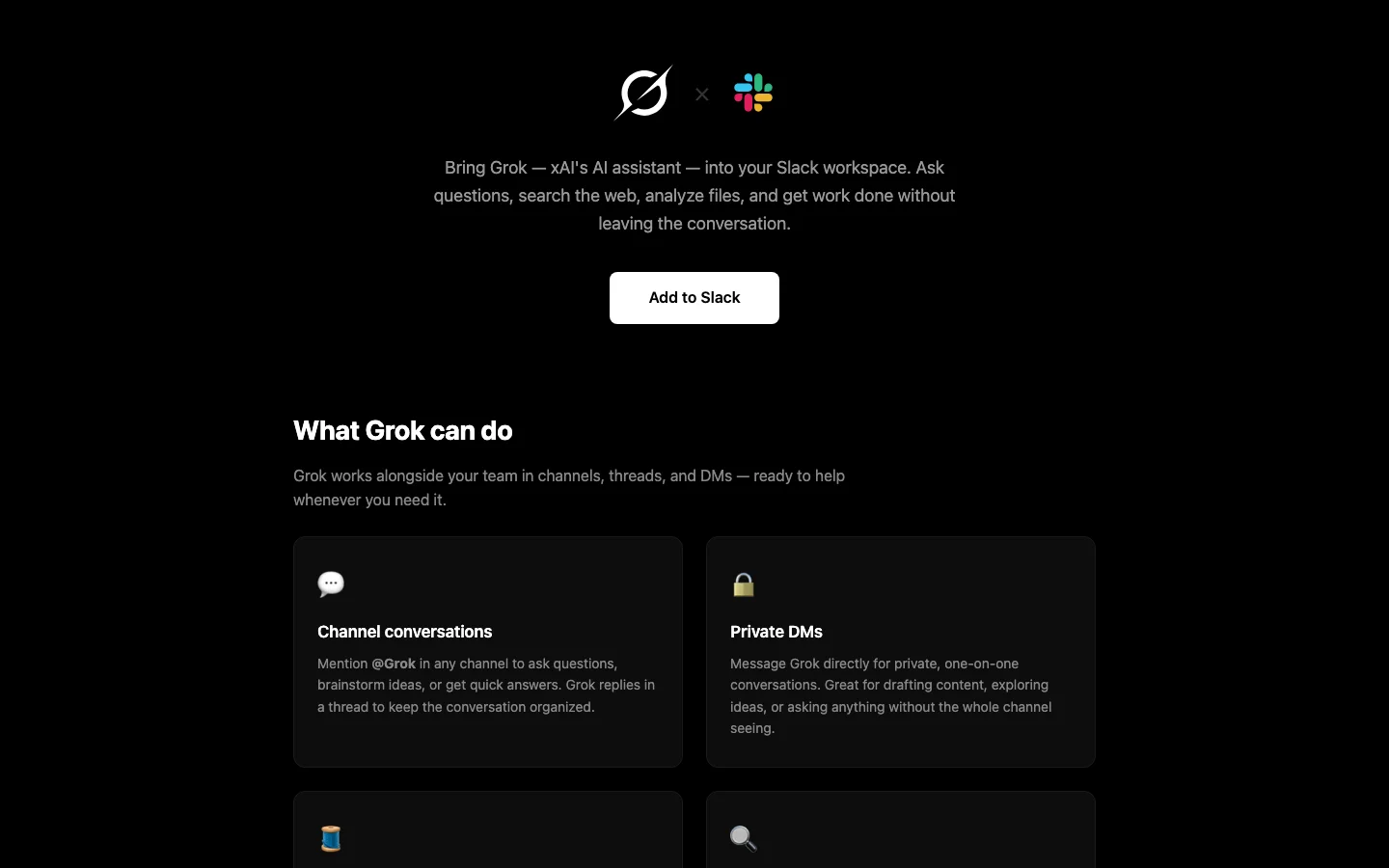 xAI's Grok for Slack app answers @Grok mentions in channels, threads and DMs.
xAI has two things in Slack. The simple one is the Grok for Slack app pictured above, for asking Grok questions in channels, threads and DMs. The ambitious one is Grok Bot, launched August 11, 2026: "always-on agents" that each get their own cloud computer with a browser, terminal and files, sign into apps and keep working around the clock.
What stands out
- Team Bots gained Slack in late September 2026: each bot can get its own Slack app, join a channel and post briefings.
- Computer-using agents for ops, sales or research, bundled into plans you may already pay for.
Worth knowing
- Two caveats from xAI's docs: it's a beta, and the bot "answers only people who have linked their Slack account to Cursor." Teammates without a linked account get the silent treatment.
Pricing: no standalone plan. Grok Bot is included with Cursor and SuperGrok tiers, with weekly usage allowances (plans).
6. Viktor
Best for ops-heavy teams that want finished deliverables.
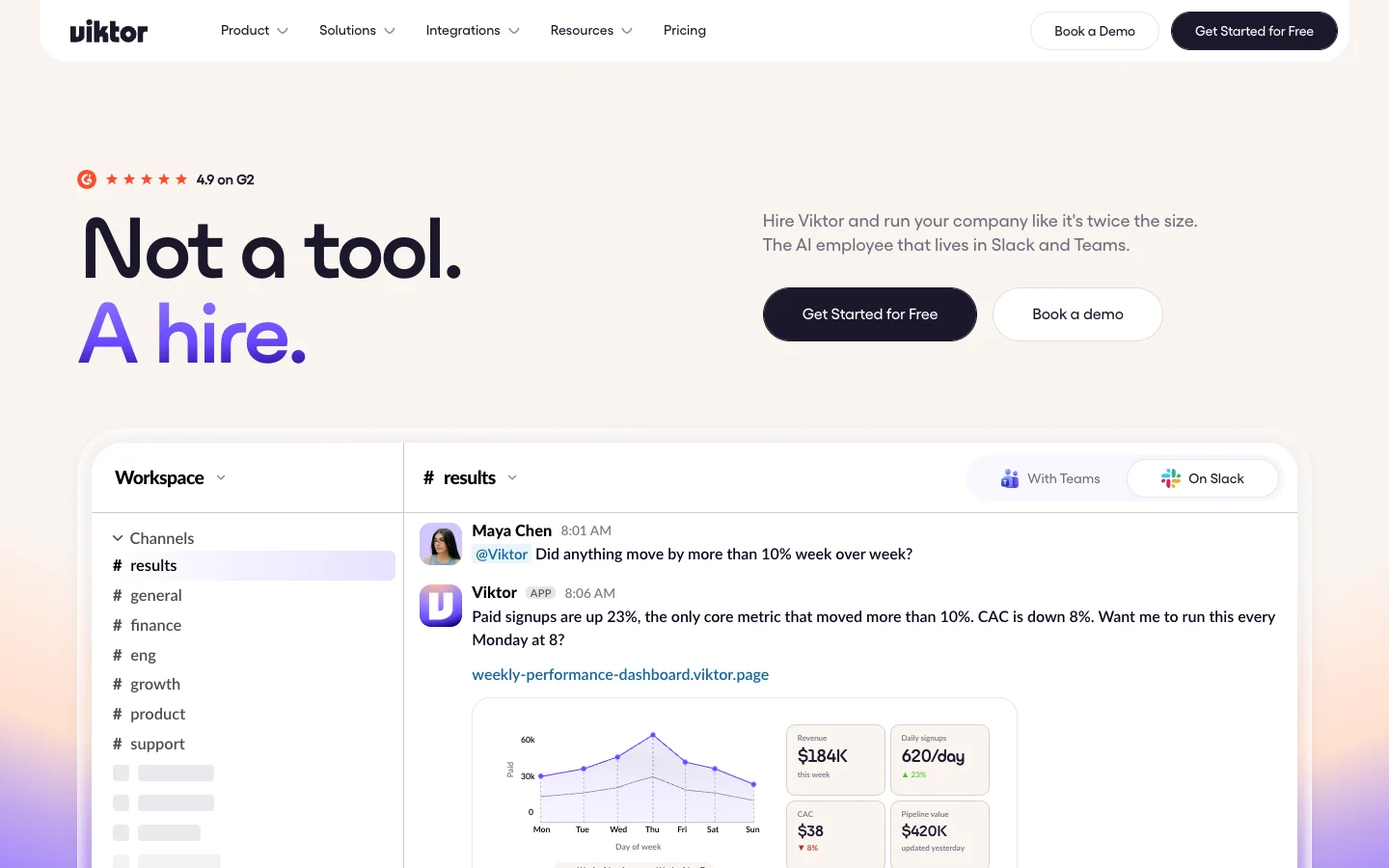 Viktor sells itself as a hire rather than a tool.
Viktor is an "AI employee" that lives in Slack and Microsoft Teams and returns finished work: reports, dashboards, small internal tools, code and deployed web apps. It runs in Viktor's cloud, on Claude models per its product page.
What stands out
- Connects to thousands of SaaS tools and keeps a persistent team memory.
- "Asks before doing anything you can't undo," which is the right default for an agent that can deploy.
- It raised a $75M Series A in May 2026, so it will be around to answer your questions.
Worth knowing
- Cost forecasting on pure usage billing: a typical task uses 100 to 5,000 credits, which is a wide enough range to park a truck in.
Pricing: $100 of free credits with no card, then credit packs from $50 per month, billed per workspace rather than per seat.
7. Dust
Best for a fleet of purpose-built agents.
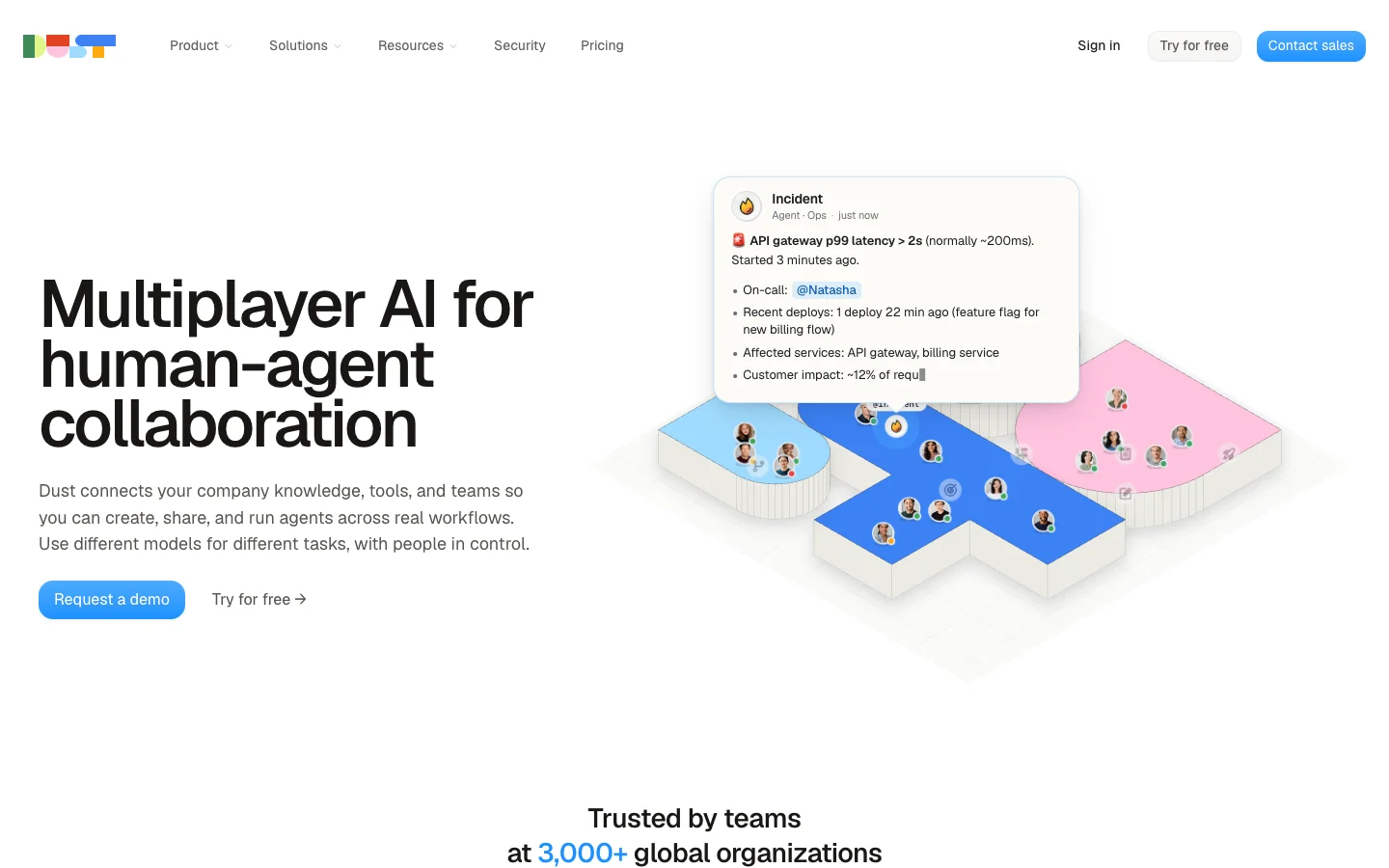 Dust lets a company build many agents and call them from Slack.
Dust is a platform for building many specialized agents (HR, support, sales, ops) grounded in company knowledge through 70+ connectors, with a choice of 20+ models. In Slack you call the default agent with @Dust, or a specific one with @Dust +AgentName (docs).
What stands out
- Governed, purpose-built agents with model choice, each one reachable by name from Slack.
- Admins can let agents auto-reply in a channel.
Worth knowing
- One agent per Slack message, agent memory is private to each user rather than shared with the team, and it isn't positioned as a coding agent.
Pricing: free with 500 lifetime credits, then Pro seats at €24 per month (annual) and Max seats at €120. Enterprise is sales-led.
8. Opentag
Best for a model-agnostic coworker across many tools.
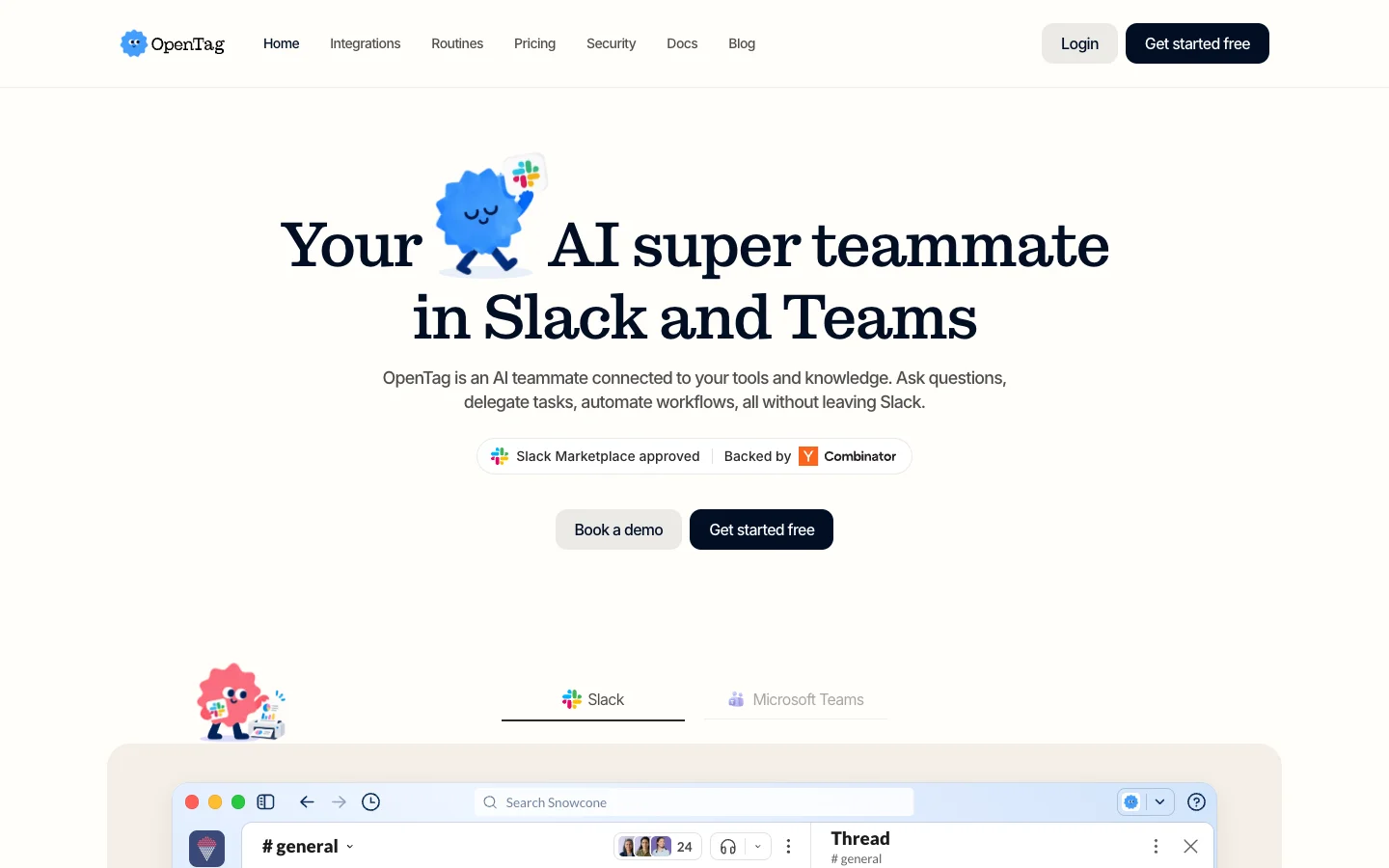 Opentag routes each request to one of 40+ models.
Opentag (YC Summer 2026) is an @mentionable teammate in Slack and Teams that investigates issues, analyzes data, modifies code, manages pull requests and updates Linear tickets, and can hand scoped coding work to Conductor. It runs in Opentag's cloud.
What stands out
- Each request is matched to one of "over 40" models.
- Each request is limited to the permissions of the person who asked, which I think is a thoughtful touch.
- Recurring requests can become automations.
Worth knowing
- It launched in August 2026, and $500 a month is a big first step for a small team.
Pricing: a trial with $200 in credits, then a Team plan at $500 per month per workspace ($425 billed annually) with shared credits.
9. Glean
Best for enterprise search in Slack.
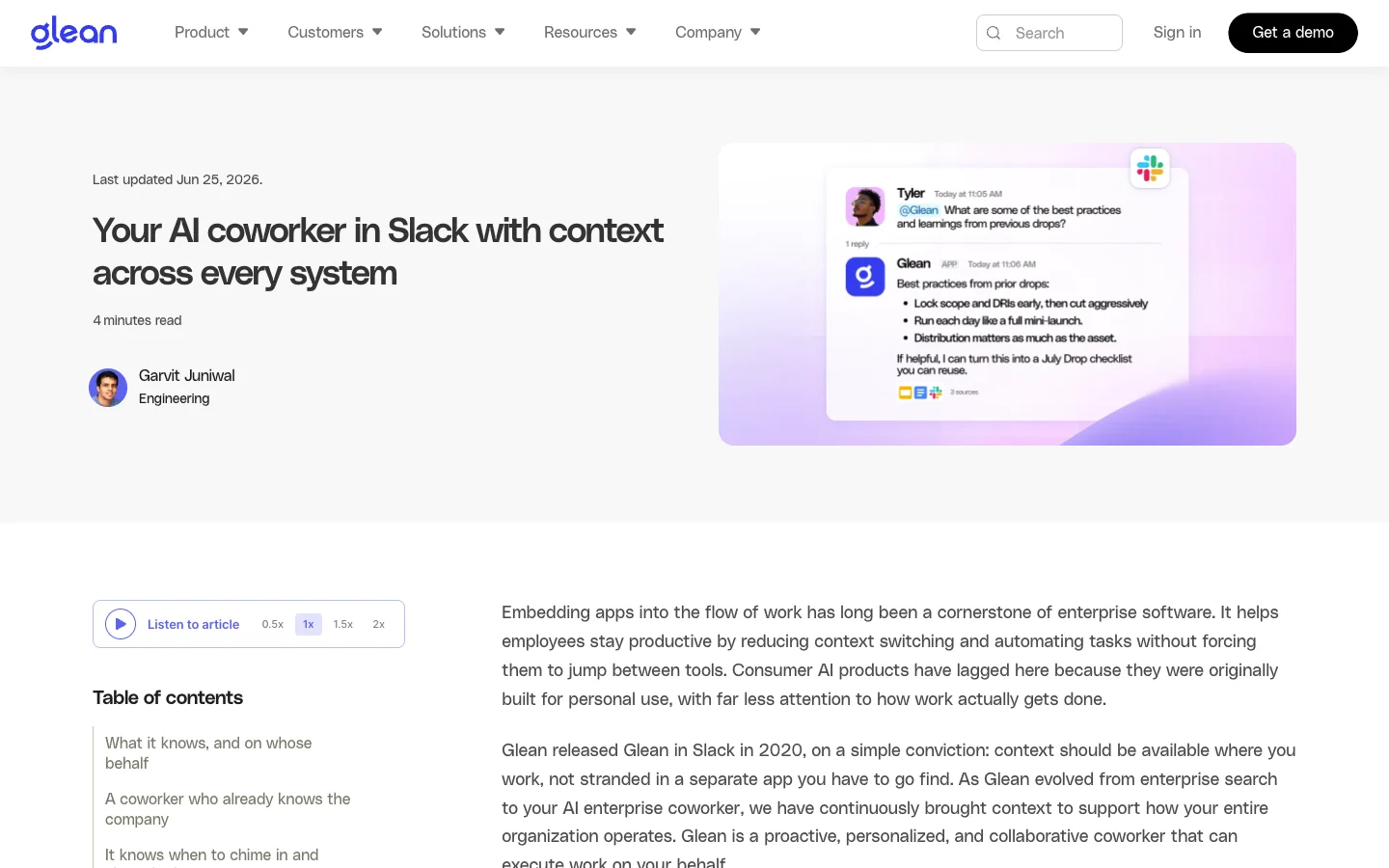 Glean brings permission-aware enterprise search into Slack.
Glean is the incumbent of enterprise search: permission-aware answers across hundreds of connectors. In Slack you get @Glean answers, /glean search, the full assistant in the sidebar and a daily digest (docs).
What stands out
- Permission-aware answers across hundreds of systems, which is the hard problem for a large company.
- Its one coding move is Code Writer, which turns a Slack conversation or incident into a draft GitHub pull request once an admin enables it.
- Large customers can host their Glean tenant in their own AWS or GCP.
Worth knowing
- Everything is admin-configured, so the person installing it is your IT team, not you.
Pricing: not public. Talk to sales.
10. Stilla
Best flat-priced teammate, with an asterisk.
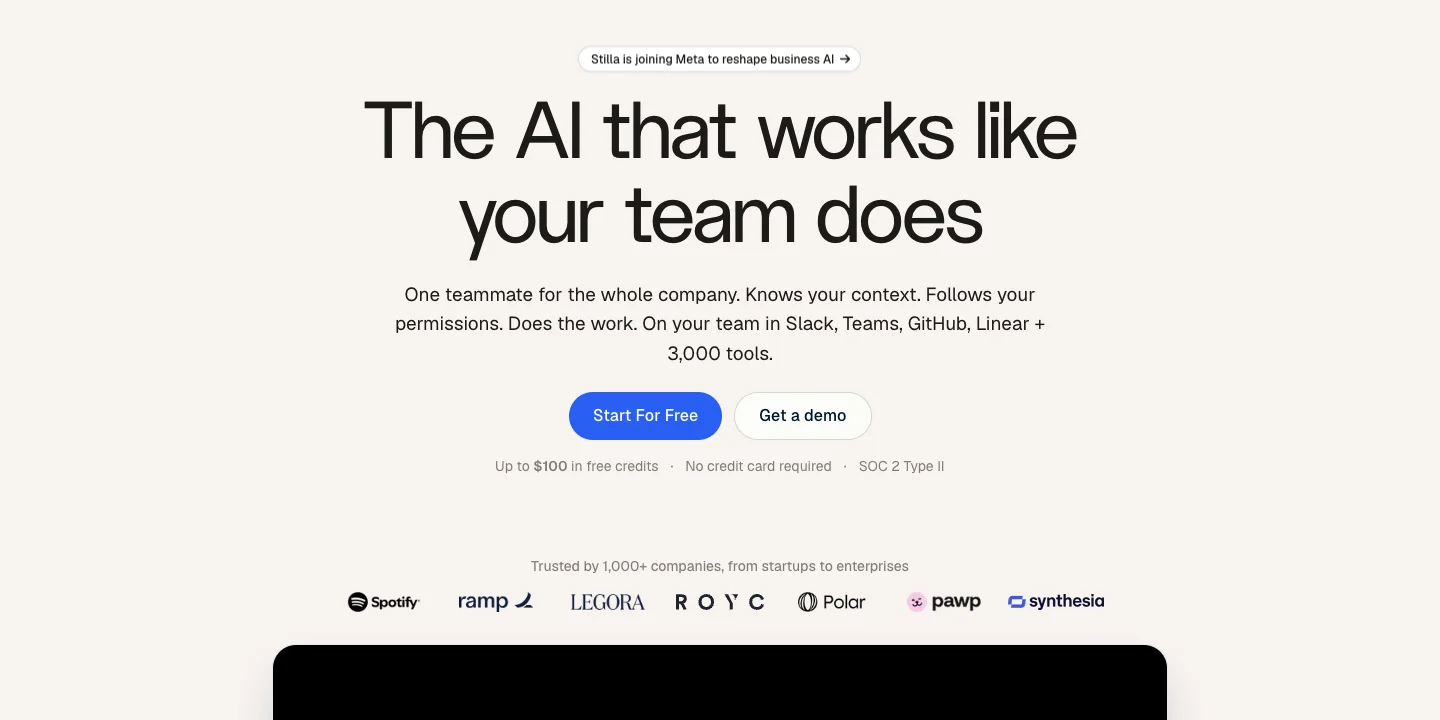 Stilla's homepage leads with the news that it is joining Meta.
Stilla pitches "one teammate for the whole company" across Slack, Teams, Discord, GitHub and Linear. In Slack it answers @mentions in threads and can process every message in an intake channel (docs).
What stands out
- Its coding agent writes, opens and reviews PRs.
- Claude, GPT and Gemini models, your own API keys accepted, MCP supported.
- A flat organization price for up to 29 members.
Worth knowing
- The asterisk: on September 9, 2026, Stilla announced it is joining Meta. It says service continues. Your procurement team will still want to talk about it.
Pricing: $40 per organization per month for up to 29 members, with credit tiers on top and $100 of free credits to start.
11. Type
Best for shared automations on your existing Claude and Codex plans.
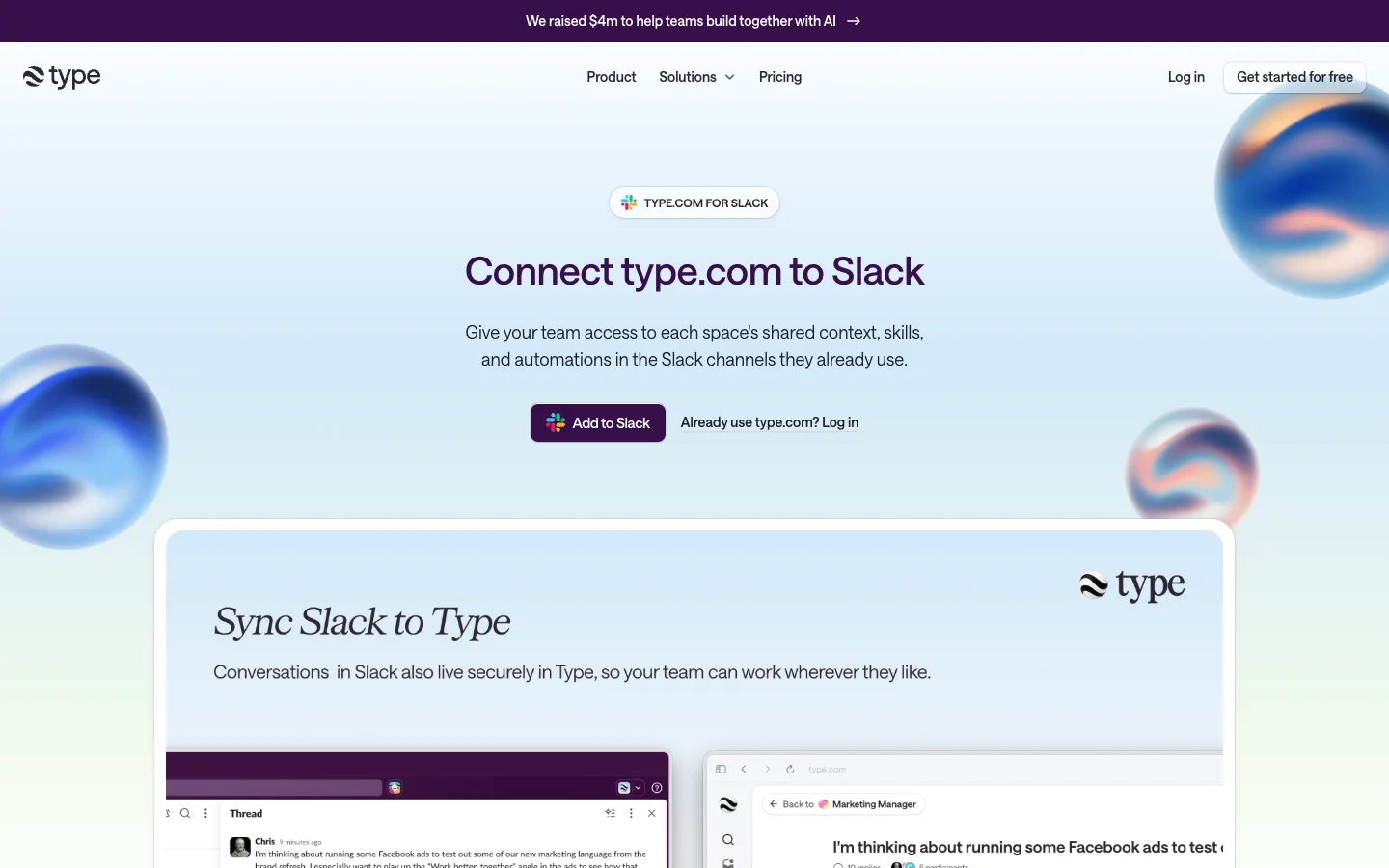 type.com connects shared agents and automations to Slack.
type.com is a shared workspace for agents and automations, with Slack as one surface: people @mention an agent and the reply lands in the thread, and new messages can kick off automations.
What stands out
- It shares one idea with Merlin: per its pricing FAQ, team members can connect Claude or Codex subscriptions so that eligible requests skip type.com's credits.
- Reusable automations for small GTM and ops teams.
Worth knowing
- The work runs on type.com's infrastructure rather than on your machines.
- Low member caps per plan, and Slack is one surface of a broader workspace rather than the center of it.
Pricing: $50 per month for 2 members, $100 for 4, $250 for more, each with a monthly credit allowance.
12. OpenDots
Best open-source option to self-host.
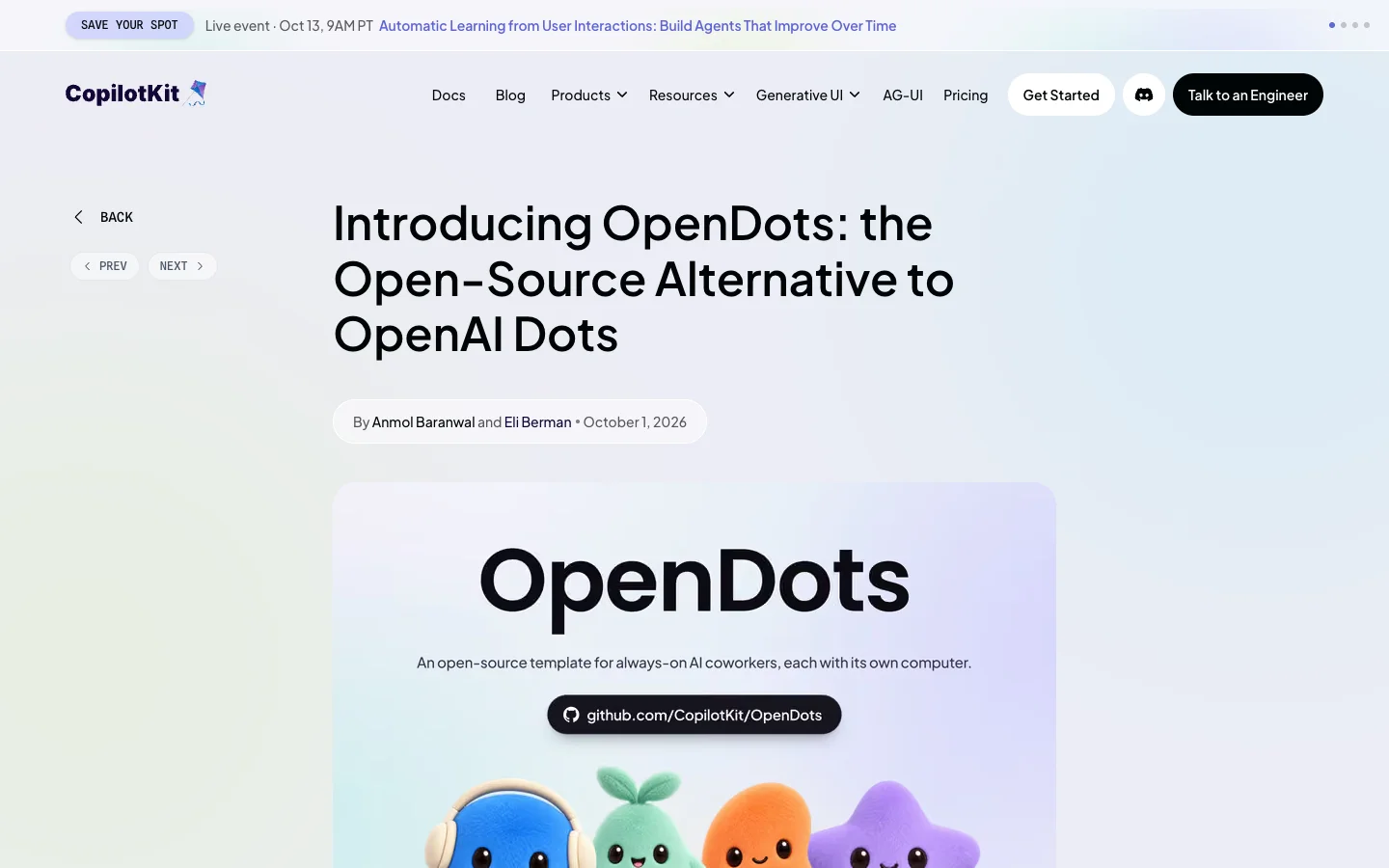 OpenDots is a one-week-old, MIT-licensed template for always-on agents.
When OpenAI announced Dots, always-on agents with their own computer, CopilotKit shipped an open-source alternative two days later. OpenDots gives each "Dot" its own browser, files and terminal, and picks up work when you mention it in a Slack thread.
What stands out
- Drafts shown for approval, conversations turned into reusable skills, and the whole stack is yours to read and modify.
- Runs wherever you host it, with CopilotKit Intelligence (hosted or self-hosted) and an OpenAI-compatible model API key (repo).
Worth knowing
- It's a template, not a product, and it was one week old when I wrote this. Bring your own patience.
Pricing: free under the MIT license. You pay your model provider.
How to choose an AI agent for Slack
I've always found roundups like this one to be a starting point rather than a verdict. Before you install anything, run three questions in order and stop at the first one that eliminates options.
- Do you need it to ship code from Slack? If no, Slackbot, Glean or Dust will likely cover you, chosen by whether you want zero setup, enterprise search or many custom agents. If yes, keep going.
- Does the work need your real environment? If the task touches local repositories, internal services, staging databases or the MCP servers your engineers rely on, a cloud sandbox has to be given all of that. An agent on your own machines starts with it. That's Merlin's lane. Claude Tag, Viktor, Opentag and Stilla are the cloud versions of the idea.
- Who should pay for the model? If your engineers already pay for Claude or ChatGPT plans, Merlin keeps model usage on those plans, and Type can route eligible requests through connected subscriptions. Everyone else bills you again, by seat or by credit.
Three things most lists skip
- Where the agent runs. A cloud agent can be impressive in a demo and then spend its first week asking for access to things. The fastest agent is often the one that doesn't need onboarding because it starts inside an environment that already works. That's the bet behind Merlin: I think an agent ships code more convincingly from an engineer's working setup than from a fresh sandbox.
- Coding agents and knowledge assistants are different species. A Slack search assistant that "can open a PR" through a connector isn't the same thing as Claude Code working in a checked-out repository with tests. Ask any vendor, including us, what happens between the @mention and the pull request.
- Credits are a pricing model, not a price. Five of the twelve products bill in vendor credits. That's fine, but translate a typical week of your team's requests into dollars before you compare it with a per-seat plan.
FAQ
An AI agent for Slack is software that takes requests inside Slack, usually through an @mention or a DM, and does work on them: answering from company knowledge, taking actions in connected apps, or, for coding agents like Merlin and Claude Tag, changing code and opening pull requests. Results come back in the same thread.
Partly. Free and Pro Slack plans include basic AI features and only a preview of Slackbot. Slackbot itself is included with Business+ ($15 per user per month on annual billing) with 15 messages per user per week, and without that cap on Enterprise+ (Slack pricing).
Slackbot comes with Slack, inherits its permissions and needs no setup, but it focuses on search, summaries and cross-app actions. Third-party agents add what Slack doesn't: shipping code (Merlin, Claude Tag, Viktor), enterprise search across many systems (Glean), or many custom agents (Dust). You can run Slackbot and a third-party agent side by side.
Yes. Merlin, Claude Tag, Viktor, Opentag and Stilla can all change code and open pull requests from a Slack request, and Glean can open draft PRs through Code Writer. Where the code runs differs: Merlin uses Claude Code or Codex on your team's machines, while the others run in their own cloud.
With Merlin, yes: it drives the Claude Code and Codex already installed on your team's machines, so model usage stays on each machine owner's own plan. type.com also lets members connect Claude or Codex subscriptions for eligible requests. Most other agents bill model usage through their own seats or credits.
The good ones do, but check how. Slackbot answers from what you can already see in Slack. Opentag limits each request to the asker's permissions. Merlin lets a workspace decide who may start work, and each machine owner decides whether their runtime is shared at all (security). Read each vendor's security page before installing anything that can act.
Viktor, Dust, Opentag, Glean and Stilla support Microsoft Teams today, and Claude Tag has a Teams waitlist. Merlin works in Slack, Linear and GitHub.
If your small team includes engineers who already use Claude Code or Codex, Merlin starts at $9 a month for up to 3 people, with a 14-day free trial, and adds no model bill. If not, Stilla's flat $40 per organization and Viktor's free credits are the cheapest ways to try a cloud coworker.
That's my list. If you land on Merlin, great, and if you land somewhere else, tell me which one and what I missed.
Try Merlin for free
Hand work to Claude Code and Codex from Slack, Linear and GitHub. Free for 14 days, no API keys, no card required.
Get started for free