

Best Devin Alternatives in 2026
 Dott
Dott
Devin made "assign the ticket to the AI" a real thing for engineering teams. Then the second month arrives. You hit a usage quota with no published numbers, spend an afternoon fixing a VM snapshot in someone else's cloud, look at a model menu you don't control, and hear your engineers ask why they can't just use the Claude Code or Codex plans they already pay for.
Devin's real product is a cloud computer with a model and a billing meter attached. Every serious alternative in 2026 unbundles at least one of those three things: whose computer the agent works on, which model does the thinking, and which meter you pay. The fastest way to pick a replacement is to find the one whose computer already has your setup, or costs you the least effort to build.
If you're just here for a quick recommendation, here's the summary.
The short answer
- Your engineers already run Claude Code or Codex: Merlin. The team hands it work in Slack, Linear or GitHub, the task runs on a teammate's machine that already has your repos and credentials, and model usage stays on each machine owner's own plan.
- You already pay for Claude: Claude Code. You already pay for ChatGPT: OpenAI Codex.
- Your code and issues live on GitHub and you want the cheapest start: GitHub Copilot cloud agent.
- Your team lives in Cursor: Cursor Cloud Agents.
- Work arrives from Jira, Teams, Slack and CI at once: Factory.
- You want open source or self-hosting: OpenHands, or Cyrus for Linear.
- You want cloud machines at published per-minute rates on your own subscription: Amp.
- You want to run several agents side by side on one ticket: Tembo.
- You're building a fleet of cloud agents at enterprise scale: Warp.
The 11 Devin alternatives at a glance
"Setup before the first task" is the column I'd read first, followed by "Agent's computer" and "Model usage paid through."
| Product | Best for | Agent's computer | Setup before the first task | Model usage paid through | Starts at |
|---|---|---|---|---|---|
| Merlin | Teams already running Claude Code or Codex | A teammate's machine (Mac, Windows or Linux) | None on the machine: it already has your repos, credentials and tools | Each machine owner's Claude or ChatGPT plan | $19 a month per workspace, 14-day trial |
| Claude Code | Teams on Claude plans | Anthropic's VM, or your own runners via GitHub Actions | A setup script, cached as a snapshot | Your Claude plan's usage limits | Pro at $20 a month |
| OpenAI Codex | Teams on ChatGPT plans | OpenAI's VM, one per task | Codex sets it up, you publish it | Your ChatGPT plan's allowance | Plus at $20 a month |
| GitHub Copilot cloud agent | Repos that live on GitHub | GitHub Actions runner or a GitHub cloud sandbox | A copilot-setup-steps.yml workflow | GitHub AI Credits | Pro at $10 a month |
| Cursor Cloud Agents | Teams that live in Cursor | Cursor's VM, or self-hosted | The agent sets it up, or a Dockerfile | Cursor plan usage, Claude and GPT at API list price | Premium at $30 a month |
| Factory | The most ways to hand off work | Factory's cloud, sandboxes or your own machine | Environments Factory prebuilds, or none on your machine | Factory plan usage, or your own key | Pro at $20 a month |
| Amp | Cheap cloud machines on your own subscription | Amp's orbs, or self-hosted orbs | Orb setup | Your ChatGPT or Claude subscription, your key, or Amp credits at cost | Free with your own compute and keys |
| OpenHands | Open source and self-hosting | Your laptop, your servers or OpenHands Cloud | A setup.sh script in the repo | Any model on your own key | Free (MIT), self-hosted Teams $500 a month |
| Tembo | Running several agents side by side | Tembo's cloud VMs | A sandbox per session | Your Claude or ChatGPT subscription, your key, or Tembo's gateway | Pro at $60 a month |
| Cyrus | Linear teams on a budget | Your own machine or server, or Cyrus-hosted | None on your machine | Your own Claude Code plan or API key | Free (open source), Pro at $50 a month |
| Warp | Fleets of cloud agents at enterprise scale | Warp's cloud, or self-hosted runners on Enterprise | A Docker image environment | Warp credits, 20% above API rates on pay as you go | Free to start, pay as you go |
These are the list prices I saw on October 31, 2026. Compute, extra usage and add-ons cost more where noted.
Why teams look past Devin
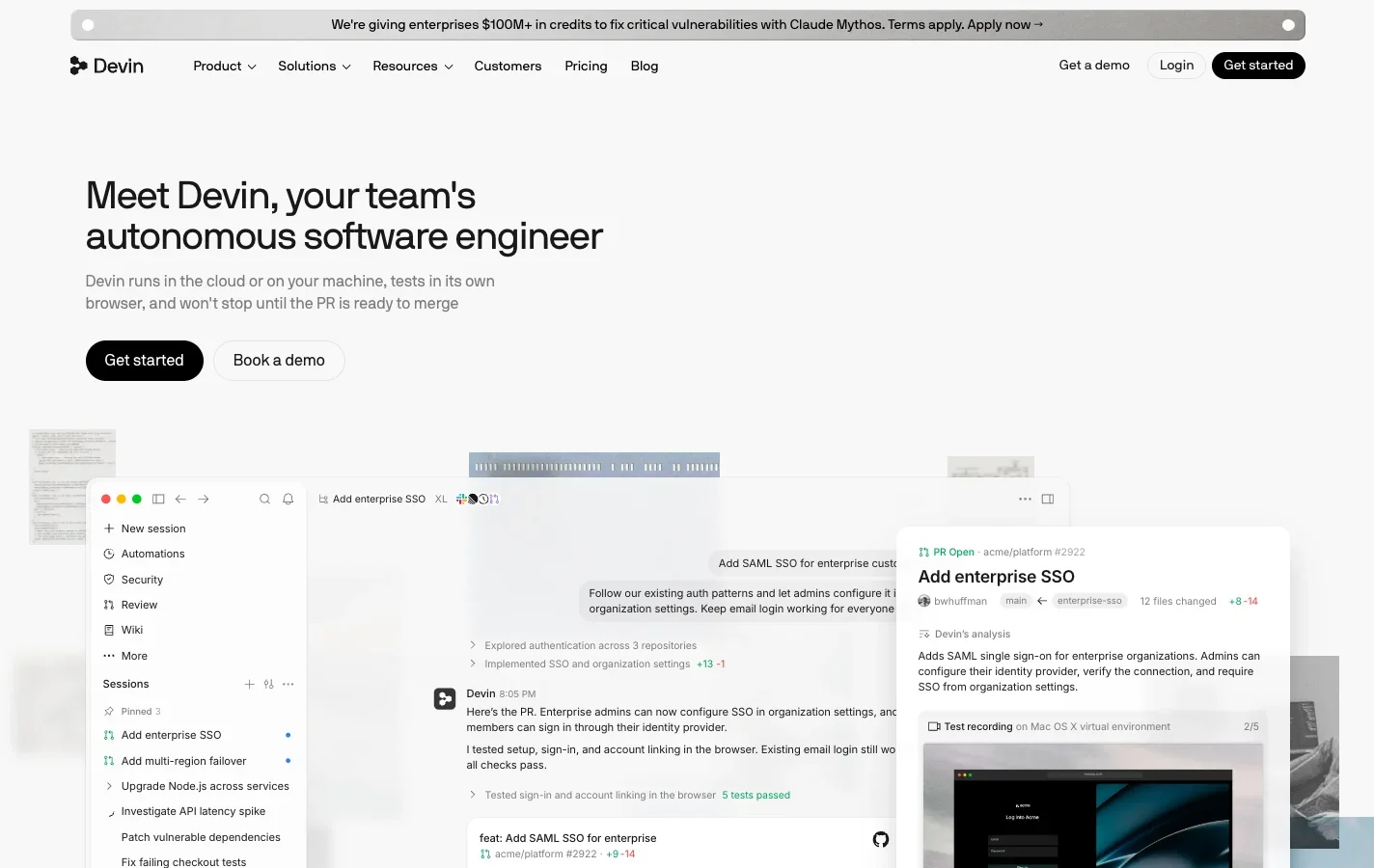 Devin pitches the cloud or your machine, but its agent loop still runs in Cognition's cloud.
Give Cognition credit first. Devin is still the most complete "autonomous AI software engineer" on the market, with a simple rule of thumb: if you can do a task in three hours, Devin can most likely do it. It boots Linux, Windows or macOS VMs with its own browser and desktop, connects to Slack, Microsoft Teams, Linear, Jira, GitHub, GitLab, Bitbucket and Azure DevOps (docs), runs automations and auto-triage, and ships with Devin Review and DeepWiki. Cognition passed $1B in annualized run-rate revenue in September 2026 just weeks after raising over $2B at a $48B valuation, and retired its old $500 Team entry point in April 2026 for self-serve plans: Free, Pro at $20 a month, Max at $200, Teams from $80 a month with full seats at $40, and custom Enterprise billed in ACUs (pricing).
The friction shows up once a team tries to live in it every day:
- You rebuild your environment inside Cognition's cloud. Every session boots a fresh copy of a Linux VM snapshot with your repositories cloned, dependencies resolved and variables set, configured through YAML Blueprints. Devin "cannot discover your credentials," so you store Secrets by hand, and Cognition's own environment docs call setup "the single highest-leverage thing you can do to improve Devin's effectiveness on your codebase."
- Self-serve quotas have no published numbers. Pro, Max and Teams plans run on daily and weekly usage allowances without a public cap, extra usage pulls from on-demand credits "at API pricing" (usage docs), and ACUs remain only on Enterprise. Linking a ChatGPT Go, Plus or Pro plan on paid tiers covers only GPT model requests, while everything else still burns Devin quota.
- The brain stays in Devin's cloud. Even if you connect Outposts to run sessions on your own VMs, Kubernetes clusters or a Mac mini on your desk, "Devin's agent loop (inference and planning) continues to run in Devin's cloud." Local Hands lets a cloud session run commands on your computer, and it asks for an approval on every tool call and skips unattended runs. VPC and dedicated deployments require Enterprise, and by default Cognition may use your data for model training unless a paid plan opts out.
- The product surface keeps moving. Cognition acquired Windsurf in July 2025 and renamed it Devin Desktop in June 2026 (FAQ). Playbooks switched to Skills for new accounts on October 24, 2026, and Knowledge is now deprecated.
That leaves four criteria that decide which alternative fits your team:
- Whose computer the agent works on, and what setup it needs before it can run your test suite.
- Which model does the thinking, and whether you get to choose it.
- Which meter you pay, and whether it reuses a subscription your engineers already have.
- Where you hand it work: Slack, Linear, Jira, GitHub issues or Microsoft Teams.
The 11 best Devin alternatives in 2026
1. Merlin
Best for teams whose engineers already run Claude Code or Codex.
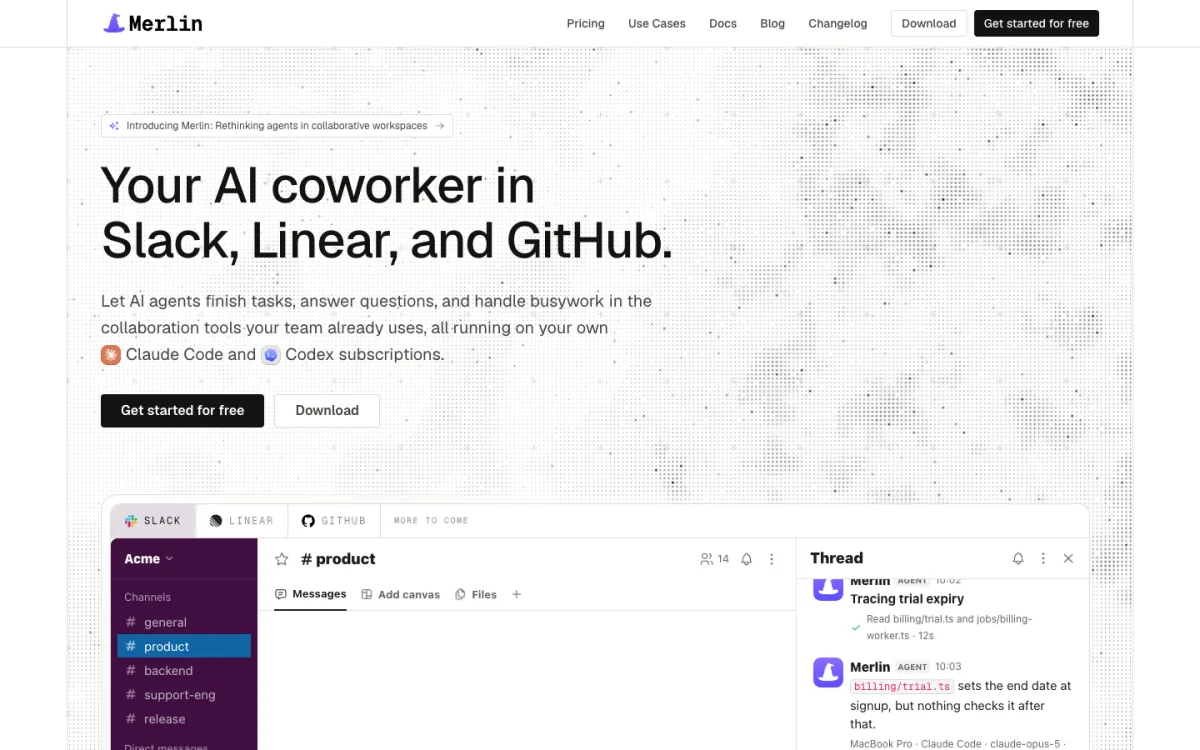 Merlin brings the Claude Code and Codex a team already runs into Slack, Linear and GitHub.
Merlin takes the Claude Code and Codex setups your engineers already use and puts them inside Slack, Linear and GitHub. Anyone on the team can @mention Merlin in a Slack thread, delegate a Linear issue, or tag it on a GitHub issue or pull request. Merlin picks an eligible runtime in the workspace, a teammate's Mac, Windows or Linux machine running the Merlin desktop app or CLI daemon, and runs the task there through the local Claude Code or Codex install (how Merlin works). Because the work happens on a real engineer's machine, your cloned repositories, credentials, internal tools, skills and MCP servers are already there on day one. In Linear, the issue moves to In Progress, the agent session streams thoughts and completed actions, the pull request links back to the ticket, and anyone can steer active work with a follow-up.
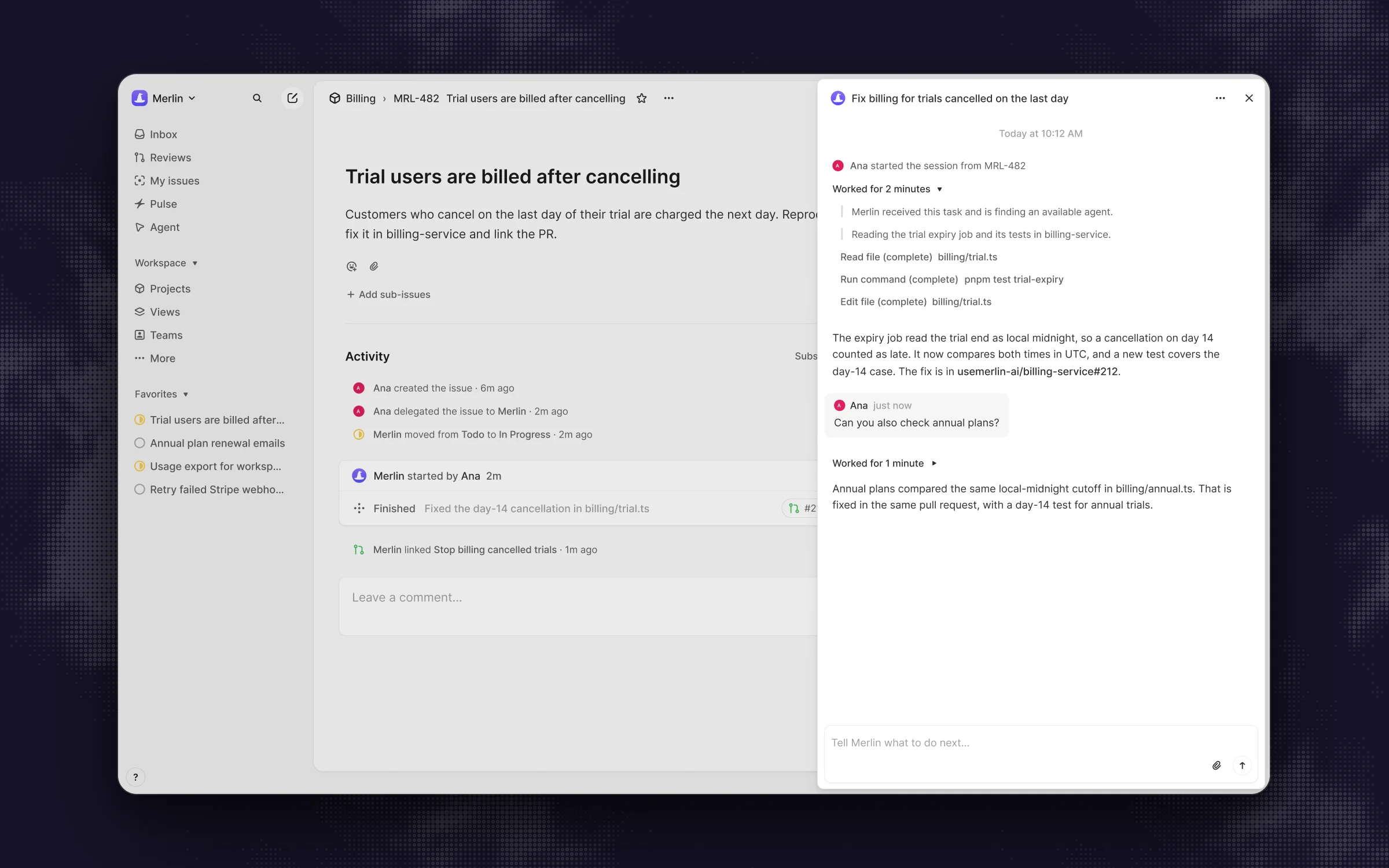 Delegate the issue, watch the actions, get the pull request, then steer it with a follow-up.
What stands out
- Zero environment rebuild: tasks run on machines where your repositories, credentials and tools already work, and each machine owner decides whether their runtime stays private or is shared with teammates (devices and runtimes).
- Model usage stays on each machine owner's own Claude or ChatGPT plan, since Merlin hosts no model of its own.
- Teams can publish shared skills across the workspace and trigger recurring or webhook-driven work through automations.
Worth knowing
- Not for you yet if nobody on the team runs Claude Code or Codex on a machine that stays awake and online (prerequisites).
- It supports only those two agents, has no Jira or Microsoft Teams integrations, offers no free plan, and doesn't spin up on-demand cloud VMs.
Pricing: Starter at $19 per workspace per month (up to 5 active users, 1,000 requests), Team at $59 (up to 50 users, 5,000 requests), Scale at $99 (up to 200 users), with a 14-day Team trial and no card required (pricing, seen on October 31, 2026).
2. Claude Code
Best for teams already paying for Claude.
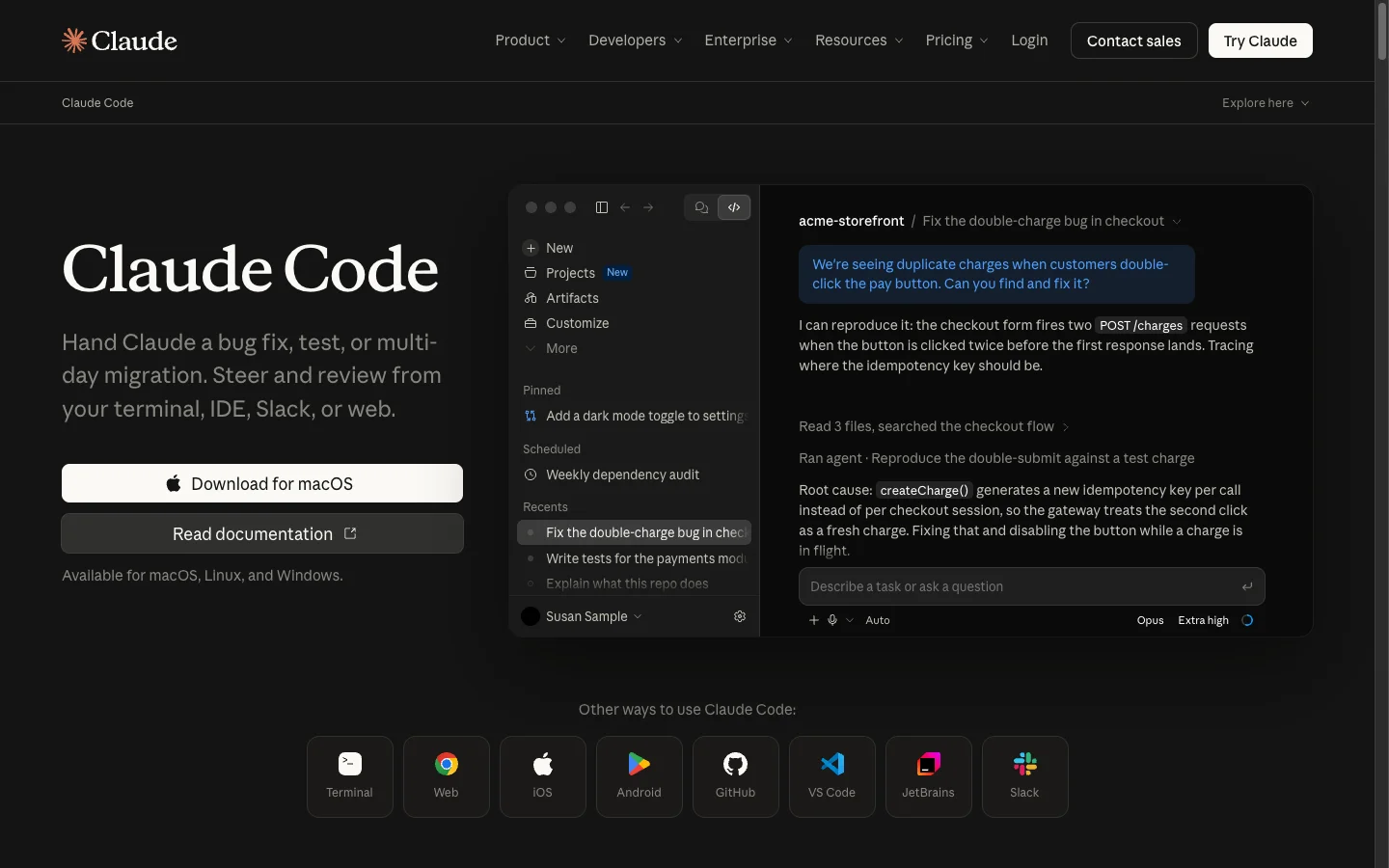 Claude Code's cloud sessions run on the same plan as the terminal and desktop app.
Claude Code on the web turns Anthropic's terminal agent into a background cloud worker. You start a session from claude.ai/code, the desktop or mobile app, or claude --cloud, and it runs in an isolated Ubuntu 24.04 VM (4 vCPU, 16 GB RAM, 30 GB disk) or your organization's self-hosted environment (cloud environments). Sessions keep running when you close your laptop, and claude --teleport pulls any cloud branch straight into your local terminal.
What stands out
- A Bash setup script prepares the VM before Claude starts, and if it finishes within about five minutes, Anthropic snapshots the filesystem for future runs while injecting network secrets through a proxy so they never enter the VM.
- Auto-fix watches pull requests to resolve CI failures and review comments, GitHub Actions lets you tag
@claudeon issues or PRs on your own runners, and Claude Tag (public beta on Team and Enterprise) lets anyone tag@Claudein Slack to reproduce a bug and open a PR. - Cloud sessions count toward your existing Claude plan limits with no extra fee for the Anthropic VM.
Worth knowing
- You are locked to Claude models, and heavy background runs share the same rate limits as your everyday chat and terminal coding.
- Repository cloning and pull requests require GitHub, and there is no native Linear or Jira ticket assignment.
Pricing: included with Claude Pro at $20 a month, Max from $100 a month, and Team Standard seats at $25 a month ($20 billed annually), while Claude Tag in Slack bills by usage against an org balance (Claude pricing, seen on October 31, 2026).
3. OpenAI Codex
Best for teams already paying for ChatGPT.
 Codex Cloud tasks draw on the same ChatGPT plan allowance as local work.
OpenAI Codex runs each background task in its own OpenAI-managed VM (2 vCPU and 8 GiB RAM on Plus, 4 vCPU and 16 GiB on Pro, Business and Enterprise). You can kick off work from the web, mobile, desktop, CLI, by mentioning @ChatGPT in Slack, by assigning an issue or mentioning @Codex in Linear, or with @codex review on GitHub.
What stands out
- Since the September 2026 DevDay update, Codex inspects your repository, works through the environment setup itself, and records an install script you can publish for the rest of the workspace.
- Local messages and cloud tasks draw from the same ChatGPT plan allowance, so nobody tracks a separate VM bill.
- Native hand-offs cover Slack, Linear and GitHub out of the box.
Worth knowing
- It runs OpenAI models only, and the shared allowance has five-hour and weekly limits, so the cost of one task is hard to predict.
- Delegating work from Slack requires an admin to publish a cloud environment to the workspace first.
Pricing: included with ChatGPT Plus at $20 a month, Pro from $100 a month, and Business at $20 per user per month billed annually (Codex pricing, seen on October 31, 2026).
4. GitHub Copilot cloud agent
Best when your code and issues already live on GitHub.
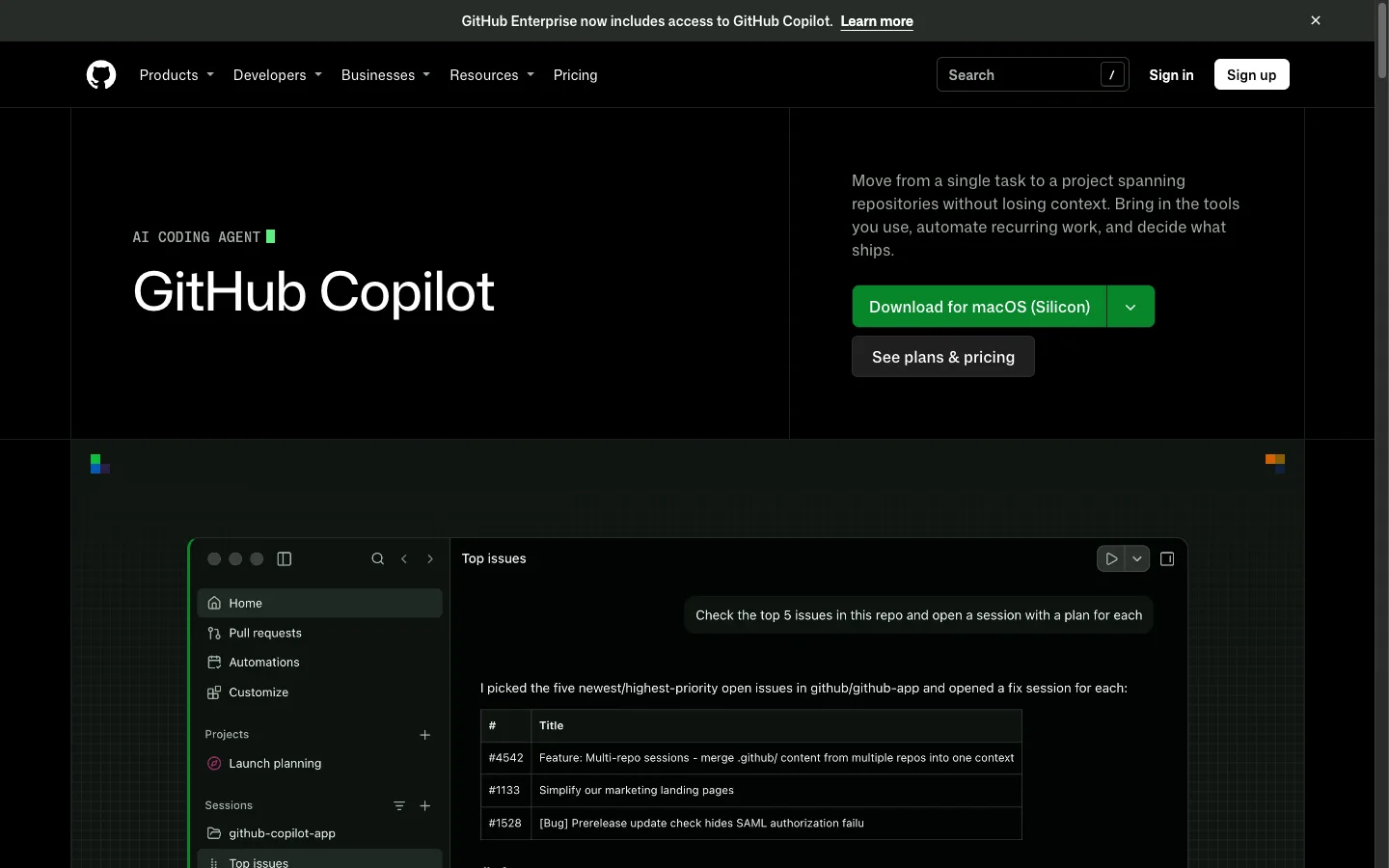 Copilot's cloud agent works from GitHub issues, Slack, Teams, Jira and Linear.
Formerly called coding agent and refreshed as "Copilot in the cloud" in October 2026, the GitHub Copilot cloud agent picks up tasks in a GitHub Actions environment (capped at one repository and 59 minutes) or a GitHub cloud sandbox. Teams can start sessions from GitHub issues, the Agents tab, IDEs, the CLI, mobile, Jira, Slack, Microsoft Teams, Azure Boards and Linear.
What stands out
- You configure the Actions environment with a single
.github/workflows/copilot-setup-steps.ymlfile (setup docs) inside the repo you already maintain. - At $10 a month on Pro, it is the lowest-cost paid entry point on this list.
- Pro+ and Max plans can hand tasks to Claude and Codex agents alongside GitHub's defaults.
Worth knowing
- Your repositories have to live on GitHub, and each task is limited to one branch and one pull request.
- Since June 1, 2026, all Copilot plans meter usage in GitHub AI Credits ($0.01 per credit) on top of your account's Actions and compute allowance, which makes per-ticket cost harder to predict.
Pricing: included from Copilot Pro at $10 a month, Pro+ at $39 a month, and Max at $100 a month (Copilot plans, seen on October 31, 2026).
5. Cursor Cloud Agents
Best for teams that already write code in Cursor.
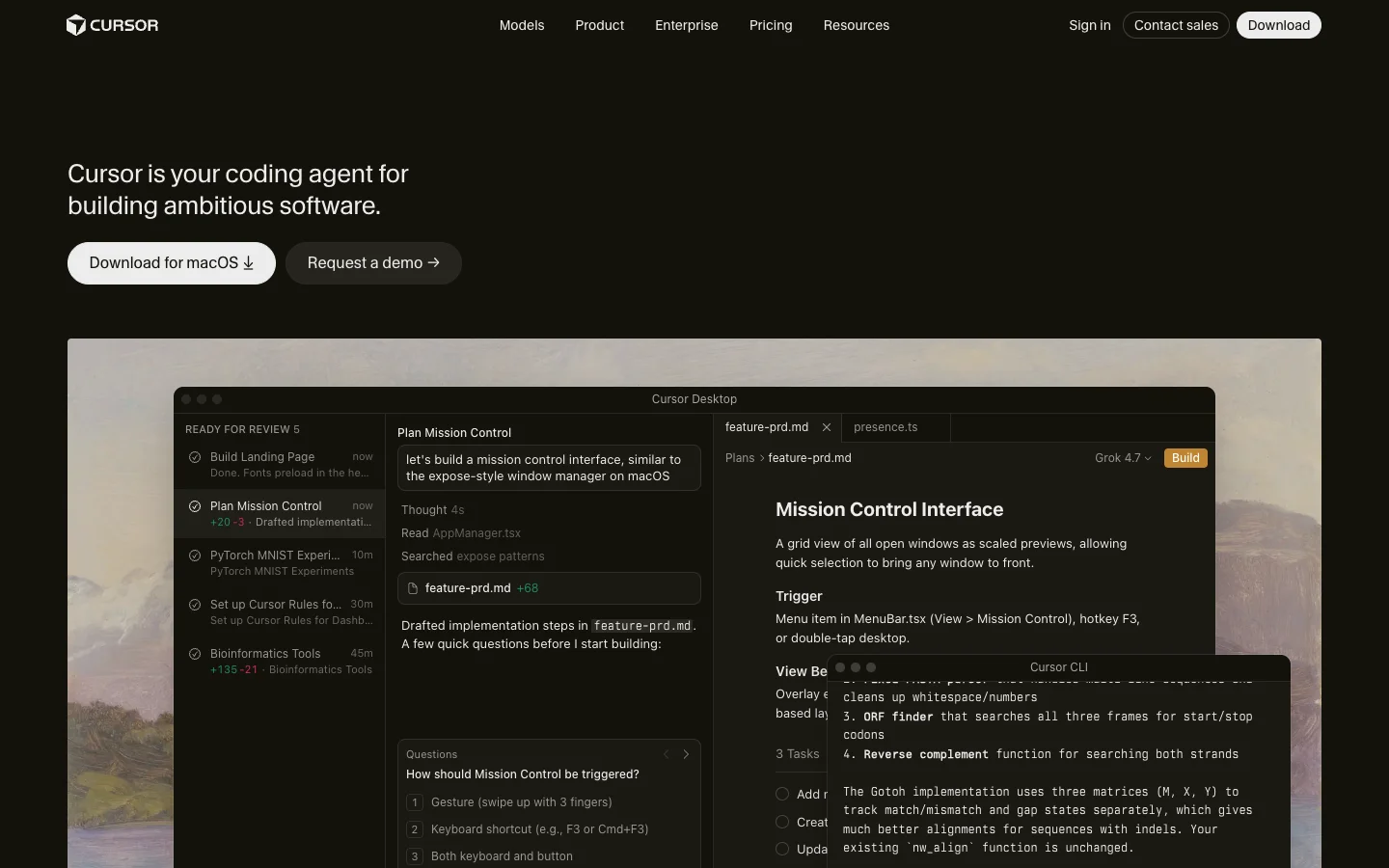 Cursor's Cloud Agents start from the editor, the web, Slack, Linear or GitHub.
Cursor Cloud Agents (formerly Background Agents) run in isolated cloud VMs or self-hosted environments and can be triggered from the Cursor IDE, web, mobile, @cursor in Slack, Linear, GitHub, Bitbucket or an API. For environment setup, the agent can configure the box itself in under 10 minutes, save a snapshot, or boot from a Dockerfile defined in .cursor/environment.json.
What stands out
- Sessions return screenshots, videos and logs as artifacts, and let you step in with remote desktop control when a test or browser step gets stuck.
- If your engineers already live in Cursor, they keep one set of rules, prompts and editor shortcuts across local and cloud work.
Worth knowing
- After SpaceX agreed to acquire Cursor's maker in June 2026, Cursor moved into The X Subscription on October 12, 2026 (xAI announcement): Grok models sit in the included usage pool, while Claude, GPT and Gemini are "billed at API list prices from the first use."
- Free and the $8 Plus plan exclude Cloud Agents.
Pricing: Premium at $30 a month is the lowest plan with Cloud Agents, and Teams starts at $30 per user per month, plus API list price for non-Grok models (Cursor pricing, seen on October 31, 2026).
6. Factory
Best when work arrives from everywhere: Slack, Teams, Jira, Linear and CI.
 Factory runs Droids on its cloud or on a machine you register, for free.
Factory builds "Droids" that take tasks from the CLI, desktop, web, mobile, @Factory in Slack, Microsoft Teams, Jira, Linear and CI pipelines. You choose where they execute: on Factory-managed Droid Computers, on ephemeral sandboxes spun up from reusable Environments (generally available since October 12, 2026), or on your own hardware through Bring Your Own Machine, which is free on every tier.
What stands out
- Wide model choice across Anthropic, OpenAI, Google, xAI and open models, with bring-your-own-key support (models docs).
- Bring Your Own Machine skips cloud setup when a local box is online, while prebuilt Environments handle cloud bursts.
- Backed by a $200M raise at a $5B valuation in September 2026.
Worth knowing
- Overlapping concepts (Droid Computers, Environments and sandboxes) take some reading to untangle.
- Plans use rolling rate limits without published allowance numbers.
Pricing: Pro at $20 a month, Plus at $100, Max at $200, and Teams at $60 a month plus $40 per seat (Factory pricing, seen on October 31, 2026).
7. Amp
Best for cheap, published-rate cloud machines on a subscription you already have.
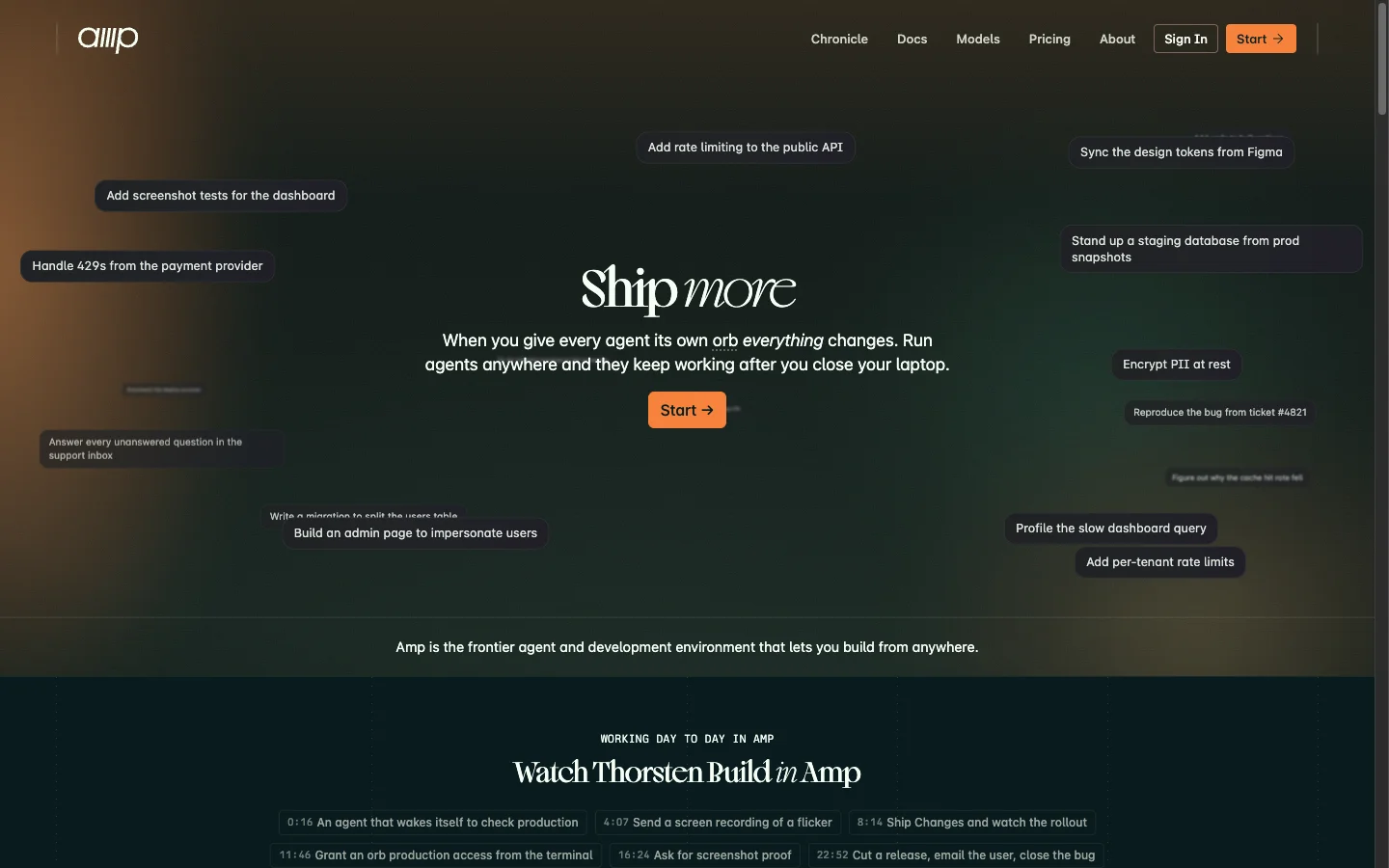 Every Amp thread can run in its own orb, a remote machine billed by the minute.
Spun out of Sourcegraph as Amp Frontier Corporation in December 2025, Amp gives every agent thread its own "orb": a fresh, isolated remote machine (or a self-hosted orb as of October 2026, per orb docs) that keeps running after you close your laptop. You can delegate tasks from the CLI, web, mobile, @Amp in Slack, by assigning a Linear issue, or via schedules and webhooks.
What stands out
- Clear, published compute math: orb sizes run from $0.08 to $2.13 an hour billed by the minute, paused orbs cost nothing, and the $20 Individual plan includes 45,000 minutes of hosted orb time.
- You can link a ChatGPT or Claude subscription, bring an API key, or buy Amp credits billed at provider cost with zero markup (pricing docs).
Worth knowing
- You choose a capability level on the Dial and Amp picks the model.
- The product ships major changes almost weekly, so docs and workflows move fast.
Pricing: Hobby is free when you bring your own compute and keys, and Individual is $20 a month with 45,000 hosted orb minutes (Amp pricing, seen on October 31, 2026).
8. OpenHands
Best if you want open source you can host yourself.
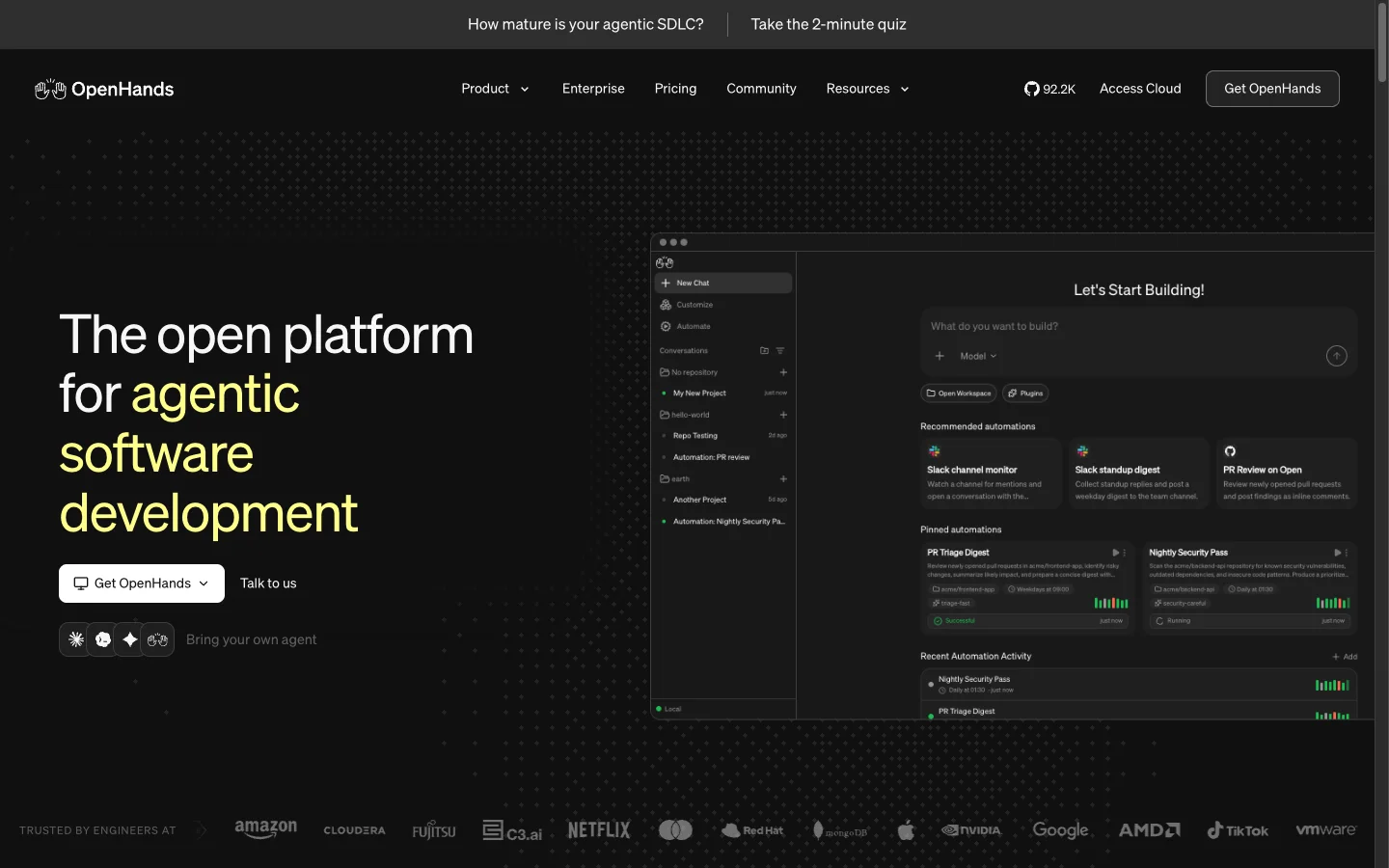 OpenHands is MIT-licensed and runs any model on your own key.
OpenHands is an MIT-licensed platform covering a local Agent Canvas, CLI, SDK and hosted OpenHands Cloud. In the cloud or self-hosted deployments, teams trigger work with @openhands in Slack, or by commenting or adding the openhands label in Jira Cloud, Jira Data Center and Linear, alongside GitHub, GitLab and Bitbucket. Repository setup is a plain .openhands/setup.sh script checked into your repo (customization docs).
What stands out
- Every tier lets you bring your own API key for any model, and Agent Canvas can also drive Claude Code, Codex and Gemini CLI.
- Full MIT source access means you can inspect the agent loop and keep every container inside your own network.
Worth knowing
- Self-hosting multi-user infrastructure is your team's job, the free tier is single-user, and Agent Canvas is still in beta.
Pricing: Agent Canvas is free on your laptop or a shared VM, self-hosted Teams is $500 a month for up to 10 users and 5,000 sessions, and Enterprise is custom (OpenHands pricing, seen on October 31, 2026).
9. Tembo
Best for running Claude Code, Codex and others side by side on one ticket.
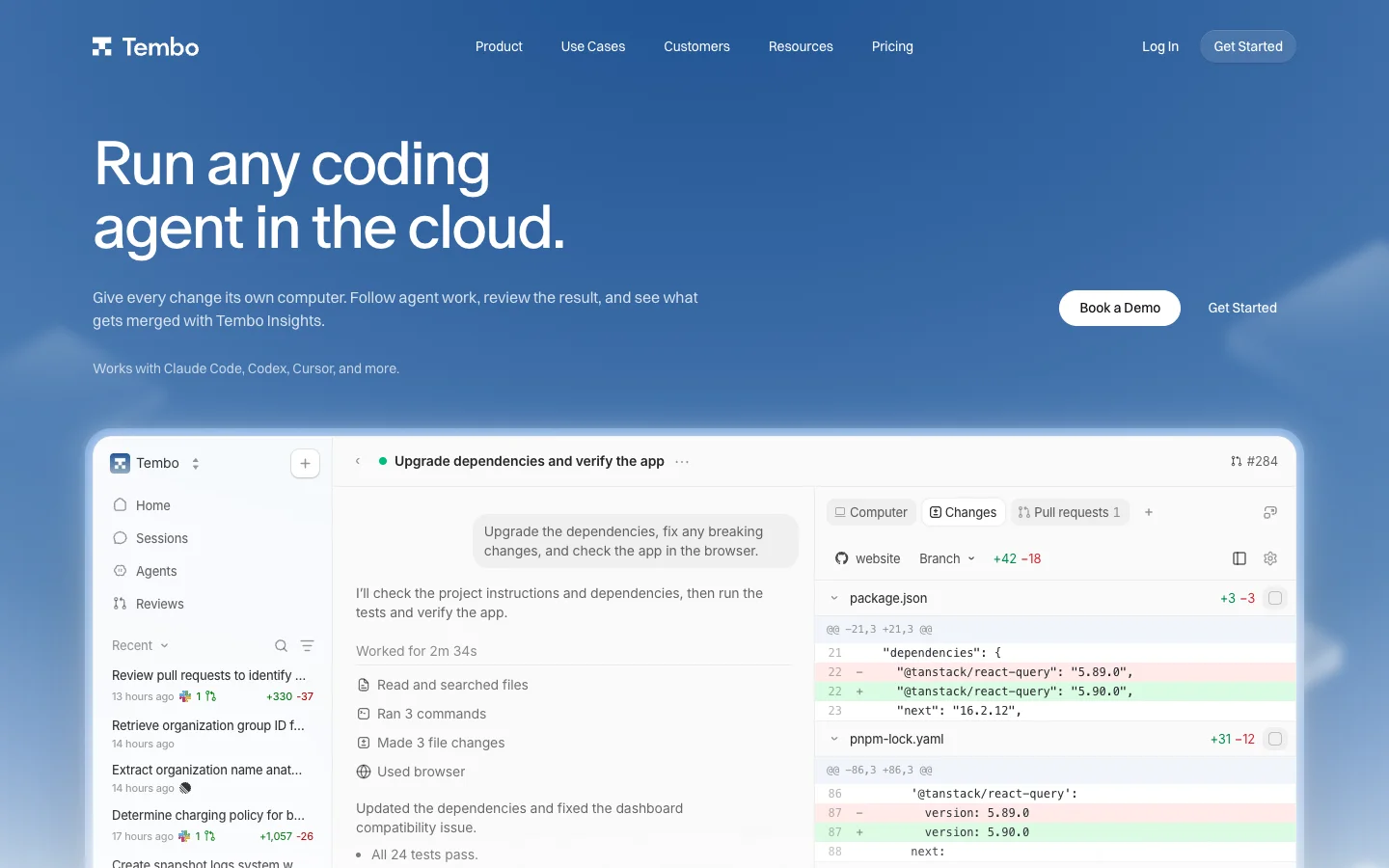 Tembo runs other vendors' agents in its VMs, on your subscription if you connect one.
Tembo is a cloud harness that runs other vendors' coding agents, including Claude Code, Codex, Cursor, Amp and OpenCode, inside Tembo's cloud VMs. Each session gets a terminal, file browser, live desktop and public preview links for running services, triggered from GitHub, GitLab, Bitbucket, Linear, Jira, Slack, Sentry, PagerDuty, schedules or an API.
What stands out
- You can connect existing Claude, ChatGPT or SuperGrok subscriptions, bring your own API key, or route usage through the Tembo Gateway.
- Because it wraps multiple agents in identical VMs, you can hand the same ticket to two agents and compare the pull requests.
Worth knowing
- VM compute (starting at $0.1066 an hour, with stopped VMs free) always draws down your Tembo usage allowance even when you bring your own model subscription.
- It is a smaller company than the model labs and IDE vendors above.
Pricing: free trial, Pro at $60 a month (includes $90 of usage for up to 5 users), and Max at $200 a month (includes $400 of usage for up to 10 users) (Tembo pricing, seen on October 31, 2026).
10. Cyrus
Best for small Linear teams that want Claude Code on their own key.
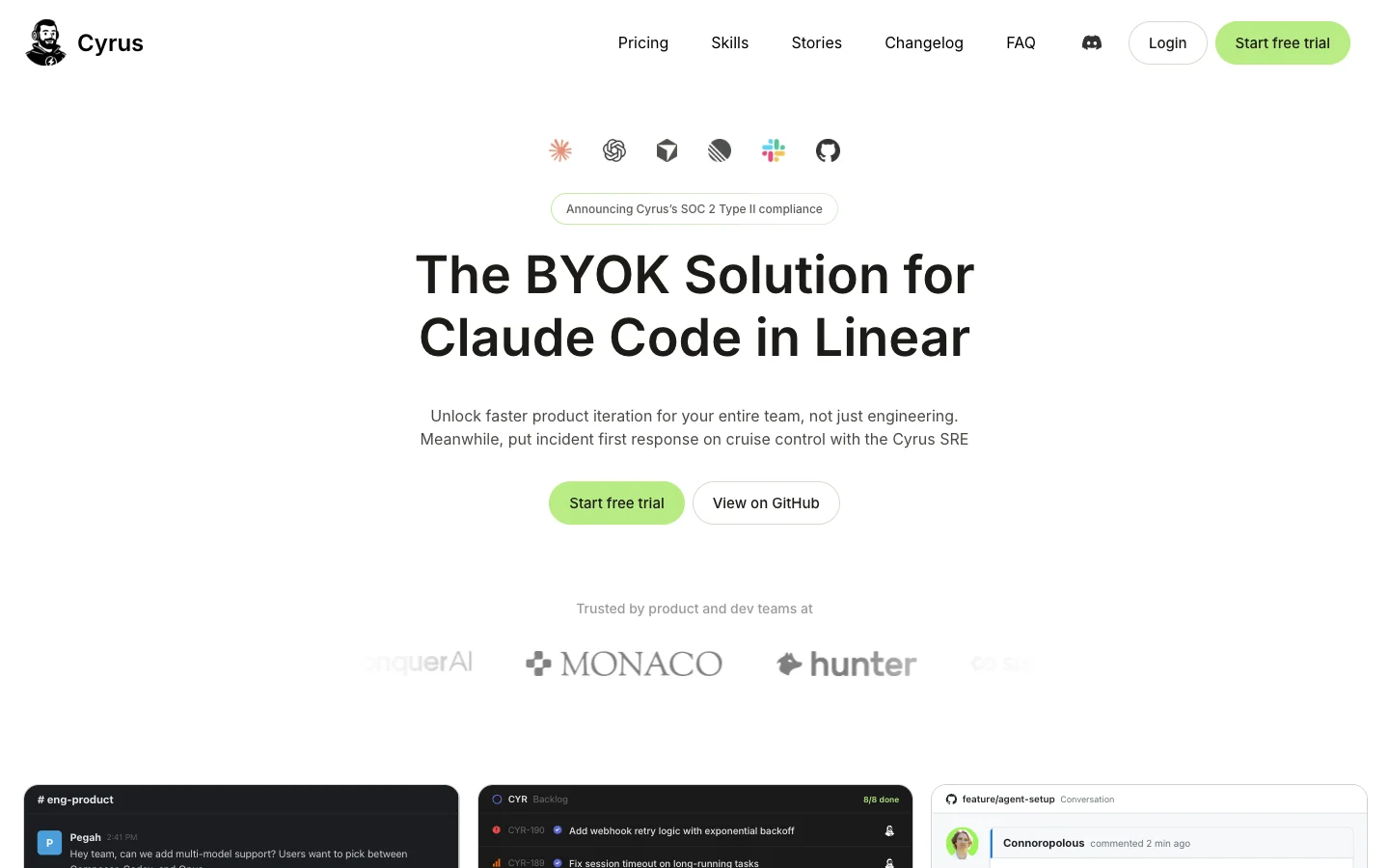 Cyrus is open source and runs Claude Code on Linear issues from your own machine.
Built by Ceedar AI and open-sourced under Apache 2.0, Cyrus picks up Linear issues assigned to it, runs each task in an isolated git worktree on your own machine or server (a Mac mini on a desk is a common setup) or on Cyrus-hosted compute, and opens a pull request. It also supports Slack and GitHub PR reviews, added Cursor and Codex support in March 2026, and completed its SOC 2 Type II audit in October 2026.
What stands out
- Self-hosting on a machine that already has your code means zero cloud snapshot maintenance.
- Model spend stays completely separate on your own Claude Code plan or API key (Cyrus docs).
Worth knowing
- Cyrus's docs warn that its autonomous workflow uses about 3 to 5 times more tokens than running Claude Code interactively because of up to three self-fix loops.
- It is Linear-first with no Jira support, and you manage both the host machine and the model bill.
Pricing: Community edition is free to self-set-up, Pro is $50 a month (up to 5 Linear members and 5 repos), and Team is $120 a month (Cyrus pricing, seen on October 31, 2026).
11. Warp
Best for larger teams building a fleet of cloud agents.
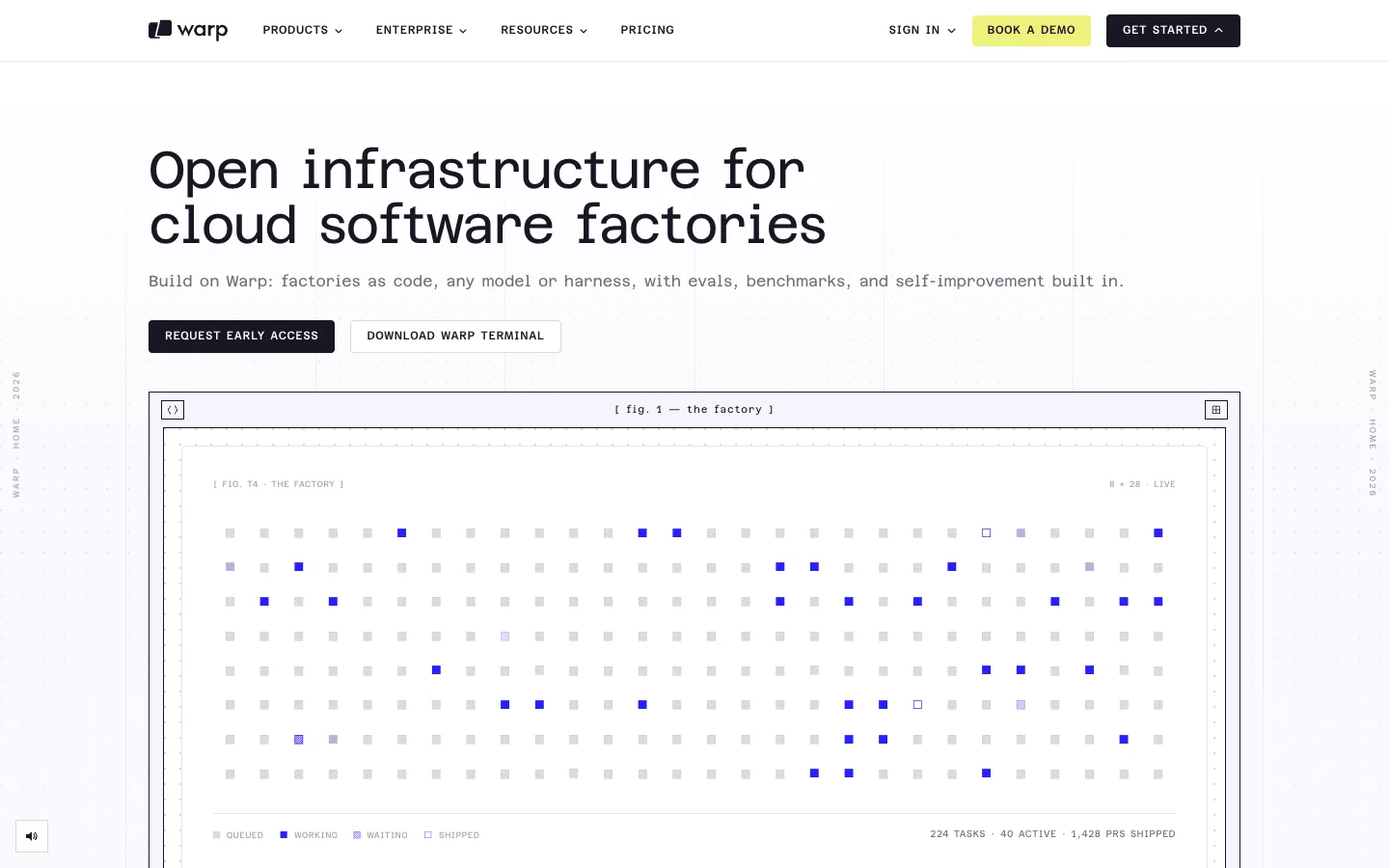 Warp Factories, its newest cloud-agent product, is still in early access.
Warp expanded from its terminal (open-sourced under AGPL in April 2026) into Oz cloud agents and, in August 2026, Warp Factories (newsroom). Tasks start from Slack, Linear, Jira, GitHub, GitLab, Microsoft Teams, schedules, CI failures or an SDK, and run on Warp's cloud by default or on self-hosted runners for Enterprise (platform overview). Each environment is defined by a Docker image with your toolchain, repositories and setup commands.
What stands out
- Cloud runs can execute Warp's own agent, Claude Code or Codex inside the same orchestration layer (platform docs).
- Built-in triggers for CI failures and schedules suit platform teams automating repo upkeep across dozens of services.
Worth knowing
- "Personal BYOK keys are not available to cloud runs," so cloud agent inference goes through Warp credits.
- Oz and Factories overlap in positioning, and Factories is still in early access.
Pricing: Factories starts at $0 on pay-as-you-go with usage billed 20% above API rates, Build is $20 a month with usage at API rates, and Business is $50 per user per month (Warp pricing, seen on October 31, 2026).
How to choose a Devin alternative
Use these three questions as a starting point, in order, and stop at the first one that narrows your list to one or two tools.
- Does a machine with your setup already exist? If an engineer on your team already runs Claude Code or Codex with your repos, secrets and MCP servers working, an agent that uses that machine skips every cloud environment headache. That is Merlin's lane, and how Cyrus and Factory's Bring Your Own Machine mode work too. If nobody wants to keep a machine online, pick a cloud agent whose setup format you can live with: a setup script (Claude Code, OpenHands), an agent-recorded environment (Codex, Cursor), a GitHub Actions workflow (Copilot) or a Docker image (Warp).
- Which plan do you already pay for? If your engineers already have Claude Pro, Max or Team seats, Claude Code and Merlin let you put those plans to work before buying a new credit pool. The same goes for ChatGPT Plus, Pro or Business with Codex and Merlin, or existing subscriptions linked into Amp and Tembo.
- Where does work arrive? For Slack, Linear and GitHub, Merlin, Codex, Cursor, Amp and Cyrus fit naturally. If tickets start in Jira or Microsoft Teams, look at GitHub Copilot cloud agent, Factory, OpenHands, Tembo or Warp.
Four things most lists skip
- Windsurf is now Devin. Several popular roundups still recommend Windsurf as a Devin alternative. Cognition announced it was acquiring Windsurf in July 2025 and renamed it Devin Desktop on June 2, 2026.
- Google Jules is shutting down. Another regular pick on comparison lists, Google Jules, stops accepting work after November 11, 2026 and winds down completely on December 31, 2026.
- "Bring your own subscription" rarely covers the whole bill. Linking ChatGPT to Devin covers only GPT model calls, Cursor bills Claude, GPT and Gemini at API list prices on top of its $30 Premium plan, Warp blocks personal API keys on cloud runs, and Cyrus's self-fix loops burn 3 to 5 times the tokens of local Claude Code.
- Ownership is moving fast. SpaceX agreed to buy Cursor in June 2026, Harness acquired Augment Code's Cosmos, Auggie CLI and Context Engine on October 8, 2026, and Amp spun out of Sourcegraph into its own company.
FAQ
As of October 31, 2026, Devin offers a Free tier, Pro at $20 a month, Max at $200 a month, Teams starting at $80 a month plus $40 per full seat (with free flex seats up to 200 users), and custom Enterprise plans billed in ACUs (Devin pricing). Cognition retired its old $500 a month Team entry point on April 14, 2026. Self-serve plans use daily and weekly usage allowances without published numbers, and extra usage pulls from on-demand credits at API pricing.
Partly. Outposts lets Devin execute commands and file edits on your VMs, Kubernetes clusters or a Mac mini, while its inference and planning loop continues to run in Devin's cloud. Local Hands lets a cloud session run commands on your computer with a manual approval per tool call, and Devin Desktop and Devin CLI run locally for interactive work.
Merlin runs tasks through the Claude Code or Codex already installed on your teammates' machines, keeping all model usage on each machine owner's own Claude or ChatGPT plan. Claude Code and OpenAI Codex also run cloud sessions directly against your existing plan allowances, while Amp, Tembo and Cyrus let you connect subscriptions or API keys.
Devin builds more infrastructure around the agent: Linux, Windows and macOS VMs, a live browser and desktop, PR review, DeepWiki and integrations from Jira to Azure DevOps. Claude Code and Codex counter by running background tasks on the $20 to $100 plans your engineers already pay for, and pairing them with Merlin adds shared Slack, Linear and GitHub delegation on your own machines. Since the underlying model gap is small and shifts every month, pick based on how much environment setup you want to maintain and how you want to be billed.
If your engineers already have Claude Code or Codex running on their machines, start with Merlin and skip rebuilding your environment in someone else's cloud. If you want a hosted VM on the subscription you already pay for, start with Claude Code or OpenAI Codex, and reach for OpenHands or Factory if self-hosting or enterprise Jira and Teams workflows sit at the top of your list.
Try Merlin for free
Hand work to Claude Code and Codex from Slack, Linear and GitHub. Free for 14 days, no API keys, no card required.
Get started for free