

Best Glean Alternatives for Small Teams
 Dott
Someone on your 15-person team asks where a customer decision was made, or which doc has the current onboarding checklist, or why the billing cron behaves the way it does. Nobody knows offhand, so three people spend twenty minutes digging through Slack, Notion, Linear and GitHub. You remember hearing about Glean, the company-wide AI search and assistant, and open its site to try it. There is no price, no self-serve signup, a "Get a demo" form, and a deployment model built for every employee of a thousand-person company.
The good news for a small team is that your Glean alternative is probably already inside a tool you pay for. Glean's original edge was copying and indexing every app in the company. Since March 2026 even Glean fetches Slack messages live at question time instead of indexing them, and the same kind of live connection now ships inside Claude Team, ChatGPT Business, Notion and Atlassian Rovo. Picking the right replacement comes down to two questions: where your team's knowledge actually sits (chat, a docs tool, or code and tickets) and whether you need a cited answer or finished work.
If you're just here for a quick recommendation, here's the summary.
The short answer
- Knowledge in Slack, Linear, GitHub and the code, and you want the work done: Merlin.
- Already pay for Claude: Claude Team. Already pay for ChatGPT: ChatGPT Business.
- Docs live in Notion: Notion AI. In Jira and Confluence: Atlassian Rovo. Want a wiki that keeps itself current: Slite.
- Want to own the stack or self-host: Onyx. Want a few governed custom agents across tools: Dust.
- Engineering questions about code, PRs and tickets: Unblocked. Flat-price agents in Slack: Runbear.
- Want to test enterprise search for free first: GoSearch. Everything lives in Slack and you're on Enterprise+: Slackbot and Slack enterprise search.
The 12 Glean alternatives at a glance
Read the last column first: it shows what a 10-person team actually pays for a year at list price.
| Product | Best for | Finds knowledge by | Lives in | 10 people, per year |
|---|---|---|---|---|
| Merlin | Knowledge in Slack, Linear, GitHub and code, work you want done | Your team's agents (Claude Code, Codex) | Slack, Linear, GitHub | $708 (Team plan, one workspace price) plus each machine owner's own Claude or ChatGPT plan |
| Claude Team | Claude users who want live search and an agent in Slack | Live (MCP calls, no index) | Claude apps, Slack via Claude Tag | $2,400 |
| ChatGPT Business | ChatGPT users | Mixed (synced and live connectors) | ChatGPT apps, Slack, Teams | $2,400, agents use extra credits |
| Dust | A few governed custom agents | Index (admin picks what syncs) | Web, Chrome, Slack | $2,880 |
| Onyx | Self-hosting or open source | Index | Web, Slack, self-hosted | $2,400 hosted, free self-hosted (Community Edition) |
| Notion AI | Docs that live in Notion | Index | Notion, Slack via Custom Agents | $2,400, Custom Agents use credits |
| Slite | A wiki that keeps itself current | Index of Slite plus 20+ sources | Slite, Slack, Chrome | $2,400 (Pro) |
| Atlassian Rovo | Jira and Confluence teams | Index (Teamwork Graph) | Jira, Confluence, Chrome | Included with paid Atlassian plans (Confluence Standard is about $700 for 10 people) |
| Unblocked | Engineering context for people and coding agents | Index (knowledge graph) | Slack, web, MCP, CLI | $3,480 |
| Runbear | Agents in Slack at a flat price | Mixed (synced docs plus live MCP) | Slack, Teams, Discord | $1,188 (Team, flat) |
| GoSearch | Trying enterprise search for free | Connectors (native, MCP, custom) | Web, Slack, Teams | $2,400 (Pro), free tier |
| Slackbot and Slack enterprise search | Teams that live in Slack | Live | Slack | $1,800 on Business+ (Slackbot), cross-app enterprise search needs Enterprise+ at $45 a user a month ($5,400) |
Prices seen on 2026-10-28, billed annually where that is cheaper. Model usage, credits and add-ons are extra where noted.
What Glean does well, and why small teams struggle to buy it
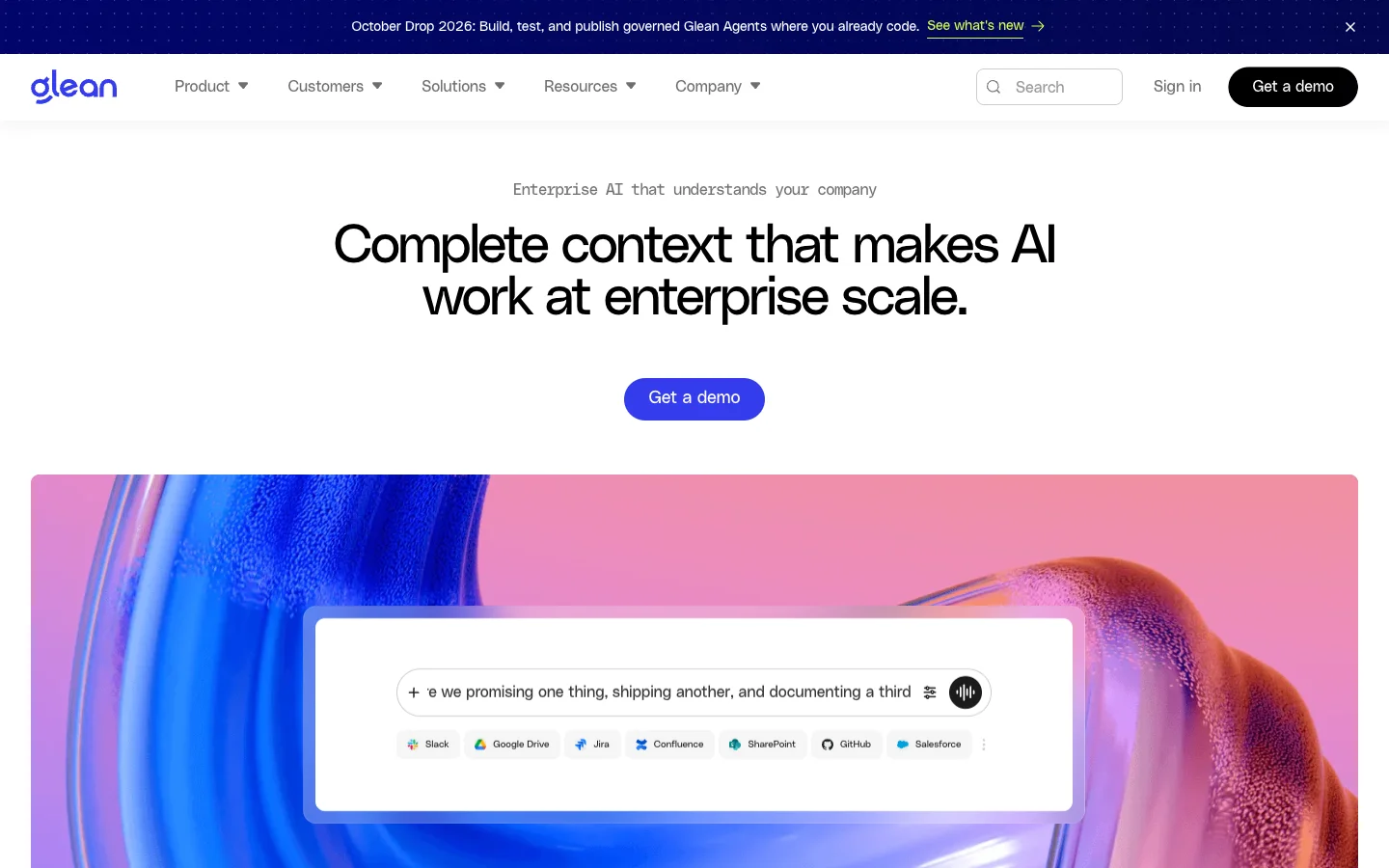 Glean's only buying path is a demo, and its seats are meant for every employee.
Glean earned its reputation for a reason. It connects to more than 275 enterprise sources, builds a permission-aware search index and knowledge graph that links documents, people and activity, layers an assistant and agents on top, and passed $300M in ARR in May 2026 serving companies like Booking.com, Samsung, Pinterest and Databricks. When a 5,000-person company has half its history in SharePoint, a quarter in Jira and the rest in Salesforce and Box, Glean is the default answer.
Every part of how Glean is sold and set up assumes you are that 5,000-person company. Visiting glean.com/pricing redirects straight to the homepage, and the only path is booking a demo. In Glean's own Enterprise Flex pricing docs, user seats "are designed to be deployed to every employee in your organization," paired with pooled FlexCredits for premium models and features (85% of Glean customers deploy it wall to wall). According to Vendr's February 2026 buyer guide across 174 purchases, the median Glean contract is $98,890 a year and the smallest on record is $29,880, with seat minimums typically around 100 to 250 users.
Even if a small team had the budget, the onboarding would flatten its week. Single sign-on is mandatory for all deployments, Glean recommends starting with 4 to 6 "mission critical" apps because internal approvals per connector are the biggest delay, initial crawling takes two to three days for a small organization, and training the ranking models takes another two to 14 days. Putting Glean in Slack requires both a Glean admin and a Slack Workspace Owner, plus an active Glean Assistant license for every user.
One big architectural shift also narrowed Glean's lead for small teams. After Salesforce tightened Slack's API terms in 2025 to bar third-party persistent copies and indexes of Slack messages, Glean discontinued its use of Slack's Discovery APIs on March 3, 2026. Its Slack connector no longer crawls or indexes Slack message content: it fetches Slack messages live at query time. For a small team where Slack is half the company's memory, Glean is now calling Slack at question time just like the tools below.
That leaves five criteria that actually separate the alternatives for a 10 to 50 person company:
- How it finds knowledge: by keeping its own synced index of your apps, by asking each app live at question time through connectors and MCP, or by running your team's coding agents against your repos and tools.
- Where people use it: inside Slack, inside a browser tab or docs app, or across Linear and GitHub.
- Whether it stops at answers or finishes the work: citing a doc is one job, opening the pull request or updating the ticket is another.
- What 10 people pay for a year: including whether agent runs or extra connectors cost credits on top.
- Setup effort: ten minutes with an admin click versus a weekend of Docker containers.
The 12 best Glean alternatives for small teams
1. Merlin
Best when the answers live in Slack, Linear, GitHub and the code, and you want the work done.
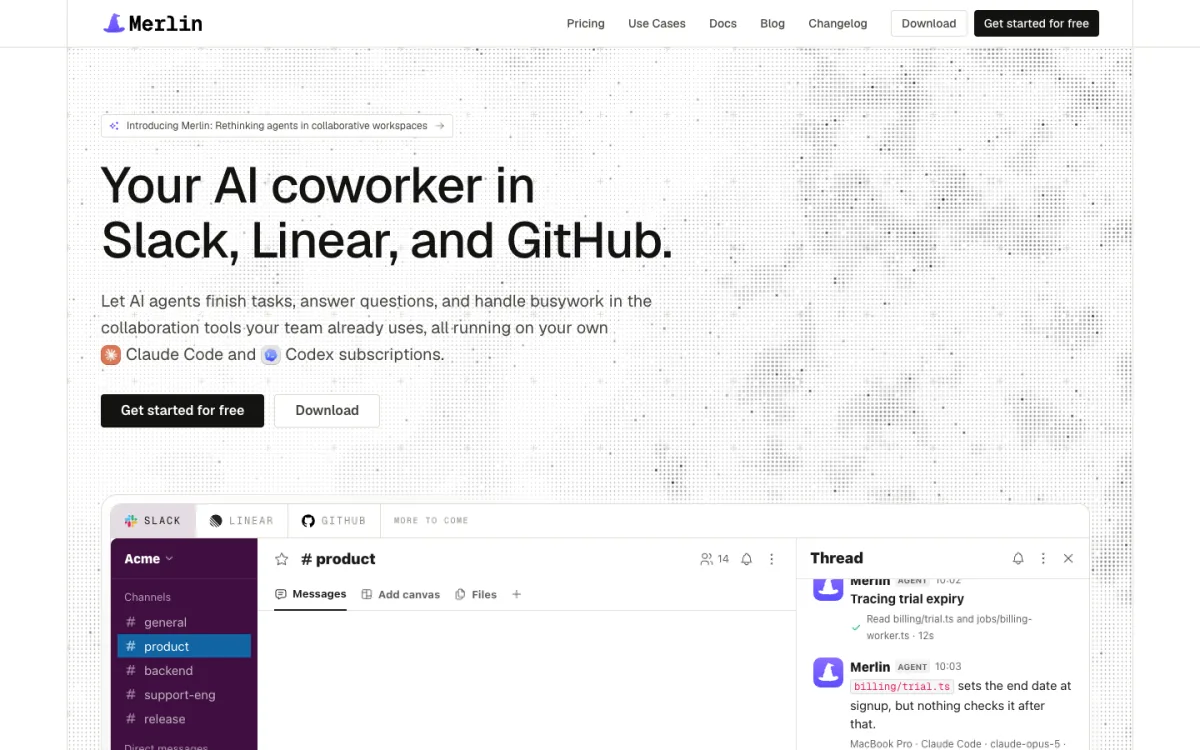 Merlin brings the Claude Code and Codex a team already runs into Slack, Linear and GitHub.
Merlin is an AI coworker for teams whose real source of truth sits in Slack threads, Linear issues, GitHub pull requests and the codebase itself. Anyone can @mention Merlin in a Slack thread, DM it, delegate a Linear issue to it, or tag it on a GitHub issue or PR. Instead of querying a cloud search index, the request runs on a teammate's machine through the Claude Code or Codex already set up there, with that machine's cloned repositories, credentials, tools, skills and MCP servers (including Notion or Google Drive if the owner connected them). The answer, or the finished pull request, lands back in the thread where everyone can steer it.
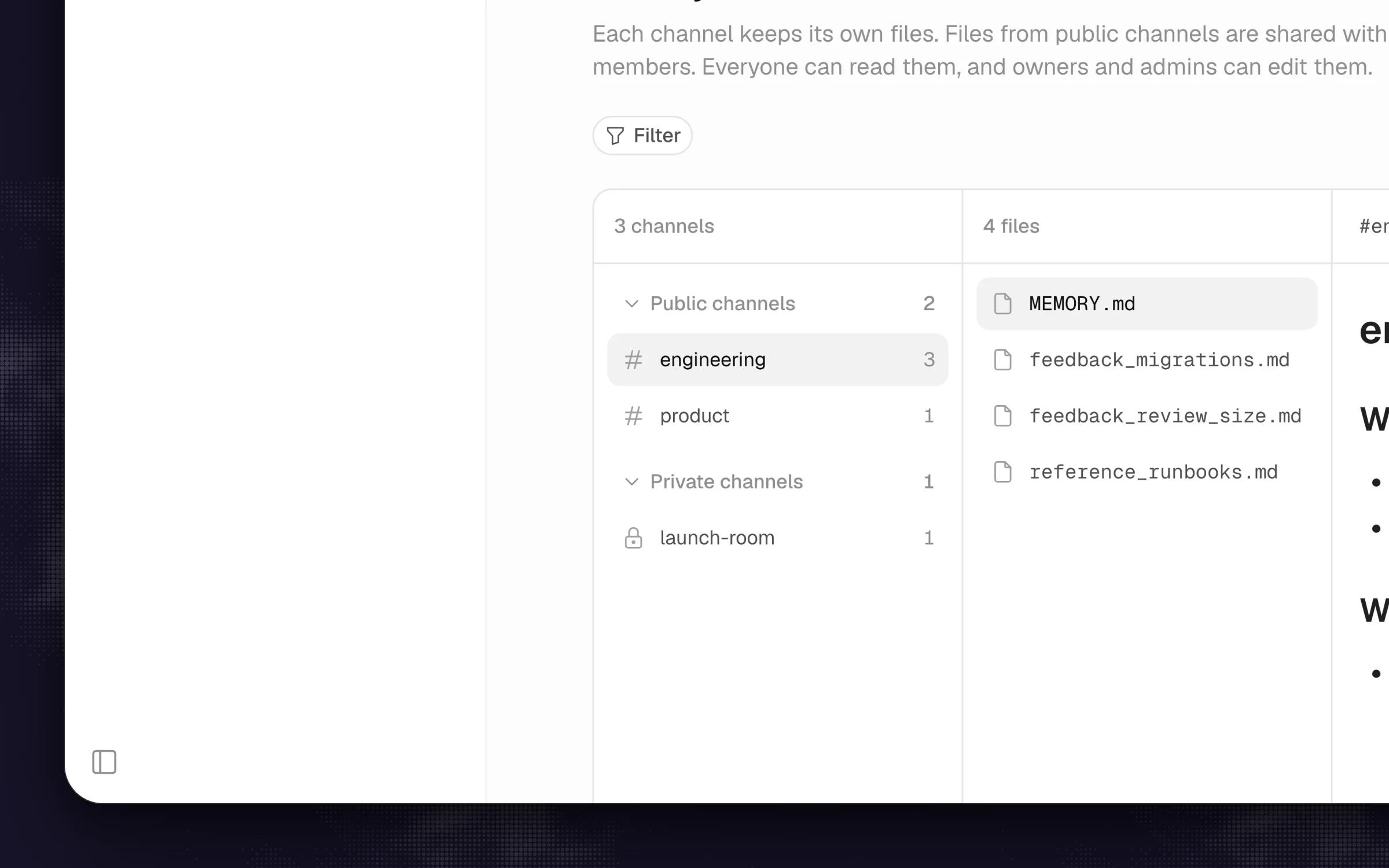 Team memory is stored per Slack channel, and a private channel's facts stay with its members.
What stands out
- Channel-scoped team memory captures short, durable facts from conversations (a decision, an owner, where a resource lives). Facts from public channels form workspace memory, facts from a private channel stay inside that channel, and every answer that relies on a stored fact cites the Slack message it came from.
- It goes past search: when the answer to "why does trial expiry fail for annual workspaces?" is a three-line fix in
billing/trial.ts, Merlin traces the code and opens the PR from the same Slack thread. - One workspace price covers the team, and model usage stays on each machine owner's own Claude or ChatGPT plan because Merlin hosts no model.
Worth knowing
- Not for you yet if nobody on the team runs Claude Code or Codex (prerequisites), or if you want a classic search box over hundreds of SharePoint and Box folders.
- At least one teammate's runtime machine needs to stay online, and Merlin works in Slack, Linear and GitHub (no Microsoft Teams).
Pricing: workspace plans on Merlin pricing (seen on 2026-10-28): Starter is $9 per workspace per month for up to 3 active users and 1,000 requests, Team is $59 per month for up to 50 users ($708 a year for a 10-person team), and Scale is $99 per month for up to 200, with a 14-day Team trial and no credit card.
2. Claude Team
Best for teams already on Claude who want company search with no index to maintain.
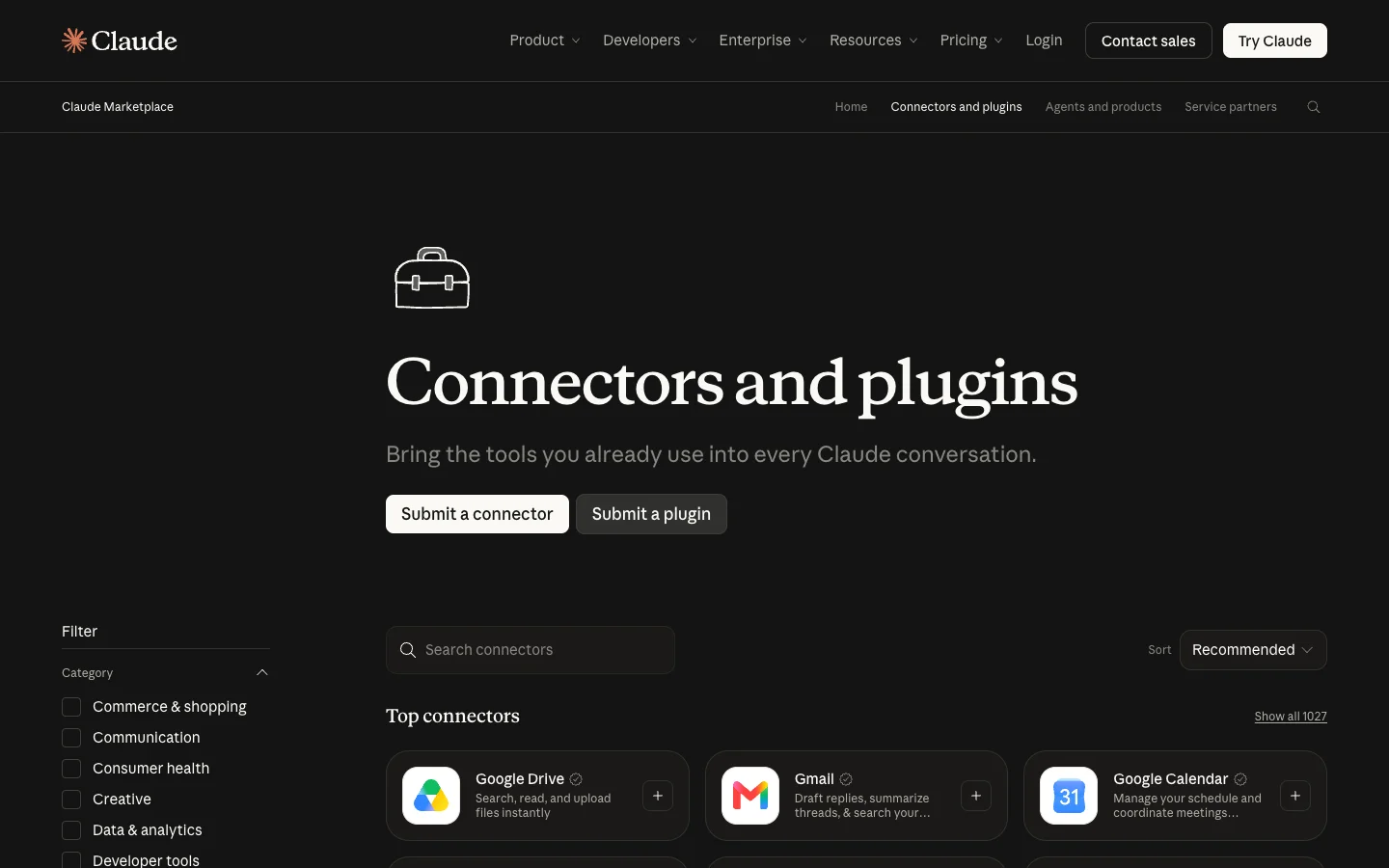 Claude's enterprise search asks these connectors live at question time instead of keeping an index.
Claude Team includes Anthropic's enterprise search ("Ask Your Org") and a catalog of more than 1,000 connectors covering Google Drive, Gmail, Slack, Notion, Linear, Atlassian, Asana and HubSpot. Unlike Glean, Claude builds no central index of your company data: as Anthropic's docs explain, search results are generated by making live MCP calls to your connected tools at question time, using each person's own account permissions. For Slack workflows, Team workspaces also get Claude Tag, which lets anyone tag @Claude in a channel to answer questions, work in threads, schedule its own tasks and keep channel-scoped memory.
What stands out
- Zero indexing wait and no second copy of your files sitting in a search vendor's database: permissions follow each user's connected accounts automatically.
- If your team already pays for Claude seats, turning on company search is an owner setup step rather than a new vendor.
- Claude Tag adds a capable Slack teammate with admin-set tool controls and token spend limits per channel.
Worth knowing
- Live MCP calls are only as sharp as each app's own search API, so vague queries across messy Google Drives can miss things an indexed graph would catch.
- Claude Tag is in public beta and bills usage on top of seat prices: as one Hacker News reader noted, heavy channel usage can get expensive fast.
Pricing: 2 to 150 seats at $20 per seat per month billed annually ($25 monthly), or $2,400 a year for 10 people, plus usage for Claude Tag (Claude pricing, seen on 2026-10-28).
3. ChatGPT Business
Best for teams already on ChatGPT.
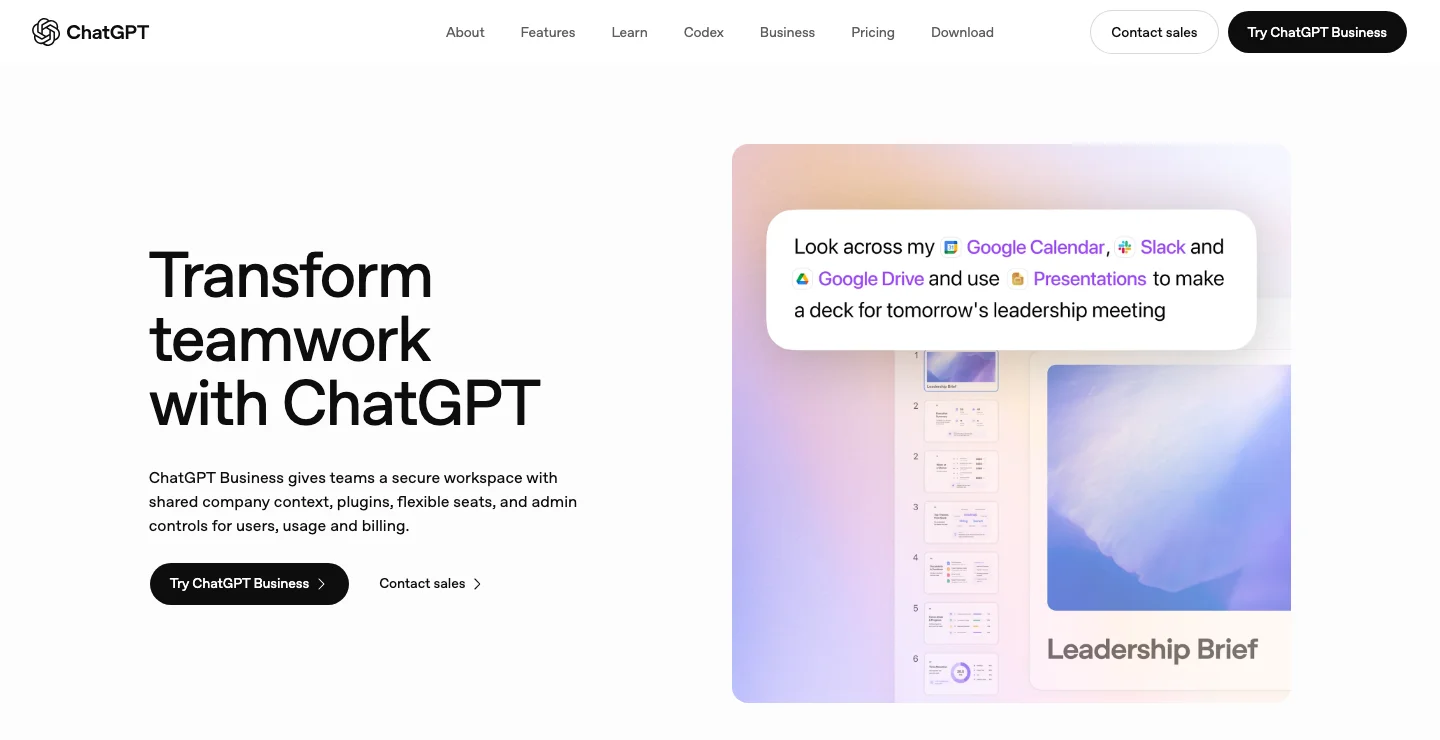 ChatGPT Business pulls company context from connected apps into the same chat people already use.
ChatGPT Business builds company knowledge right into the chat window your non-technical teammates already have open. It combines synced (indexed) connectors for core document stores with live connectors and custom MCP servers, and every member only retrieves what they already have permission to see. Since late September 2026, Business workspaces can also call @ChatGPT directly in Slack and Microsoft Teams and run scheduled workspace agents.
What stands out
- Almost zero adoption friction if the company already uses ChatGPT every day.
- Works in both Slack and Microsoft Teams, plus the web and desktop apps.
- Hybrid retrieval: indexed where it helps recall, live where freshness matters.
Worth knowing
- OpenAI renamed and reshuffled these features several times within a year (from connectors to apps, and company knowledge into a plugin toggle), so admin docs and UI labels move around.
- Workspace agents run on extra credits beyond the seat price, which makes the monthly bill less predictable.
Pricing: from 2 users at $20 per user per month billed annually ($25 monthly), or $2,400 a year for 10 people, with extra credits for workspace agents (ChatGPT pricing, seen on 2026-10-28).
4. Dust
Best for building a few governed agents on top of your key tools.
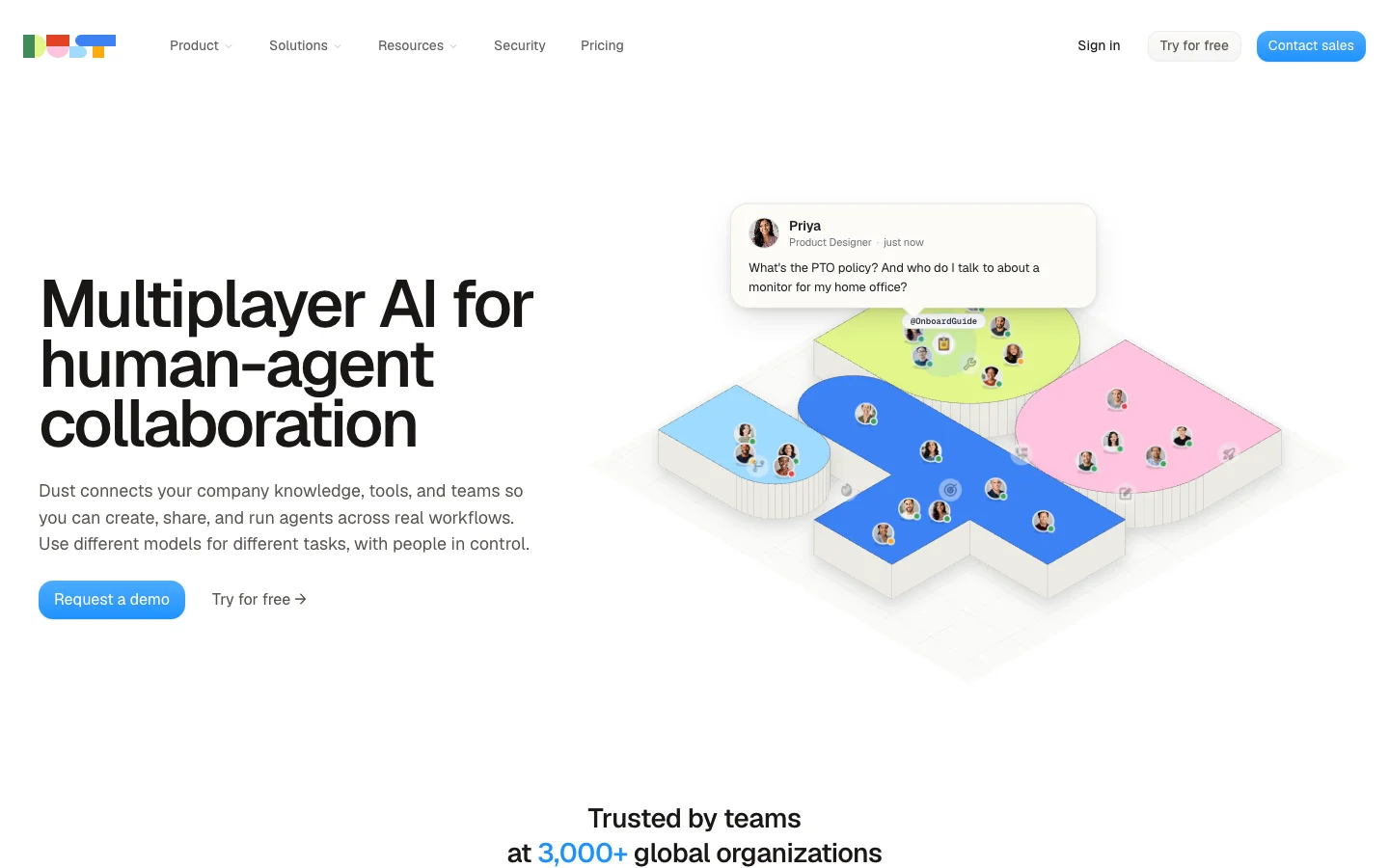 Dust is built around many small agents, each with its own knowledge and tools.
Dust is for teams that want more structure than one big "ask anything" box. An admin picks exactly which Slack channels, Google Drive folders, Notion pages or GitHub repos sync into Dust's index (connections docs), organizes them into Spaces for the whole company or specific groups, and builds named agents (@Dust +OnboardGuide, @Dust +SupportHelper) that can be called from Slack, the Chrome extension or the web app across GPT, Claude, Gemini and Mistral models.
What stands out
- Curated indexing: syncing only the folders and channels you trust avoids the "AI confidently cites a 2022 draft" problem.
- Model-agnostic and built for many small purpose-built agents with schedules, triggers and MCP actions.
Worth knowing
- The Business plan caps you at 3 native connectors, 5 remote MCP servers and 5 Spaces: lifting that cap requires the sales-led Enterprise tier.
- Access control inside Dust uses admin-managed Spaces rather than mirroring every document's native permission list, and unused monthly credits do not roll over.
Pricing: a free seat with 500 lifetime credits, then Business at $24 per user per month billed yearly ($2,880 a year for 10 people) for up to 100 users (Dust pricing, seen on 2026-10-28).
5. Onyx
Best if you want open source or to host it yourself.
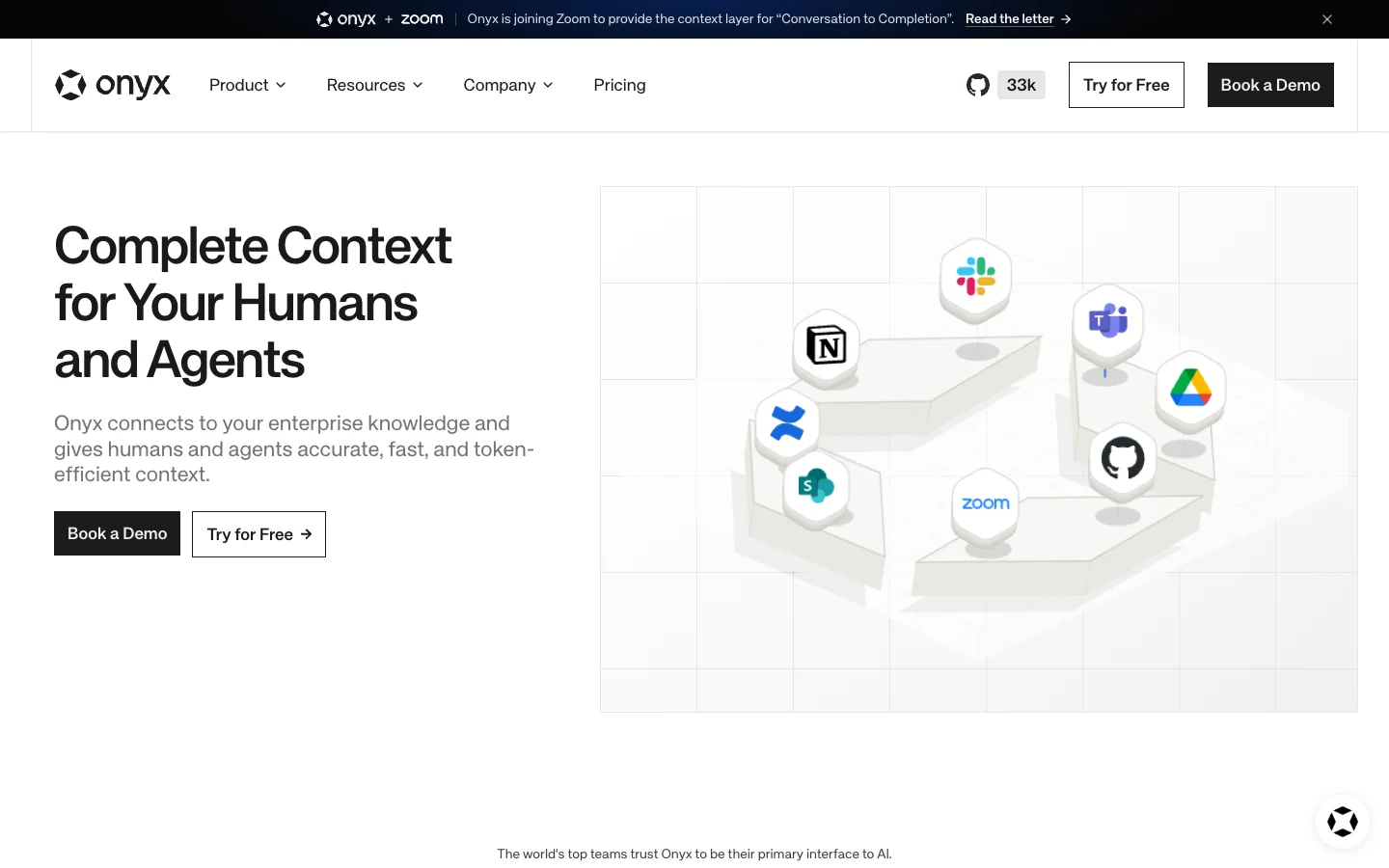 Onyx is open source with 33k GitHub stars, and is joining Zoom while staying a standalone product.
Onyx (formerly Danswer) is the closest open-source equivalent to Glean, with more than 33,000 stars on GitHub and a $10M seed round from Khosla Ventures and First Round. It crawls and indexes around 50 connectors every 30 minutes by default, ships a web app and a Slack bot, supports custom agents and MCP actions, and gets high marks from technical users (one HN commenter summed it up simply: "Onyx actually finds things").
What stands out
- A real search index you can run on your own servers for free under the MIT-licensed Community Edition, or buy hosted for $20 a seat.
- Broad connector coverage and 30-minute incremental syncs.
Worth knowing
- Per Onyx's own connector docs, "Permission-syncing connectors are an Enterprise Edition feature."
- On October 21, 2026, Onyx announced it is joining Zoom. The team says Onyx stays a standalone, open-source product and self-hosted data is untouched, though long-term priorities will sit under Zoom.
Pricing: Community Edition is free to self-host (you pay for your servers and model API keys), and Onyx Cloud Business is $20 per user per month billed annually, or $2,400 a year for 10 people (Onyx pricing, seen on 2026-10-28).
6. Notion AI
Best if your docs already live in Notion.
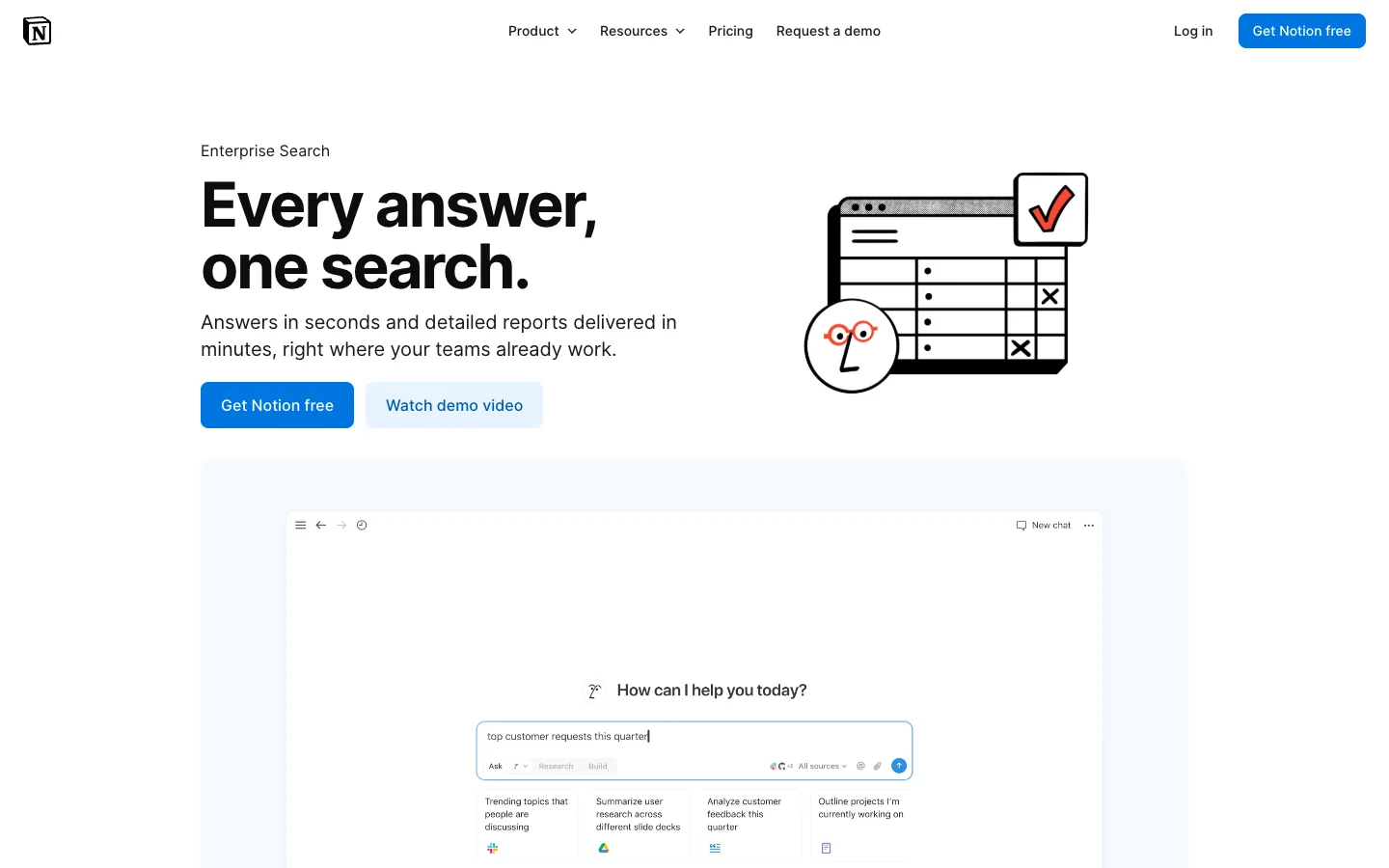 Notion's Enterprise Search is on the Business plan and still carries a Beta label.
If your company handbook, specs and meeting notes already live in Notion, upgrading to the Business plan unlocks Enterprise Search and 10 AI connectors: Slack, Google Drive, Jira, Gmail, Microsoft Teams, SharePoint and OneDrive, GitHub, Outlook, Linear and Google Calendar. Notion indexes those apps (with permissions intact) alongside your workspace pages, and Custom Agents can run on schedules or triggers and answer in public Slack channels.
What stands out
- No new app to roll out if Notion is already your daily home.
- Connectors cover the core small-team stack (Slack, Drive, Linear, GitHub, Jira) on the regular $20 Business seat.
Worth knowing
- Notion still labels Enterprise Search as Beta, initial ingestion takes up to 36 hours (about one year of history), and new content "may take up to 3 hours to be indexed."
- Custom Agents are free to try and then cost $10 per 1,000 monthly Notion credits on top of the seat price.
Pricing: included in the Notion Business plan at $20 per member per month billed annually ($2,400 a year for 10 people), plus credits for Custom Agents (Notion pricing, seen on 2026-10-28).
7. Slite
Best if you want a wiki and AI answers that keep each other current.
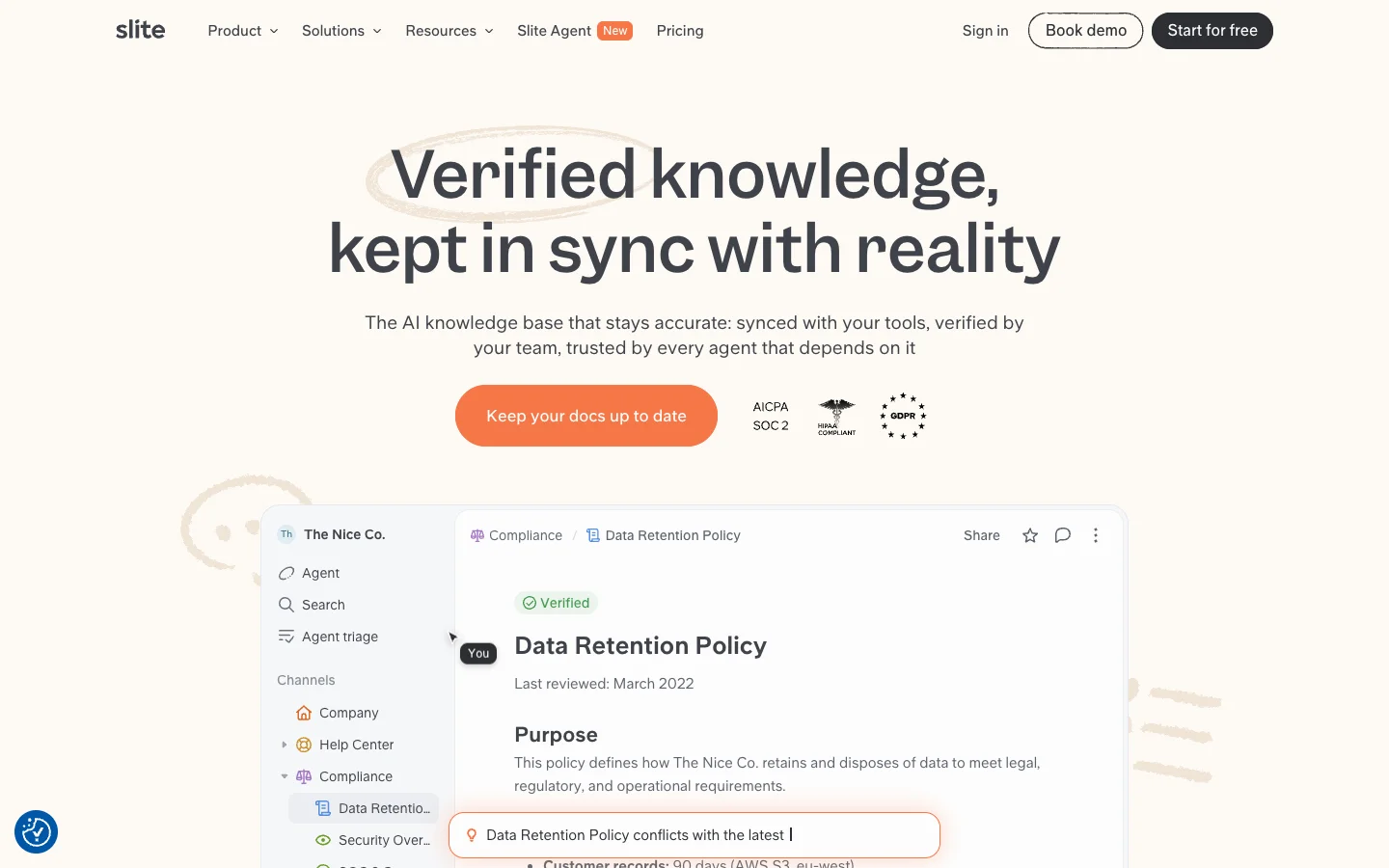 Slite's agent proposes doc fixes when Slack, Linear or GitHub show the doc is out of date.
Most enterprise search tools fail on small teams for a mundane reason: the wiki they search is six months out of date. Slite built a clever spin-off search product called Super, and on May 28, 2026 folded Super back into Slite as the Slite Agent. On the Pro plan, Slite answers questions across Slite docs and 20+ connected tools (Slack, Notion, Google Drive, Jira, Linear, GitHub) with permissions enforced at answer time, while the Slite Agent watches Slack, Linear and GitHub for changes and drafts updates to stale docs for a human owner to approve.
What stands out
- Fixes the stale-wiki problem at the source instead of just searching over old pages.
- Answers from Slack, the Chrome extension or MCP, with a clean 14-day no-card trial.
Worth knowing
- Cross-tool search and the Slite Agent require the $20 Pro tier (the $10 Basic tier only searches Slite docs and caps seats at 30 questions a month).
- It makes the most sense if you are happy making Slite your primary wiki.
Pricing: Basic is $10 per user per month billed yearly, and Pro (with cross-tool search and the Slite Agent) is $20 per user per month billed yearly, or $2,400 a year for 10 people (Slite pricing, seen on 2026-10-28).
8. Atlassian Rovo
Best if you already pay for Jira or Confluence.
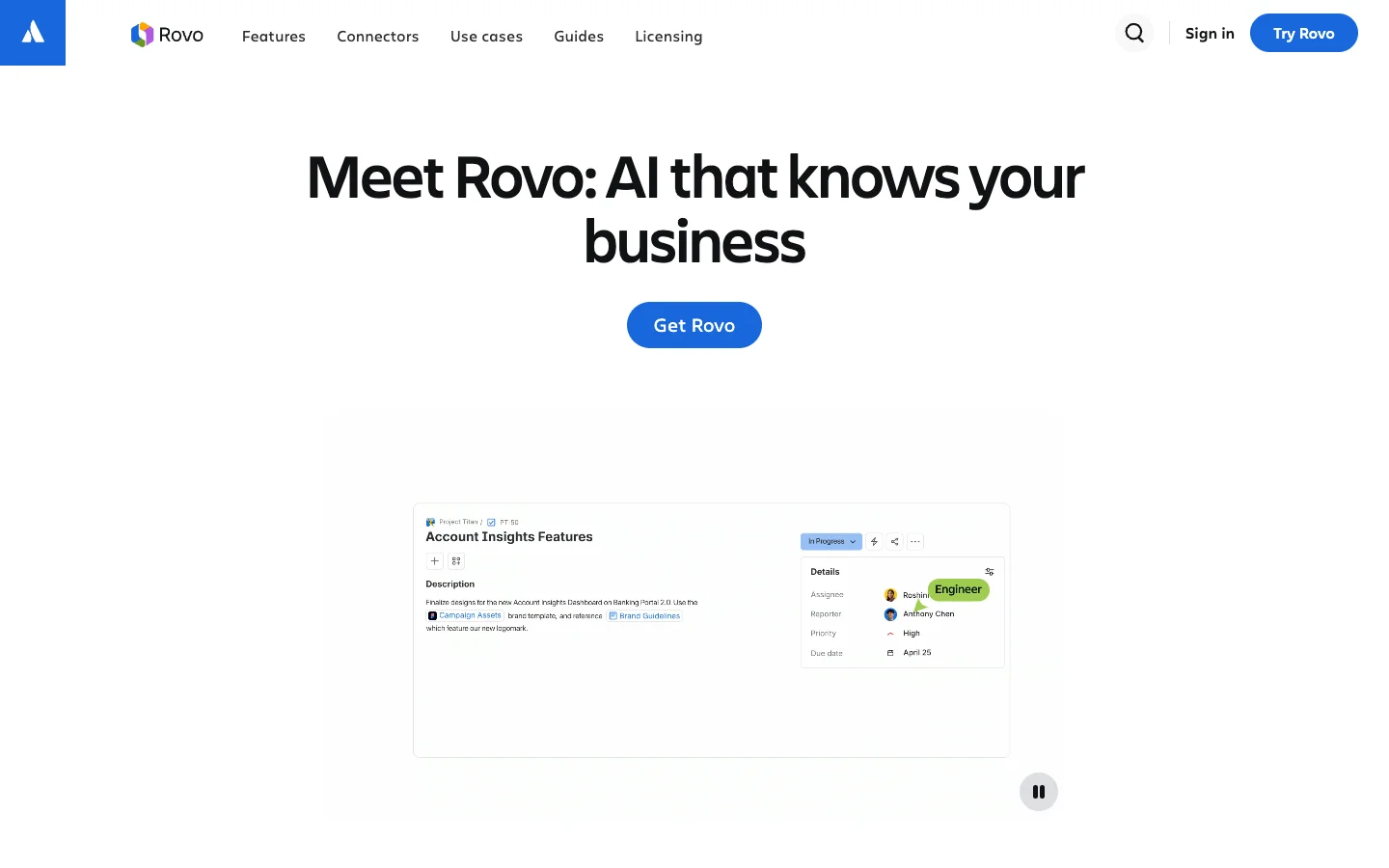 Rovo comes with paid Jira and Confluence plans, so many Atlassian teams already have it.
Atlassian Rovo is included in paid Jira and Confluence Cloud plans at no extra seat cost. It indexes your Atlassian data plus 56 external connectors (including Slack, Google Drive, GitHub, SharePoint, Notion and Zendesk) into Atlassian's Teamwork Graph, and adds Search, Chat, a new-tab Chrome extension and agents. Teams that live in Jira and Confluence often don't realize they already own it (as one engineer on HN put it, "I now forward consultants to ROVO first").
What stands out
- Cheapest path on this list if you already pay for Standard or Premium Atlassian Cloud: Confluence Standard is $5.78 per user per month, under $700 a year for 10 people.
- 56 connectors and permission-aware search out of the box.
Worth knowing
- Standard plans include a modest pooled monthly credit allowance per user (25 credits on Standard, with overage at $0.01 per credit), and Rovo is not included on Atlassian's Free tier.
- Weak fit if your team runs on Linear and Notion, and security-conscious admins should note Atlassian had to patch a prompt-injection data-leak flaw ("RovoBlast") in July 2026.
Pricing: included with paid Atlassian Cloud plans (Confluence Standard is about $700 a year for 10 users), with usage credits pooled per user (Rovo pricing, seen on 2026-10-28).
9. Unblocked
Best for engineering teams who want answers about code, PRs and tickets.
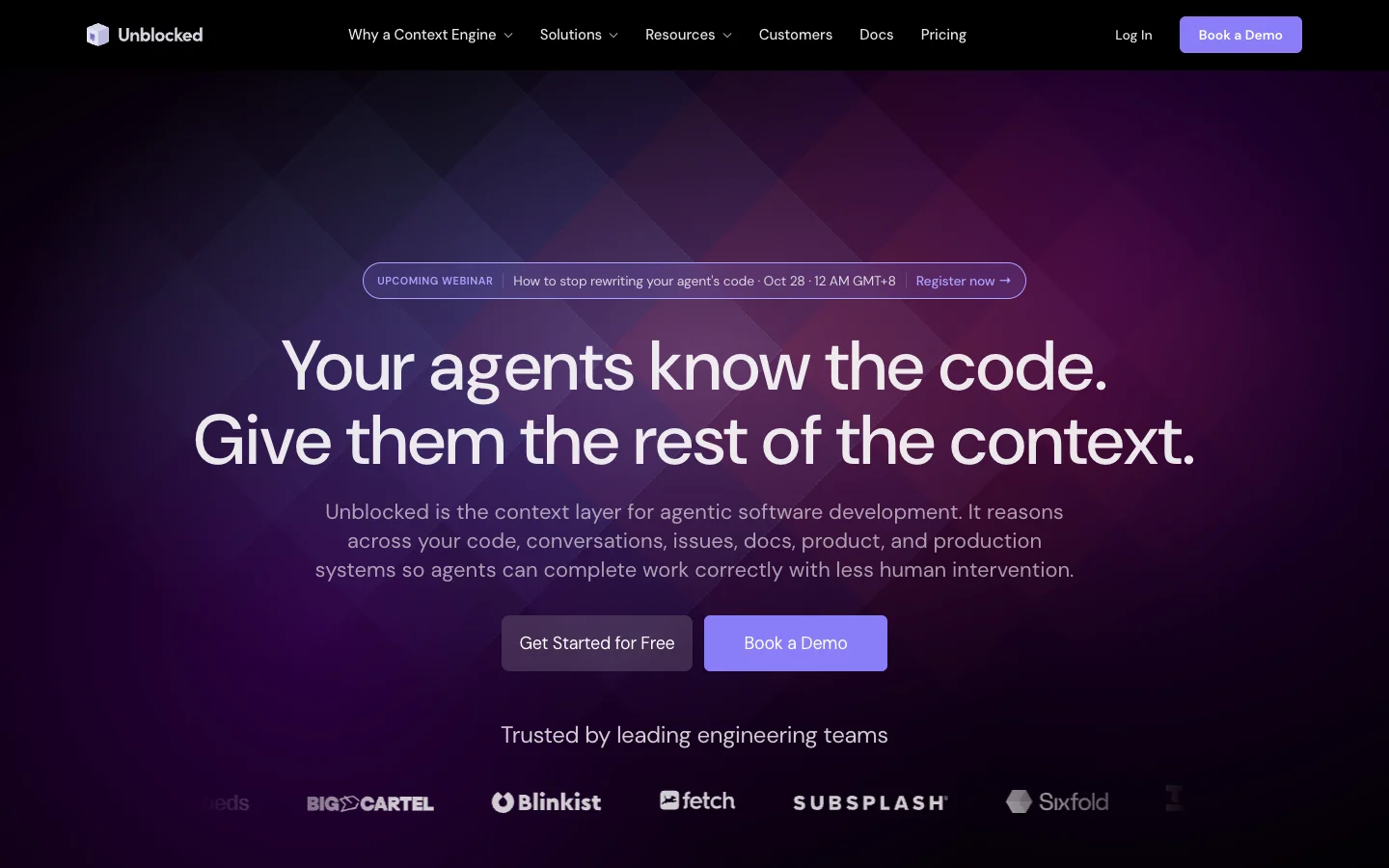 Unblocked answers questions about code, PRs and tickets for engineers and their coding agents.
General enterprise search tools treat a GitHub pull request like a text document and miss why a change was made. Unblocked builds a knowledge graph specifically for software teams by connecting source code, PR history, issues, docs and Slack discussions. Engineers ask @Unblocked in Slack or the web app, and coding agents in Cursor or Claude Code can query Unblocked through MCP so they stop guessing at product history.
What stands out
- Built around how code, PRs, incidents and Slack threads link together, which general wiki search tools routinely fumble.
- Feeds context directly into coding agents via MCP and CLI, and Unblocked Code can return draft PRs.
Worth knowing
- Purpose-built for engineering and product teams: it won't help much with HR, finance or sales deck searches.
- At $29 per user per month, it is pricier per seat than the general $20 tools.
Pricing: Platform plan at $29 per user per month billed annually ($35 monthly), or $3,480 a year for 10 people, with a 21-day no-card trial (Unblocked pricing, seen on 2026-10-28).
10. Runbear
Best for Slack agents at a flat monthly price.
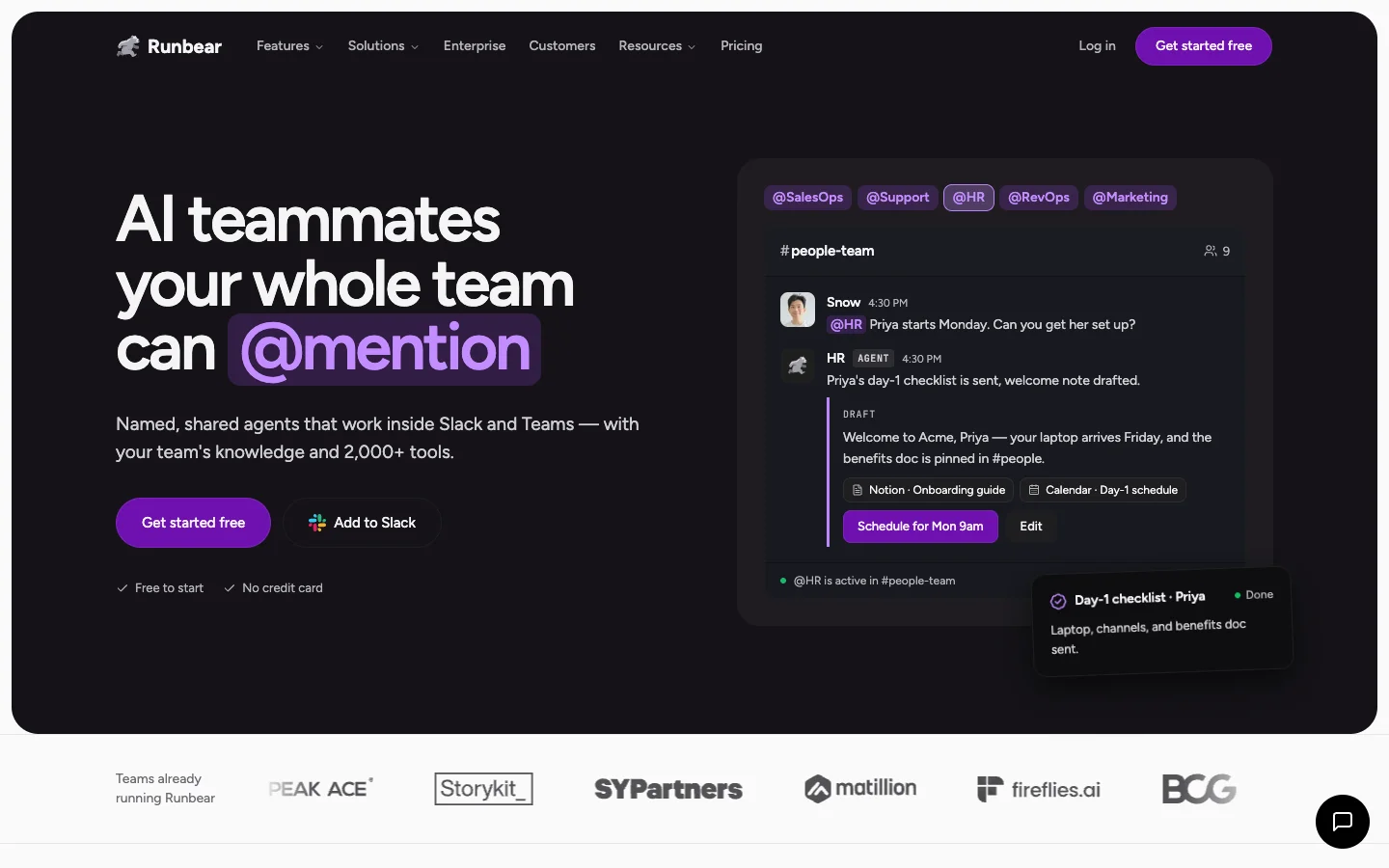 Runbear charges a flat monthly price for shared agents in Slack, not a price per seat.
Runbear skips per-seat pricing altogether. You connect knowledge bases from Notion, Confluence, Google Drive, Slack or SharePoint plus live actions via MCP, and deploy named agents inside Slack, Microsoft Teams or Discord in about ten minutes. Everyone in the workspace can @mention the agents without buying individual seats.
What stands out
- Flat workspace billing: a 25-person team on the $99 Team plan pays the same $1,188 a year as a 10-person team.
- Fast no-code setup for channel bots like an HR policy responder, a support triage helper or a release-notes drafter.
Worth knowing
- It is a Slack agent builder, not a full-company search portal with a web search bar.
- Plans run on credits (20,000 a month on Team): a quick answer costs around 5 credits, while deep multi-step work uses 300 to 1,500 credits.
Pricing: Team is $99 per month flat ($1,188 a year for the workspace, with 20,000 monthly credits and up to 5 builders) and Business is $399 per month (Runbear pricing, seen on 2026-10-28).
11. GoSearch
Best for trying enterprise search for free.
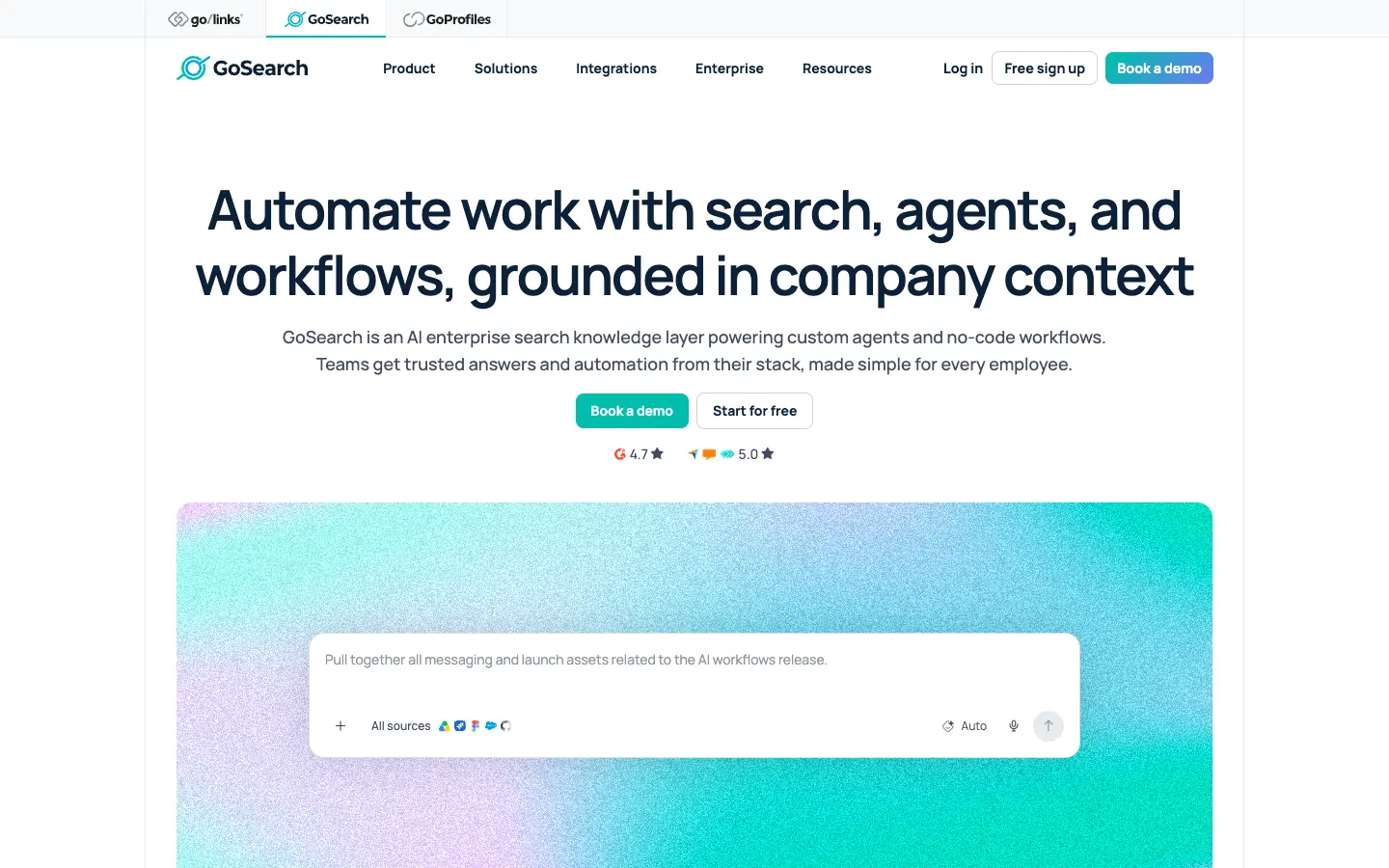 GoSearch has a free tier, enough for one person to try it before the team commits.
Built by the team behind GoLinks, GoSearch is the closest look-alike to classic Glean (a unified search bar, 100+ native, MCP and custom connectors, no-code agents, and a Slack and Teams bot) that still lets you sign up on the website without talking to sales.
What stands out
- Has an actual Free tier (up to 10 searches and 3 AI answers a day) so one person can wire up a few personal connectors and test answer quality before spending a dollar.
- Familiar Glean-style web interface.
Worth knowing
- The free tier is personal scale (10 searches and 3 AI answers a day), and the Enterprise plan for a company-wide rollout is quote-only.
Pricing: Free tier available, Pro is $20 per user per month ($2,400 a year for 10 people), and Enterprise is by quote (GoSearch pricing, seen on 2026-10-28).
12. Slackbot and Slack enterprise search
Best if everything already happens in Slack and you will pay for Enterprise+.
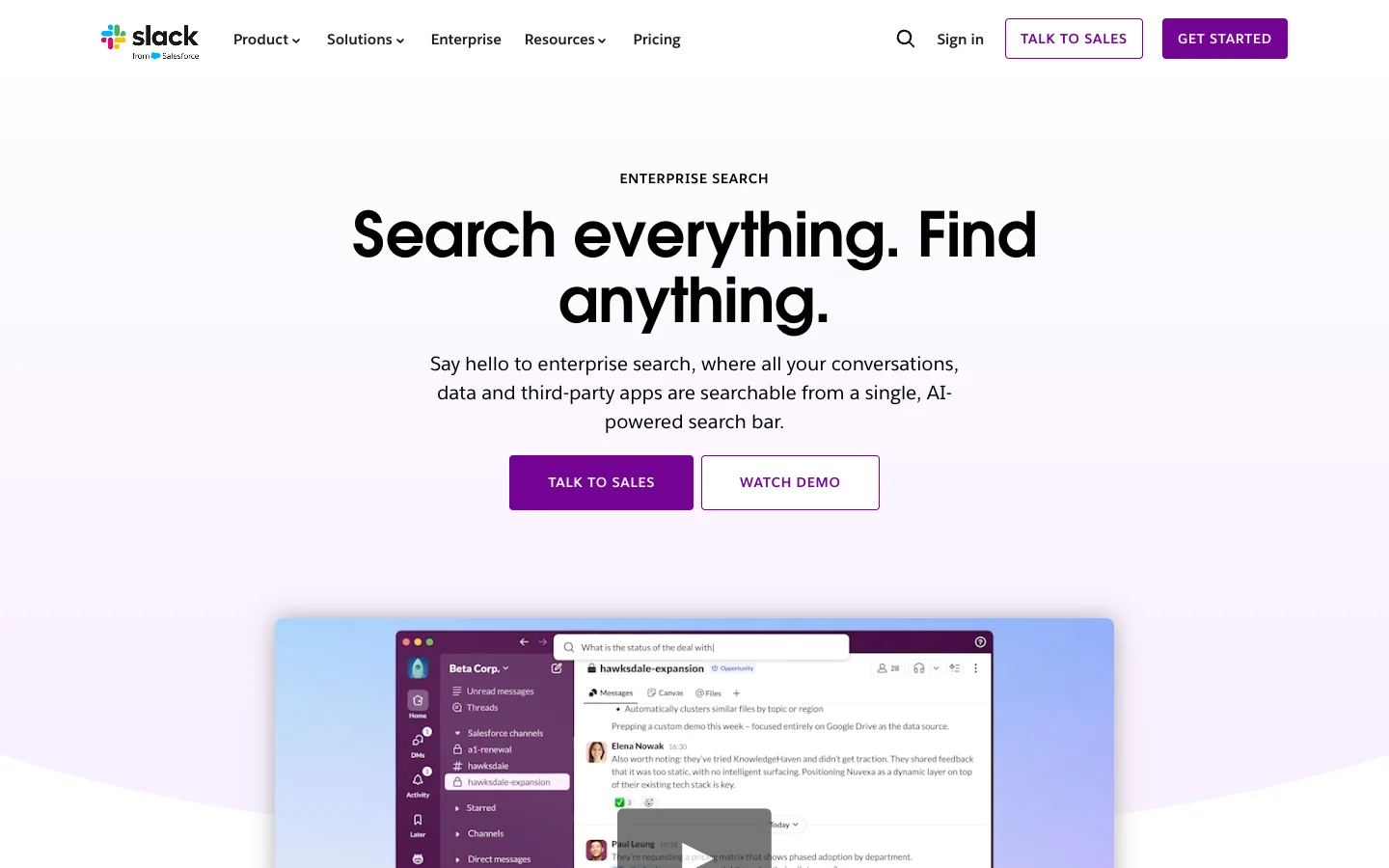 Slack's search across connected apps is part of Enterprise+, not Business+.
Slack now sells two different AI layers, and their plan gates matter. First, Slackbot became a full AI agent in January 2026 on Business+ and Enterprise+: it summarizes threads, drafts docs, builds cited reports and acts in connected apps through MCP (Slackbot features, and the Slackbot alternatives roundup compares it in detail). Second, Slack enterprise search lets people search across Google Drive, GitHub, Jira, Confluence, Box and Salesforce in real time using each person's own permissions.
What stands out
- Native to the app your team already keeps open all day, with live permission checks and no separate vendor to approve.
Worth knowing
- Cross-app enterprise search is locked to Enterprise+ ($45 per user per month), and Business+ ($15 per user per month) only includes Slackbot with a weekly message cap.
Pricing: Business+ is $15 per user per month billed annually ($1,800 a year for 10 people, Slackbot only with weekly limits), and Enterprise+ is $45 per user per month ($5,400 a year for 10 people, required for cross-app enterprise search) on Slack pricing (seen on 2026-10-28).
How to choose a Glean alternative
A twelve-tool roundup is a starting point. Run these three questions in order and you will usually narrow the list to one or two options in five minutes:
- Where does your team's real knowledge live? If it sits in Notion pages, start with Notion AI. If it sits in Jira and Confluence, turn on Atlassian Rovo (you may already be paying for it). If your docs rot the week after someone writes them, look at Slite. If the truth lives in Slack threads, Linear issues, GitHub PRs and the code itself, pick Merlin or Unblocked. If it is spread across Google Drive, Slack and ten SaaS tools and you already pay for Claude or ChatGPT, start with Claude Team or ChatGPT Business.
- Do you need answers or finished work? Search indexes return links and summaries. When the follow-up to almost every engineering or product question is "great, now fix the bug, update the ticket or open the PR," an agent that runs on your team's real coding environment (Merlin) saves the handoff.
- Who sets it up and pays for usage beyond the seat? Flat workspace plans (Merlin at $59 a month, Runbear at $99 a month) keep budgeting simple as headcount grows. Per-seat plans cluster around $20 a user a month ($2,400 a year for 10 people), with extra credits when you turn on background or Slack agents in Claude, ChatGPT, Notion or Rovo.
Four things most lists skip
- Index versus live changes freshness. An indexed tool has a sync delay: Notion documents that new content can take up to 3 hours to be indexed, and Onyx syncs every 30 minutes by default. Live connectors (Claude Team, Slack enterprise search, and Glean's own Slack connector since March 2026) see a message the second it is posted, at the cost of relying on each app's native search API.
- Permission sync is not always in the base tier. In Onyx, permission-syncing connectors require the paid Enterprise Edition, so check what a self-hosted Community setup lets each person see before you connect private sources. In Dust, access is governed by admin-created Spaces rather than mirroring every file's Google Drive ACL.
- Small-plan connector caps bite early. Dust's $24 Business plan allows 3 native connectors and 5 remote MCP servers. Notion's Business plan supports 10 AI connectors. Check the connector count before migrating.
- Older lists still recommend products you can no longer buy. Two former small-team favorites are gone as standalone products: Dashworks joined HubSpot in 2025, and Unleash joined Zendesk (
unleash.sonow redirects straight tozendesk.com).
FAQ
Glean does not publish pricing on its website and sells only through demos. According to Vendr's February 2026 buyer data across 174 purchases, the median Glean contract is $98,890 per year and the lowest recorded contract is $29,880, with seat minimums typically around 100 to 250 users. Under Glean's Enterprise Flex model, companies pay per-user seats meant for every employee plus pooled FlexCredits for premium models and agent features.
No. Enterprise Glean (glean.com) has no self-serve plan or free trial, and every prospect goes through a sales demo. If you see a search result advertising a "Glean free trial" for individuals or small teams, that is a different company altogether: the student note-taking app formerly called Glean, which rebranded to Genio.
Yes: Onyx (formerly Danswer) is an MIT-licensed open-source enterprise search and agent platform with around 50 connectors. You can self-host the Community Edition for free on your own infrastructure or pay $20 per user per month for Onyx Cloud Business. Keep in mind that automatic document permission syncing requires Onyx's paid Enterprise Edition.
For a small company that keeps its email, files and chat inside Outlook, SharePoint, OneDrive and Microsoft Teams, yes. Microsoft cut Microsoft 365 Copilot Business to $21 per user per month in December 2025 for organizations of up to 300 users (on top of a Microsoft 365 Business plan), and it searches across Microsoft Graph with permissions intact. It is a much weaker fit if your team lives in Slack, Google Workspace, Linear and Notion.
In practice, almost never at a price that makes sense. Glean's seats are designed to be deployed to every employee, and reported enterprise minimums sit around 100 to 250 users with contracts starting near $30,000 a year. A 20-person team would end up paying for seats it does not have and spending weeks on SSO and connector approvals.
For a small team, the best Glean replacement is the one that meets your knowledge where it already lives: Merlin if the real answers sit in Slack, Linear, GitHub and your code and you want the work finished, Claude Team or ChatGPT Business if you already pay for those seats, Notion AI, Rovo or Slite if a wiki is home base, and Onyx if you want to run the index yourself.
Try Merlin for free
Hand work to Claude Code and Codex from Slack, Linear and GitHub. Free for 14 days, no API keys, no card required.
Get started for free