

Best Slack AI Agents for Sales in 2026
 Dott
A rep drops two questions into #deals before a 2pm call: "Where are we on the Acme renewal?" and "Do we actually support Okta SCIM provisioning on the Team plan?" The first answer is buried four clicks deep in the CRM. The second lives in a feature flag only an engineer can read. So the rep waits, pings a solutions engineer, checks the CRM between meetings, and updates the opportunity record on Friday afternoon from memory.
Two things decide which Slack AI agent fixes that routine. First, where the answers live: inside your CRM (Salesforce, HubSpot, Attio), inside call recordings (Sybill), or inside the codebase and engineering tracker when a prospect asks a technical question. Second, whether the agent can write back to the CRM right from the Slack thread or only read from it.
If you're just here for a quick recommendation, here's the summary.
The short answer
- You sell software and reps need answers from both the product and the CRM: Merlin. It checks the codebase, Linear and your CRM in one thread.
- You run on Salesforce: Sales Cloud in Slack.
- You run on HubSpot: HubSpot Breeze Assistant, which comes included with your plan.
- You run on Attio: Ask Attio.
- Your company already pays for Claude Team or Enterprise: Claude Tag.
- Your company already pays for ChatGPT Business: ChatGPT in Slack.
- You want an agent to watch deals and update Salesforce or HubSpot: Lindy.
- You're a startup willing to move to an AI-native CRM: Day AI.
- The answer is almost always in what the customer said on a call: Sybill.
- You want one flat-priced agent for the
#saleschannel: Runbear.
The 10 agents at a glance
"Updates the CRM from Slack?" is the column I'd read first, followed by "Cost for a 10-rep team."
| Agent | Best for | CRM it works with | Updates the CRM from Slack? | Cost for a 10-rep team |
|---|---|---|---|---|
| Merlin | Software companies whose engineers run Claude Code or Codex | Any CRM with an MCP server on the machine that runs the task (HubSpot and Attio in its sales recipes) | As far as that MCP server allows | $59 a month (Team plan, up to 50 active users), model usage on each machine owner's own Claude or ChatGPT plan |
| Sales Cloud in Slack | Salesforce teams | Salesforce only | Yes, agent suggestions apply after one-click confirmation | $1,250 a month add-on ($125 per user) on top of Sales Cloud Enterprise or Unlimited |
| HubSpot Breeze Assistant | HubSpot teams | HubSpot only | Yes, creates and updates records, tasks and notes | Included. Sales Hub Professional is $900 a month for 10 seats ($90 per seat, annual) plus $1,500 onboarding |
| Ask Attio | Attio teams | Attio only | Yes | $350 a month on Plus ($35 per user, annual) |
| Claude Tag | Claude Team and Enterprise orgs | Salesforce, HubSpot, Gong connectors | Salesforce only if the admin grants write. HubSpot connector reads | Usage against the org balance, no per-seat charge for channel work |
| ChatGPT in Slack | ChatGPT Business teams | CRM connectors added by an admin | Depends on what the connected account may do | $200 a month if all 10 have Business seats ($20 per user, annual), plus workspace credits |
| Lindy | Small teams watching deals | Salesforce, HubSpot | Yes, with the full toolset in DMs (shared channels get a smaller one) | About $300 a month ($29.99 per active user) |
| Day AI | Startups ready to switch CRM | Its own CRM (HubSpot as a read connector) | Yes, into Day AI | $600 a month if every rep has a Professional agent ($60, annual) |
| Sybill | Answers from call recordings | Salesforce, HubSpot (CRM Autofill) | No, it fills the CRM after calls | $900 a month on Business ($90 per user, annual), the plan with two-way Slack |
| Runbear | A flat-priced shared agent | HubSpot, Salesforce | Through its HubSpot and Salesforce tools | $399 a month (Business, the plan with HubSpot) |
These are the list prices I saw on October 28, 2026.
Three kinds of sales agent in Slack
Most tools on a general Slack AI agent list look identical until you ask them to touch a deal record. For sales teams, the ten options split into three groups.
First are the CRM-native assistants (Sales Cloud in Slack, HubSpot Breeze, Ask Attio, Day AI). They know every custom object and stage in their own CRM and can update records from a thread, and they ignore every other CRM on earth. Second are team agents that sit on top of your stack (Merlin, Claude Tag, ChatGPT, Lindy, Runbear). You connect your CRM to them, and what they can read or write depends on the connector and permissions your admin sets up. Third are call-recording assistants like Sybill, which shine when a rep asks "what did their CFO say about security?" and leave CRM updates to post-call automation.
Software sales teams hit a fourth problem that none of the CRM bots touch: the deal-blocking question is about the product itself. Checking whether a webhook payload includes a specific field or whether an integration is behind a feature flag takes an agent that can read the repository and the issue tracker alongside the CRM.
Here is what separates the ten tools below:
- Which CRM it talks to: locked to one vendor, or open to whichever CRM you connect.
- Write-back from the thread: whether a rep can log a note, move a stage or create a task without leaving Slack.
- Shared deal channels vs personal DMs: whether the whole account team can steer one thread together.
- What it knows beyond the CRM: call transcripts, email history, or the actual product codebase and Linear issues.
- How the bill grows: per CRM seat, per active Slack user, or per workspace.
The 10 best Slack AI agents for sales in 2026
1. Merlin
Best for software companies whose reps need answers from the product and the CRM in one thread.
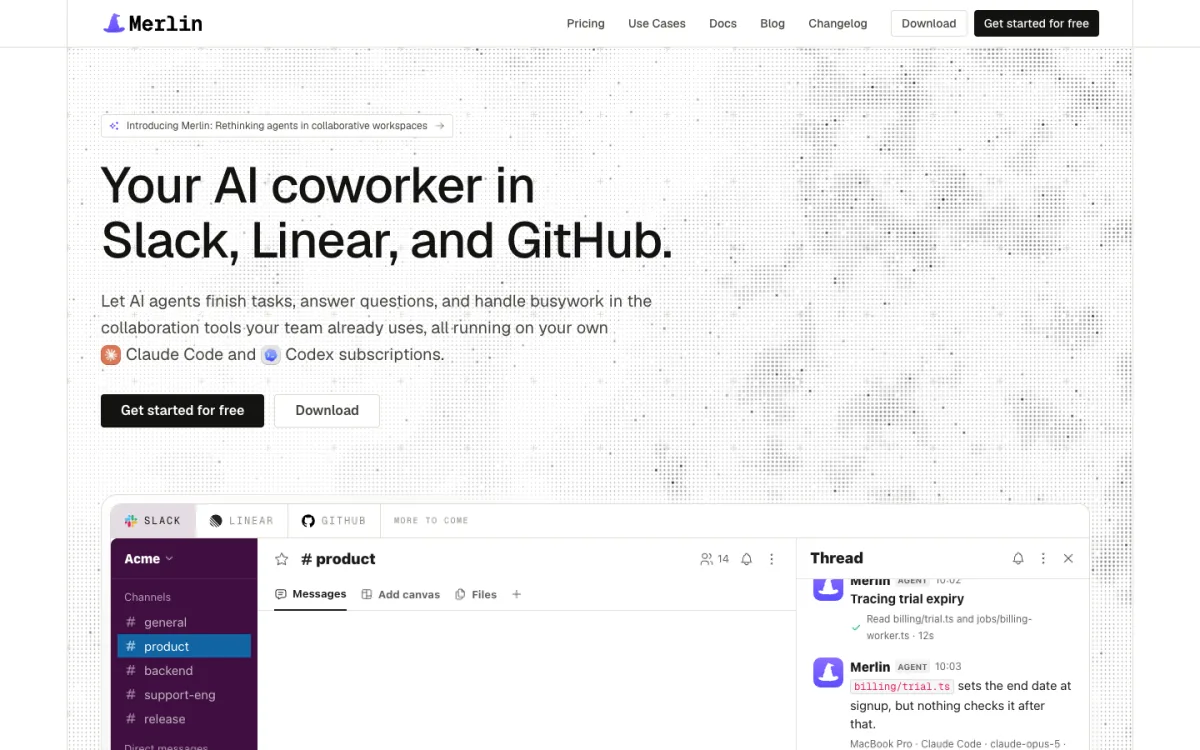 Merlin brings the Claude Code and Codex a team already runs into Slack, Linear and GitHub.
Merlin is an AI coworker for software companies that turns the coding agents engineers already run, Claude Code and Codex, into a shared teammate inside Slack, Linear and GitHub. When an account executive @mentions Merlin in #sales or a private deal channel, the task runs on a teammate's machine through the macOS or Windows desktop app or the Linux CLI daemon (prerequisites), using the repositories, credentials and MCP servers configured there. That means the same @Merlin mention can check a deal in HubSpot or Attio and verify what the product actually does in the code.
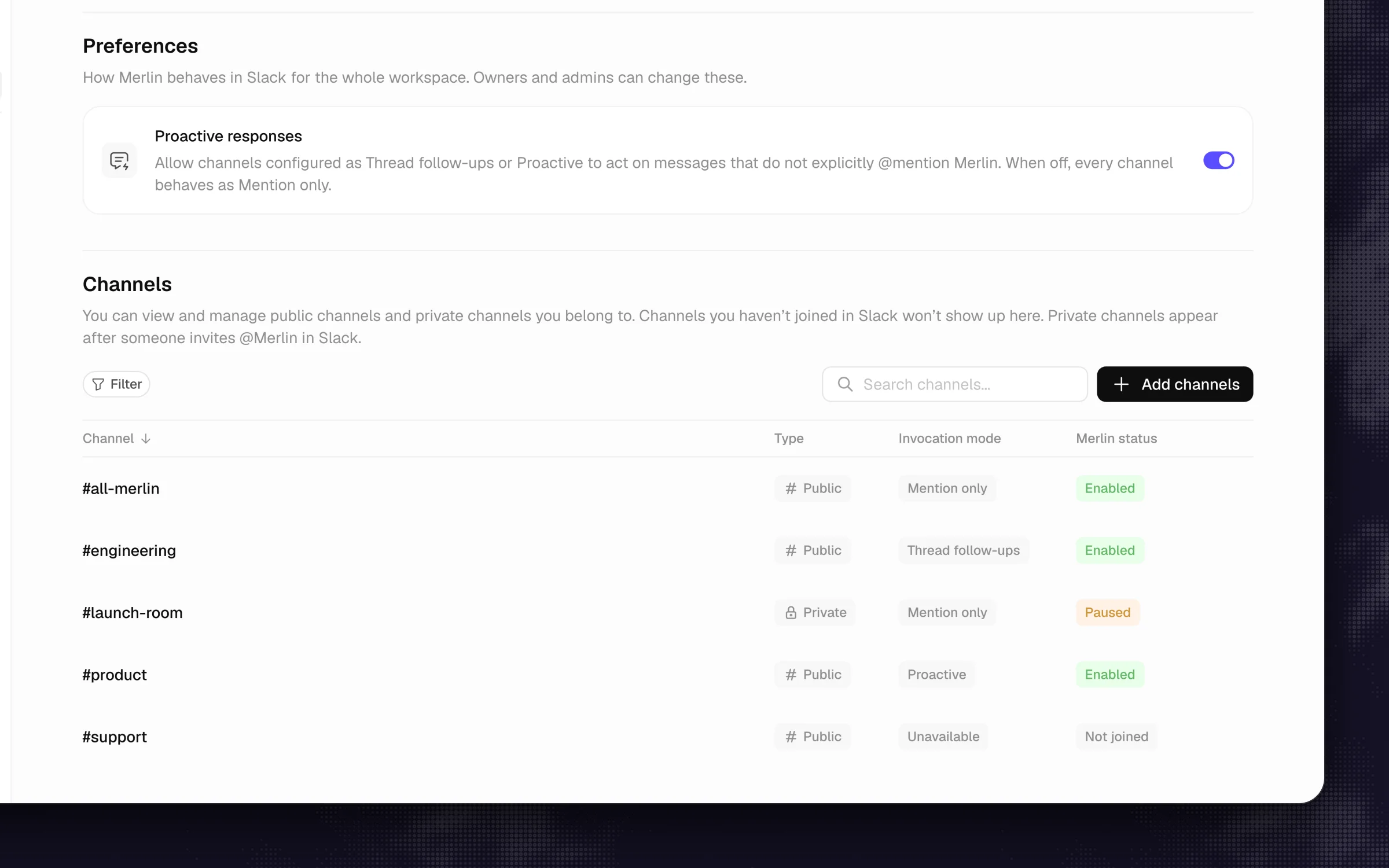 Each channel gets its own response mode, so #deals can be Mention only while #sales is Proactive.
What stands out
- Documented sales workflows cover the whole week: answering prospect technical questions in
#salesby reading the code, feature flags and Linear issues (labeling each point as ships today, behind a flag or planned, with file or PR links and no invented roadmap dates), sending an 8am customer call prep brief to each rep's DMs, drafting follow-up emails in Gmail from Granola call notes without ever hitting send, running a Thursday pipeline cleanup across HubSpot or Attio, and taking a first pass at security questionnaires. - Per-channel memory lets a rep tell Merlin once ("remember for this channel: SSO is on the Business plan") so the whole team stops re-checking the same pricing and packaging rules, and each Slack channel gets its own response mode (Slack guide): Mention only, Thread follow-ups or Proactive.
- Merlin hosts no model of its own. All model usage stays on the Claude or ChatGPT plans your team already pays for.
Worth knowing
- Not for you yet if nobody at your company runs Claude Code or Codex on real tasks. CRM reads and updates work through whichever MCP servers are set up on the machine that picks up the request, and a shared machine has to stay online.
- There is no Microsoft Teams integration and no free tier (private deal channels just need a quick
/invite @Merlin).
Pricing: per workspace, with model usage on your existing Claude or ChatGPT plans: Starter is $9 a month for up to 3 active users and 1,000 requests, Team is $59 a month for up to 50 active users and 5,000 requests ($59 a month total for a 10-rep team), and Scale is $99 a month for up to 200 active users, with a 14-day Team trial and no credit card (pricing, seen on October 28, 2026).
2. Sales Cloud in Slack
Best for teams that run on Salesforce.
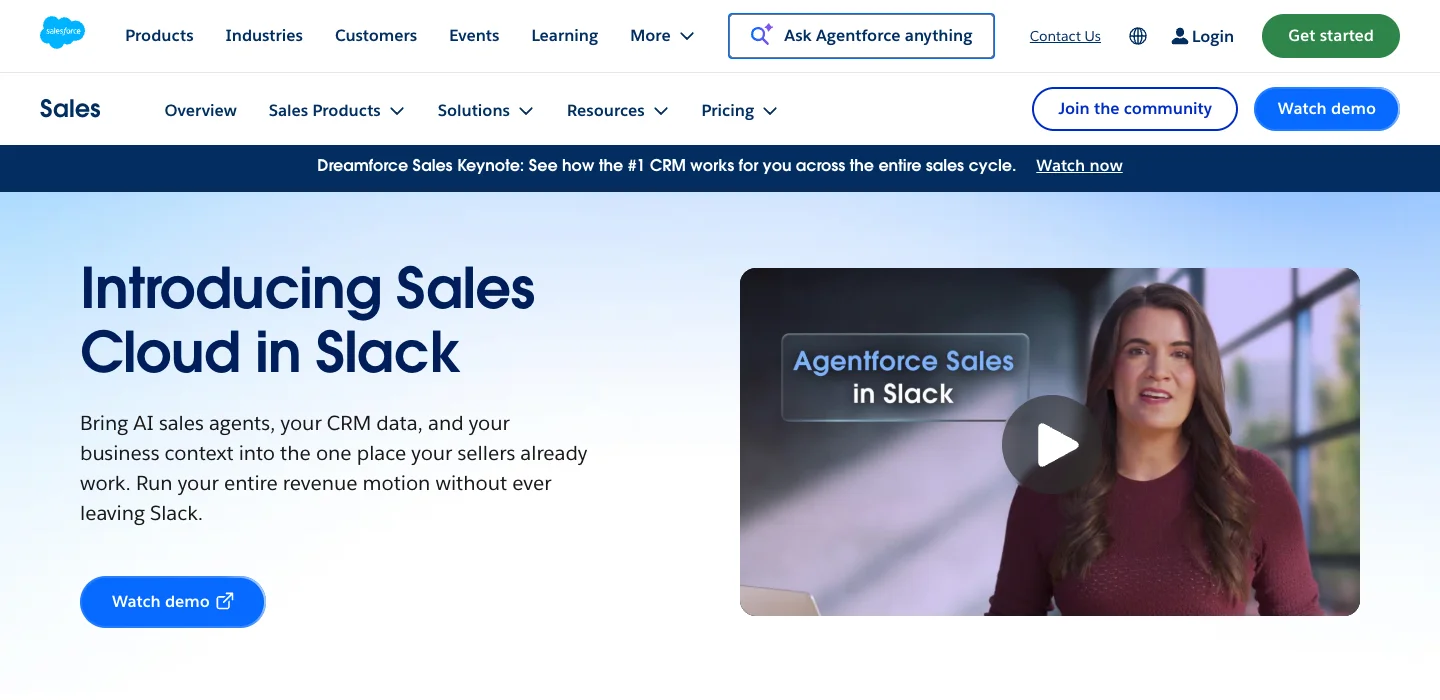 The page still shows the old Agentforce Sales in Slack name in its video.
Salesforce renamed Agentforce Sales in Slack to Sales Cloud in Slack, pulling its CRM records, deal rooms and AI sales agents straight into Slack. Inside Slack, Slackbot acts as each seller's personal assistant, while dedicated Salesforce channels tie a Slack channel directly to an Account or Opportunity record so reps can view and edit fields without switching tabs.
What stands out
- Real write-back with a guardrail: since its March 5, 2026 general availability, agents flag deal risks, propose field and next-step updates after a discovery call, and update opportunity records or create Salesforce tasks after a one-click confirmation.
- Salesforce acquired Momentum (deal rooms and call summaries in Slack) on March 2, 2026, and now bundles Momentum into Sales Cloud Core.
- Proactive deal hygiene: Slackbot can flag pipeline deals that have gone quiet for more than two weeks.
Worth knowing
- It works with Salesforce only, requires admin setup on both the Slack and Salesforce sides, and Salesforce channels cannot include external guests. Slackbot in channels was still in early pilot on September 15, 2026, and using Slackbot requires Slack Business+ ($15 per user per month, annual) or a connected Salesforce org (if you're comparing native Slack AI with third-party bots, here is a full roundup of Slackbot alternatives).
Pricing: $125 per user per month as an add-on to Sales Cloud Enterprise or Unlimited ($1,250 a month for 10 reps), or included in Sales Cloud Max at $550 per user per month (Sales Cloud pricing, seen on October 28, 2026).
3. HubSpot Breeze Assistant
Best for HubSpot teams, included in every plan.
 Breeze Assistant ships with every HubSpot plan. The homepage shows the platform, not the Slack app.
Breeze Assistant is HubSpot's built-in AI assistant, and it rides along inside the standard HubSpot Slack app. Reps can mention @HubSpot(Breeze) in any channel or thread, or open a 1:1 chat in the app's Messages tab, to ask about deals, prep for meetings or log updates back to HubSpot (knowledge base).
What stands out
- It both reads and writes: reps can create and update contacts, companies, deals and tickets, create tasks, and summarize a Slack thread straight into a note on a CRM record.
- It answers pipeline-level prompts like forecast rollups, win/loss summaries and stalled deals without leaving the channel.
- There is no separate Slack add-on SKU to negotiate.
Worth knowing
- Breeze doesn't watch channels on its own and every request needs its own
@HubSpot(Breeze)mention, and each rep's Slack login email must match their HubSpot user. - Since July 23, 2026, HubSpot AI agents draw from your pool of HubSpot Credits.
Pricing: included with all HubSpot plans. Putting 10 reps on Sales Hub Professional costs $900 a month ($90 per seat on annual billing, $100 monthly) plus a one-time $1,500 onboarding fee, while Enterprise is $150 per seat (seen on October 28, 2026).
4. Ask Attio
Best for teams on Attio.
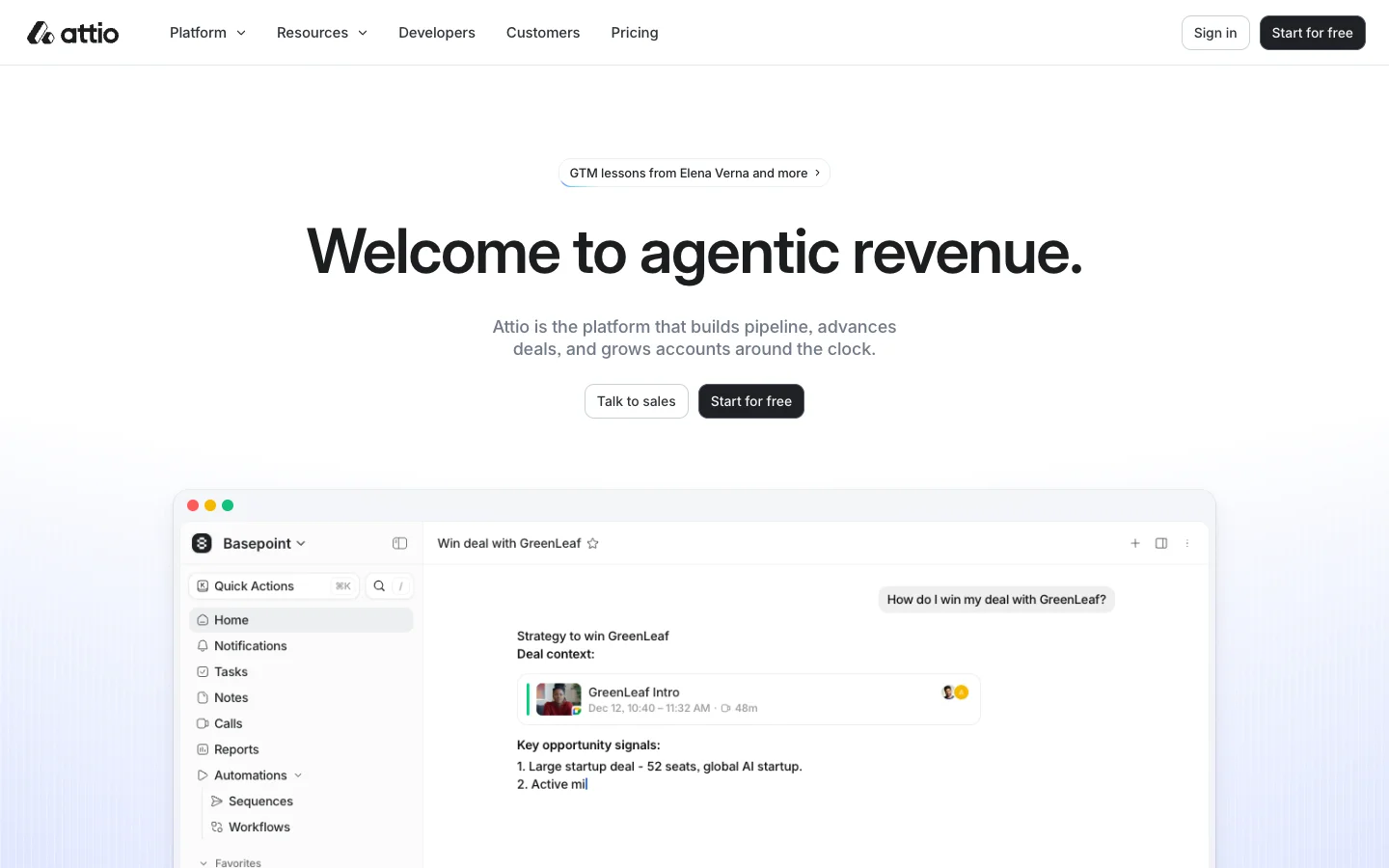 Ask Attio answers the same deal questions from Slack since March 2026.
Attio built its CRM around flexible data models and AI from the start, and on March 10, 2026 it brought Ask Attio into Slack. Reps can DM the app or mention @Attio in a channel to search across CRM records, synced emails, call transcripts and conversation history.
What stands out
- Reps can ask
@Attioto update records with context from Slack, research accounts or check pipeline health right from the thread. - Every answer respects the individual asker's Attio permissions, so reps only see records they're allowed to see.
- Attio workflows can post automated deal alerts with interactive buttons into Slack channels (Slack app reference).
Worth knowing
- It works only with Attio, the bot cannot read other messages in the channel outside the mention, and workspaces that connected Slack before March 2026 have to reconnect the app to turn Ask Attio on.
Pricing: included across Attio plans, with AI usage drawing on credits. Plus is $35 per user per month billed annually ($44 monthly, or $350 a month for 10 reps) and Pro is $79 per user per month billed annually (seen on October 28, 2026).
5. Claude Tag
Best for Claude Team or Enterprise orgs that want a shared deal-channel agent on top of Salesforce, HubSpot or Gong.
 Claude Tag is limited to Claude Team and Enterprise orgs.
Claude Tag is Anthropic's Slack teammate (in public beta). Anyone in a channel, thread, group DM or DM can tag @Claude, watch it work through a live checklist in the thread, and steer it together. Anthropic documents a full sales deal-state workflow for teams that connect Salesforce, HubSpot or Gong.
What stands out
- Good at mixing sources: it pulls account state ("what's the state of the Acme renewal?"), flags stalled deals by stage and age, builds pre-call briefs that combine CRM fields with recent Slack channel chatter, and can post a scheduled pipeline digest every Monday at 9am.
- The Salesforce connector can read accounts, contacts, opportunities and cases, and can write back if an admin grants write permission on its dedicated service account (Anthropic recommends starting read-only).
- Adding Claude Tag to your Slack workspace carries no extra per-seat fee.
Worth knowing
- Only the Salesforce connector supports write-back today (the HubSpot connector reads), each conversation runs in a temporary cloud sandbox that resets when idle, and you need a Claude Team or Enterprise plan set up by an Owner.
Pricing: channel work bills by usage against the organization's balance under an Owner-set spend limit, while DMs bill to the sender's seat (Claude Tag docs). Claude Team Standard seats are $20 per user per month billed annually or $25 monthly (seen on October 28, 2026).
6. ChatGPT in Slack
Best for teams already paying for ChatGPT Business.
 @ChatGPT replaced the old personal ChatGPT app for Slack in 2026.
In 2026, OpenAI retired its old personal Slack app and replaced it with an organization-managed @ChatGPT app. Reps mention @ChatGPT in channels and threads or DM it, and teams can deploy custom workspace agents into specific Slack channels to answer on mention, reply to every relevant message, or run on a schedule.
What stands out
- The HubSpot connector for ChatGPT goes beyond read-only search: it can create contacts and deals, move deal stages, and log notes or tasks according to the connected account's permissions.
- Admins can wire up shared workspace connections through a service account or let the agent ask to use the requester's own connected credentials.
Worth knowing
- It cannot join Slack Connect channels and doesn't work for Slack guests, so you can't drop it into a shared channel with a prospect. At launch, the Slack app also keeps no persistent memory across threads.
Pricing: requires ChatGPT Business at $20 per user per month billed annually ($25 monthly, minimum two seats, so $200 a month if all 10 reps hold seats) plus workspace credits for agent usage (seen on October 28, 2026).
7. Lindy
Best for small teams that want an agent to watch deals and update the CRM.
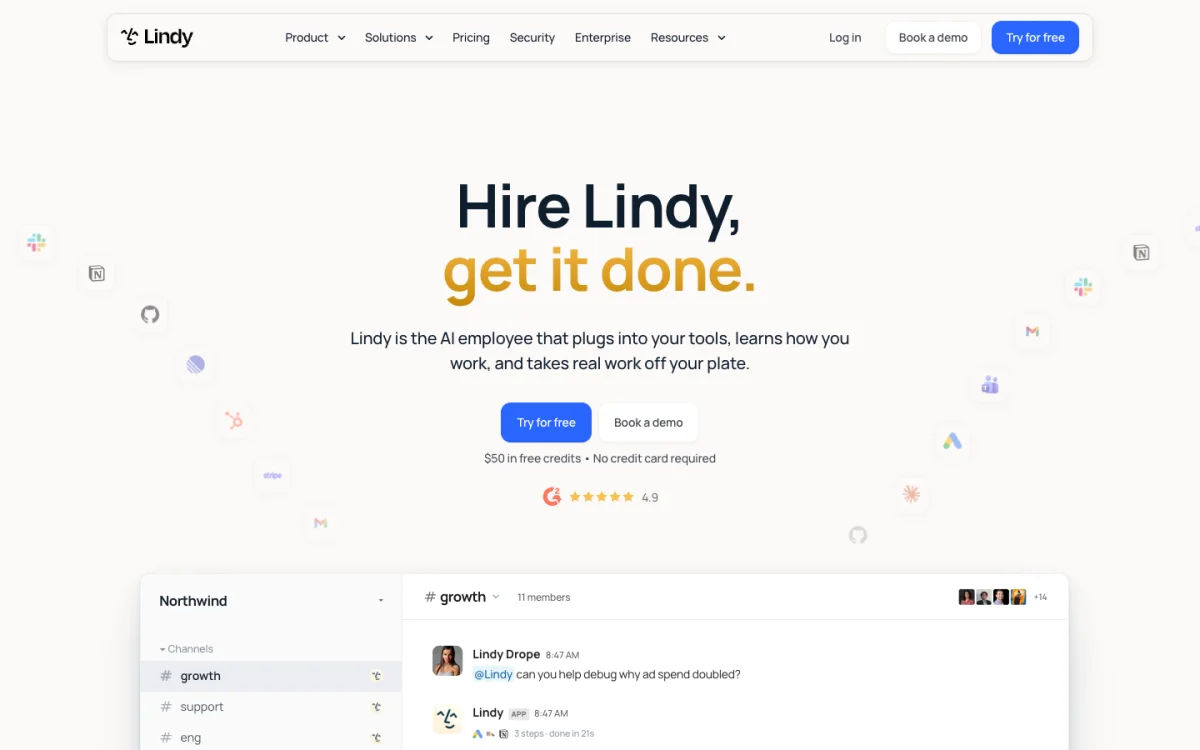 Lindy works from Slack mentions, with its full toolset in DMs.
Lindy pitches itself as an AI employee for small and mid-size teams, with sales workflows centered on Slack: reps tag @Lindy for pre-call briefs, call notes, handoffs, or rules like "@Lindy ping me if any deal goes quiet for more than five days." Its Salesforce integration can create, update and upsert accounts, contacts, leads and opportunities, and it connects to HubSpot as well.
What stands out
- Built-in safety rails for group channels: admins can require human approval before Lindy executes sensitive actions in shared threads (Slack bot docs).
- Easy natural-language triggers for deal-watching and follow-up nudges.
Worth knowing
- In shared channels Lindy runs with a smaller toolset (web search, public Slack search, Notion), saving its full CRM-updating toolset for DMs and your own threads.
- Watch the seat counter: after a 7-day trial, anyone in your workspace who @mentions Lindy in Slack is counted as a paid active user, and new installs require a paid Slack plan.
Pricing: Team is $29.99 per active user per month (about $300 a month for 10 active reps) including 3,000 credits per user, with credit top-ups at $10 per 1,000 credits (seen on October 28, 2026).
8. Day AI
Best for startups willing to switch to an AI-native CRM.
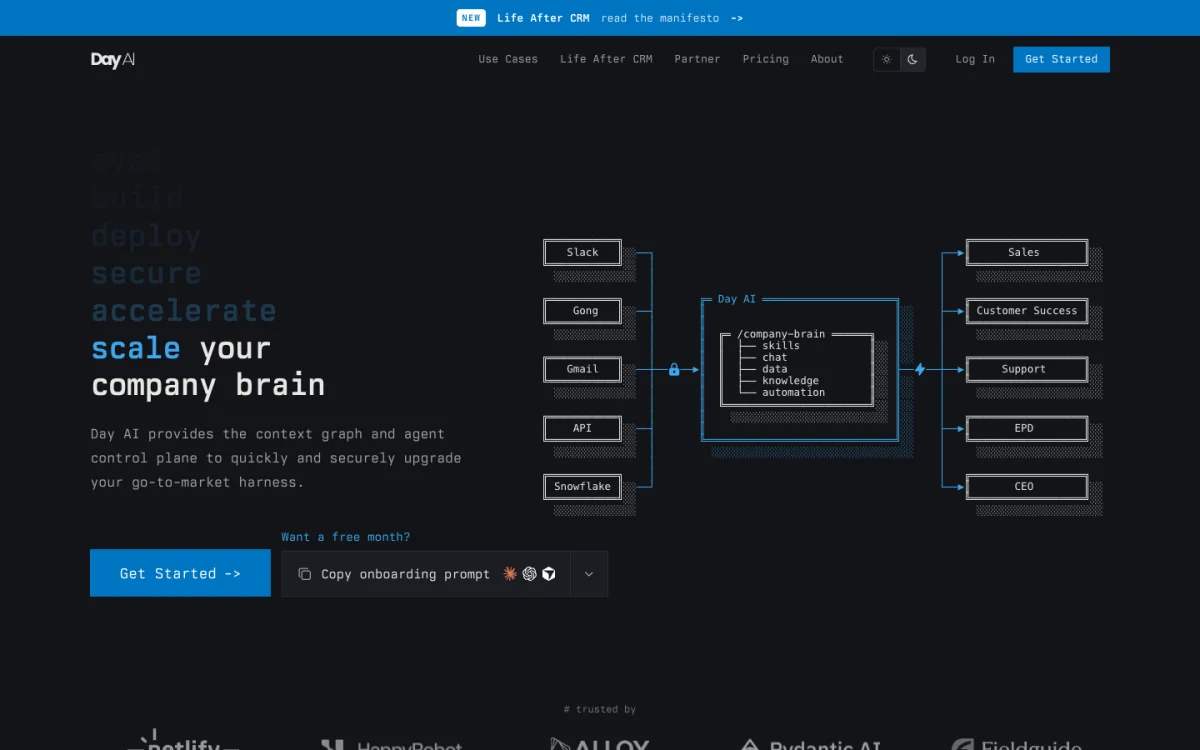 Day AI wants to be the CRM itself, with Slack as one of its inputs.
Backed by a $20M Series A led by Sequoia in February 2026, Day AI is an AI-native CRM that automatically ingests meetings, emails and Slack threads into customer records. Inside Slack, reps mention @DayAI in a channel or thread, or DM it, to search deal history, update records and create action items (Slack guide).
What stands out
- Zero manual logging if you adopt it as your CRM: Slack conversations in channels
@DayAIbelongs to flow straight into the account timeline. - Reps can update Day AI records and spin up action items directly from a Slack thread.
Worth knowing
- It only writes to Day AI's own CRM. Its HubSpot connector is read-only without two-way syncing, so it makes sense only if you are ready to replace your existing CRM.
Pricing: billed per agent tier on annual plans (pricing): Free, Turbo at $24 a month, Professional at $60 a month ($600 a month if all 10 reps run Professional agents, though workspaces with a Professional agent can invite colleagues for free), and Executive at $200 a month (seen on October 28, 2026).
9. Sybill
Best for reps whose answers live in their call recordings.
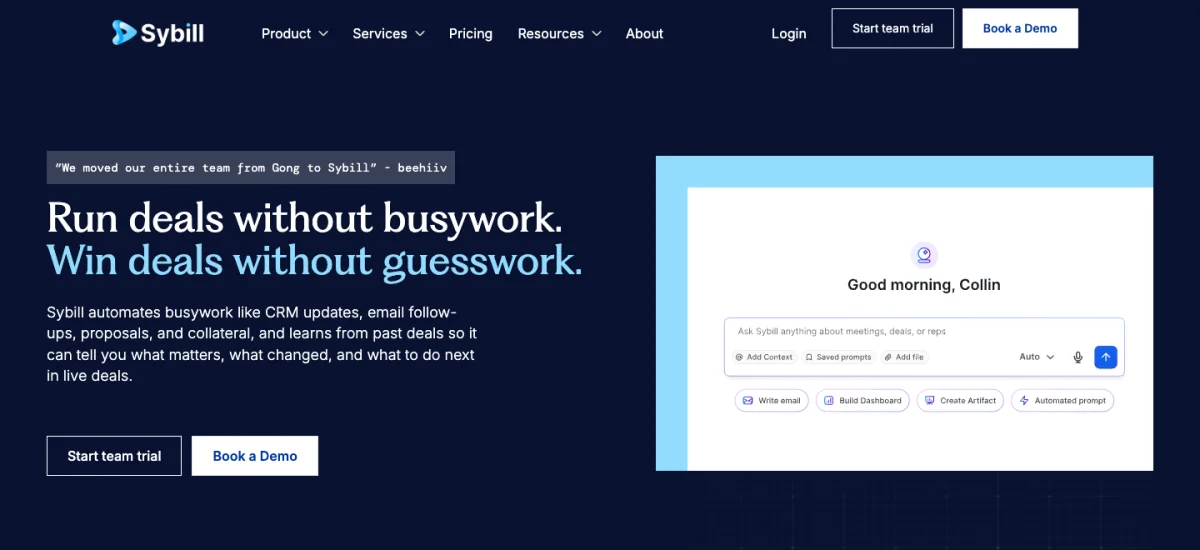 Sybill answers from what was said on calls.
Sybill is an AI sales assistant that records sales calls, drafts follow-up emails, and fills in Salesforce or HubSpot fields after the meeting. With its Sybill Slackbot, anyone can tag @Sybill in a channel and ask questions across calls, emails and CRM records, using the surrounding Slack thread as context.
What stands out
- Great recall on buyer objections, competitor mentions and pricing discussions from actual call transcripts.
- Customizable Slack deal alerts post meeting summaries to channels filtered by deal stage, amount and close date.
Worth knowing
- The Slackbot itself is for Q&A and cannot edit CRM records from a thread (Sybill updates Salesforce and HubSpot automatically after calls via CRM Autofill, capped at 10 fields on Business and unlimited on Enterprise).
- Two-way
@Sybillchat in Slack requires the Business plan or higher.
Pricing: Pro is $30 per user per month billed annually, and Business (required for the interactive Slackbot) is $90 per user per month billed annually or $108 monthly, which comes to $900 a month for 10 reps (seen on October 28, 2026).
10. Runbear
Best for a flat-priced shared agent in #sales.
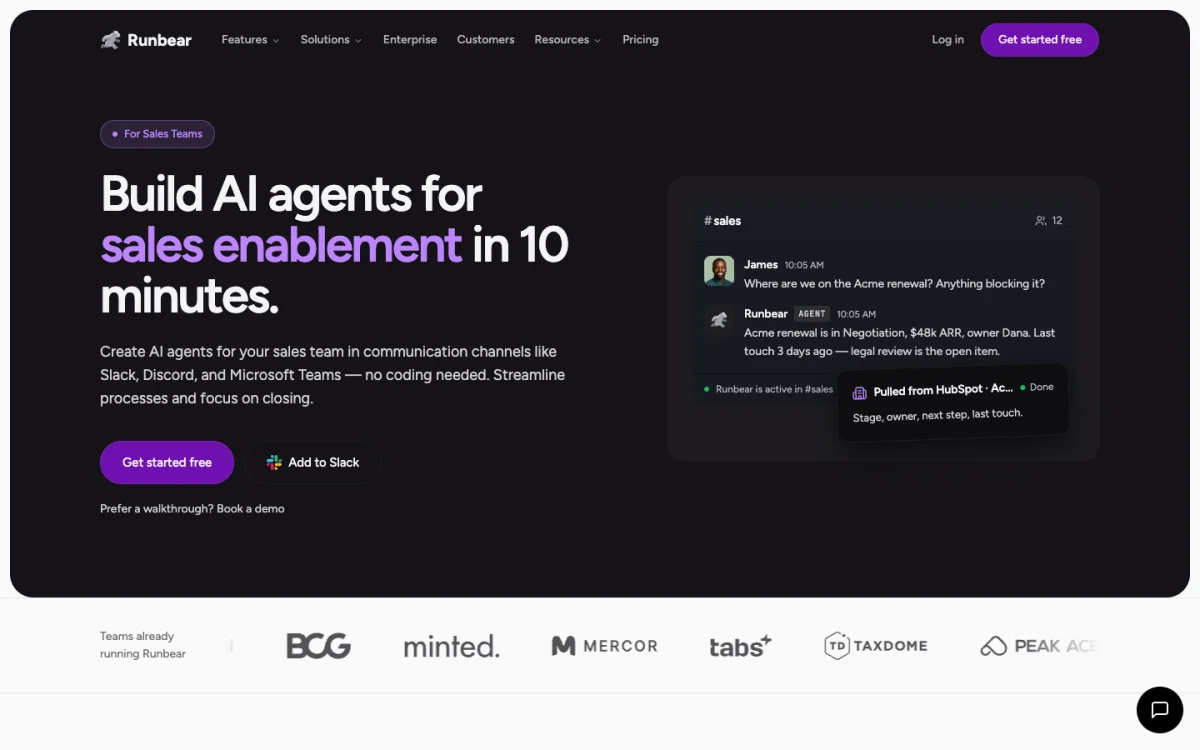 Runbear is one shared agent for the channel, billed by usage.
Runbear lets you put a named, shared AI agent into Slack, Microsoft Teams and HubSpot without paying per rep. A rep asks about a deal in #sales, and Runbear pulls stage, owner, next step and last touch from HubSpot or Salesforce.
What stands out
- Flexible channel behaviors: you can set an agent to answer on mention, reply to every message in a channel, run on a schedule, or reply privately.
- Connects to HubSpot (to search contacts, create deals and work with CRM objects) and to Salesforce via Salesforce's hosted MCP servers (tool catalog).
Worth knowing
- The HubSpot integration unlocks only on the $399-a-month Business tier, and Runbear's sales documentation is lighter than the big CRM platforms.
Pricing: flat workspace pricing rather than per-seat billing (pricing): Team is $99 a month ($79 annual), and Business (required for HubSpot) is $399 a month ($319 annual, seen on October 28, 2026).
How to choose a Slack AI agent for sales
Treat these five questions as a starting point. Run through them in order, and you'll usually narrow the list to one or two tools in five minutes.
- Which CRM do you run? If your whole revenue team lives inside Salesforce, HubSpot or Attio and only needs CRM answers, start with the native assistant (Sales Cloud in Slack, HubSpot Breeze or Ask Attio). If you want one agent that bridges your CRM and the rest of your stack, look at Merlin, Claude Tag, ChatGPT, Lindy or Runbear.
- Do reps need to update the CRM from the thread, or just read it? Sybill and Claude Tag's HubSpot connector read. Merlin, Sales Cloud in Slack, Breeze, Ask Attio, ChatGPT (with HubSpot), Lindy and Runbear can create or update records when given permission.
- Do deals stall on technical product questions? If reps routinely wait on engineering to confirm how a feature works, whether an edge case is supported, or what shipped since the last call, pick Merlin. Merlin reads the codebase, feature flags and Linear issues alongside the CRM.
- Do you work deals as a team in shared channels or alone in DMs? Merlin, Claude Tag and Runbear are built around shared channel threads where anyone can jump in. Lindy reserves its full CRM-editing toolset for DMs and personal threads.
- Do you want a flat workspace bill or a per-seat bill? For a 10-rep team, workspace-billed options like Merlin ($59 a month) and Runbear ($399 a month on Business) stay predictable even when solutions engineers, marketers and founders chime in.
6 things most lists skip
- Gong doesn't have a Slack Q&A agent. Gong's Slack integration posts call alerts, stream matches, comments and to-dos into channels, while Gong Assistant stays inside the Gong web app.
- Three big sales-AI names changed in 2026. Salesforce closed its acquisition of Momentum on March 2, 2026, Clari retired its brand into Salesloft on September 2, 2026, and Agentforce Sales in Slack was renamed Sales Cloud in Slack. Many roundups still list the old products as standalone tools.
- Most agents can't join a Slack Connect channel with your customer. ChatGPT in Slack blocks guests and Slack Connect channels, and Salesforce channels don't allow external people either.
- CRM write-back almost always has a gate. Sales Cloud in Slack asks for a one-click confirmation, Claude Tag requires an admin to enable write on a dedicated Salesforce service account, and Lindy lets admins require approval in shared threads. That's a good thing: nobody wants a hallucinated close date before a board meeting.
- Per-active-user billing grows with curiosity. With Lindy, any curious PM or executive who @mentions the bot in a public channel claims a paid seat after the trial.
- "Included" still uses credits. HubSpot Breeze Assistant is included in your subscription, and since July 23, 2026 its actions draw down your HubSpot Credits balance.
FAQ
For software companies whose reps need answers from both the product codebase and the CRM, Merlin is the best pick at $59 a month for up to 50 users. For teams that only need CRM reads and updates inside a single platform, Sales Cloud in Slack (for Salesforce), Breeze Assistant (for HubSpot) and Ask Attio (for Attio) fit best.
Yes. Sales Cloud in Slack, HubSpot Breeze Assistant, Lindy, ChatGPT in Slack (via its HubSpot connector), Runbear, Claude Tag (for Salesforce, when an admin enables write) and Merlin (through a connected CRM MCP server) can all create or update records from a Slack conversation.
With Salesforce connected, Sales Cloud in Slack ($125 per user per month) adds agents that flag quiet deals and propose opportunity updates after calls. Without it, Slackbot is a personal assistant on Slack Business+ ($15 per user per month, annual) that searches Slack and connected apps for one person at a time, since Slackbot in channels was still an early pilot in September 2026.
For a 10-rep team, prices range from $59 a month total on Merlin's workspace-billed Team plan (using your existing Claude or ChatGPT plans) up to $300 a month on Lindy, $350 a month on Attio Plus, $399 a month on Runbear Business, $900 a month on Sybill Business, and $1,250 a month for the Sales Cloud in Slack add-on.
Often no. ChatGPT in Slack does not work in Slack Connect channels or with Slack guests, and Salesforce channels block external participants. Before promising a shared agent in a customer channel, check the vendor's guest and Slack Connect rules.
If product questions stall your deals, start with Merlin. If every answer already lives in Salesforce, HubSpot or Attio, start with your CRM's own assistant, and if it lives in what customers said on calls, look at Sybill.
Try Merlin for free
Hand work to Claude Code and Codex from Slack, Linear and GitHub. Free for 14 days, no API keys, no card required.
Get started for free