

Best Slackbot Alternatives in 2026
 Dott
Slack rebuilt Slackbot as an AI agent in January 2026, absorbing what used to be sold as the Slack AI add-on, and for the first few days it feels genuinely useful. It summarizes threads, searches your workspace, and pulls answers with citations right inside the sidebar.
Then the team runs into the walls. Someone hits the 15-message weekly cap on Wednesday afternoon. Or an engineer wants to tag the bot in a channel so everyone can watch it trace a production bug and open a pull request. Or you look at the invoice and realize you are paying the $15-per-seat Business+ rate for 40 people when only six of them actually talk to the bot.
What decides the right alternative is which of those walls you hit: whether you need a shared teammate that works in public channels, an agent that ships code, deep search across dozens of company systems, or a bill that doesn't scale with headcount. If you're just here for a quick recommendation, here's the summary.
The short answer
- Your engineers already run Claude Code or Codex and you want a shared teammate that ships code: Merlin.
- You're on Claude Team or Enterprise and want Anthropic's own channel agent: Claude Tag.
- You already pay for ChatGPT Business: ChatGPT in Slack.
- You need search and answers across dozens of company systems: Glean.
- You want many governed custom agents for different teams: Dust.
- You live in Google Workspace: Gemini Enterprise. You live in Notion: Notion Custom Agents.
- You want a cloud "AI employee" billed per workspace: Viktor. Ops and sales across Slack, email and iMessage: Lindy. Named shared agents for a flat team price: Runbear.
The 10 alternatives at a glance
"Cost for 25 people" is the column I'd read first, followed by "Shared in channels?" to see how the tool behaves with a group.
| Alternative | Best for | Shared in channels? | Ships code? | You pay | Cost for 25 people |
|---|---|---|---|---|---|
| Merlin | Teams already on Claude Code or Codex | Yes, with a response mode per channel | Yes, via Claude Code or Codex | Per workspace, model usage on each machine owner's own plan | $59 a month (Team plan, up to 50 active users) |
| Claude Tag | Claude Team and Enterprise orgs | Yes | Yes, draft PRs | Org usage balance, no seat fee | Usage, needs a Claude Team or Enterprise org |
| ChatGPT in Slack | Teams already on ChatGPT | Yes, @ChatGPT in enabled channels | Yes, through Codex Cloud | ChatGPT seat | $500 a month if all 25 are on Business ($20 per user, annual) |
| Glean | Search across many company systems | Yes, with public answers in channels | Yes, Code Writer opens draft PRs | Seats plus model usage | Sales-led |
| Dust | Many governed custom agents | Yes, with a default agent per channel | Through its GitHub tool | Per seat plus credits | €600 a month on Pro (€24 per seat, annual) |
| Gemini Enterprise | Google Workspace teams | Mentions in channels, replies arrive privately first | No | Per seat | Per Google seat |
| Notion Custom Agents | Teams whose knowledge lives in Notion | Yes, triggered by channel messages | No | Notion Business seat plus agent credits | $500 a month in Business seats, plus $10 per 1,000 agent credits |
| Viktor | A cloud "AI employee" | Yes | Yes, opens PRs | Workspace credits | From $50 a month (20,000 credits), no seat fees |
| Lindy | Ops and sales across Slack, email and iMessage | Yes | Not its focus | Per active user | About $750 a month if all 25 use it ($29.99 per active user) |
| Runbear | Named shared agents at a flat price | Yes, per-channel settings | Not its focus (GitHub tools in beta) | Workspace credits, no seat fees | $99 a month (Team, 20,000 credits) |
These are the list prices I saw on October 27, 2026.
What Slackbot does well, and where it stops
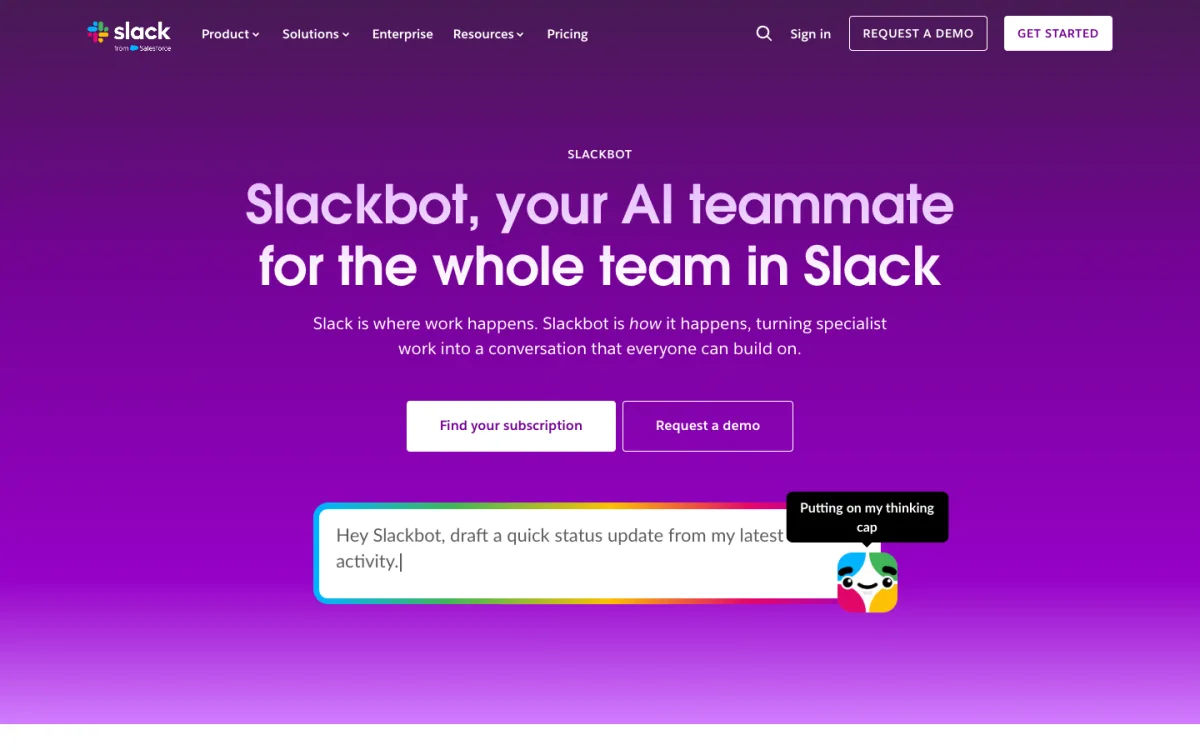 Slackbot comes with Slack Business+ and Enterprise+, no setup needed.
To give Slackbot its due, the January 2026 relaunch is a very good personal assistant. It needs zero setup because it already sits inside every Slack client. Powered by Claude under the hood, it searches your Slack history, connected apps and the web to deliver reports with citations, drafts documents, and takes actions in tools like Jira, Figma, Salesforce and Docusign through MCP (features). Because it has the exact same context and access to information that you do (help center), Slackbot responses never contain content the asker couldn't already see. By September 2026, it had crossed one million monthly active users.
The trouble starts when you want a teammate for the channel, or when you look closely at the packaging:
- It works for one person at a time. Slackbot is built around your private view of the workspace. Having Slackbot participate directly in channels was still in an early pilot as of September 2026, and scheduled tasks can run at most three times a day. Guests can't use Slackbot at all.
- Business+ caps you at 15 messages a week. On Business+, each member gets 15 Slackbot messages per week, resetting Monday at midnight local time. Free and Pro plans only get a limited trial that never resets. Removing the weekly cap requires upgrading to Enterprise+ or buying Salesforce Flex Credits with a connected Salesforce org.
- It doesn't write code itself. When you want to ship code from Slack, Slack points you to Slack Code, which hands the work off to partner agents (like Claude, Devin, GitHub Copilot or ChatGPT) that you pay for separately. Also, fine-grained admin controls per MCP server and tool are restricted to Enterprise Grid and Enterprise+.
- You pay for every seat in the workspace. Slack stopped selling the standalone Slack AI add-on in June 2025 and folded AI into its tiers, raising Business+ from $12.50 to $15 per user per month. And as Slack's own billing FAQ notes, your price won't change if you turn all AI features off.
If you are on Slack Pro ($7.25 per user per month, billed annually) and considering an upgrade to Business+ ($15 per user per month, annual) mainly to unlock Slackbot, here is what that upgrade actually buys you based on Slack's pricing on October 27, 2026:
| Team size | Extra cost of Business+ over Pro, per month | Business+ total, per month | Slackbot messages the team gets per week |
|---|---|---|---|
| 10 people | $77.50 | $150 | 150 |
| 25 people | $193.75 | $375 | 375 |
| 50 people | $387.50 | $750 | 750 |
Business+ does include other features like SAML single sign-on, so the extra cost isn't purely for AI. Still, the bill grows with headcount, the message cap is strictly per person (a power user cannot borrow a quiet teammate's unused messages), and several AI agents for Slack charge a flat workspace rate instead. Here is what separates the options below:
- What it can finish: answers and summaries, actions in other apps, or code and pull requests.
- Who it works for: one person at a time, or a shared teammate the whole channel can see and steer.
- Where it runs: the vendor's cloud or your team's own machines.
- How the bill grows: per seat, per active user, per workspace, or by usage.
The 10 best Slackbot alternatives in 2026
1. Merlin
Best for teams whose engineers already use Claude Code or Codex.
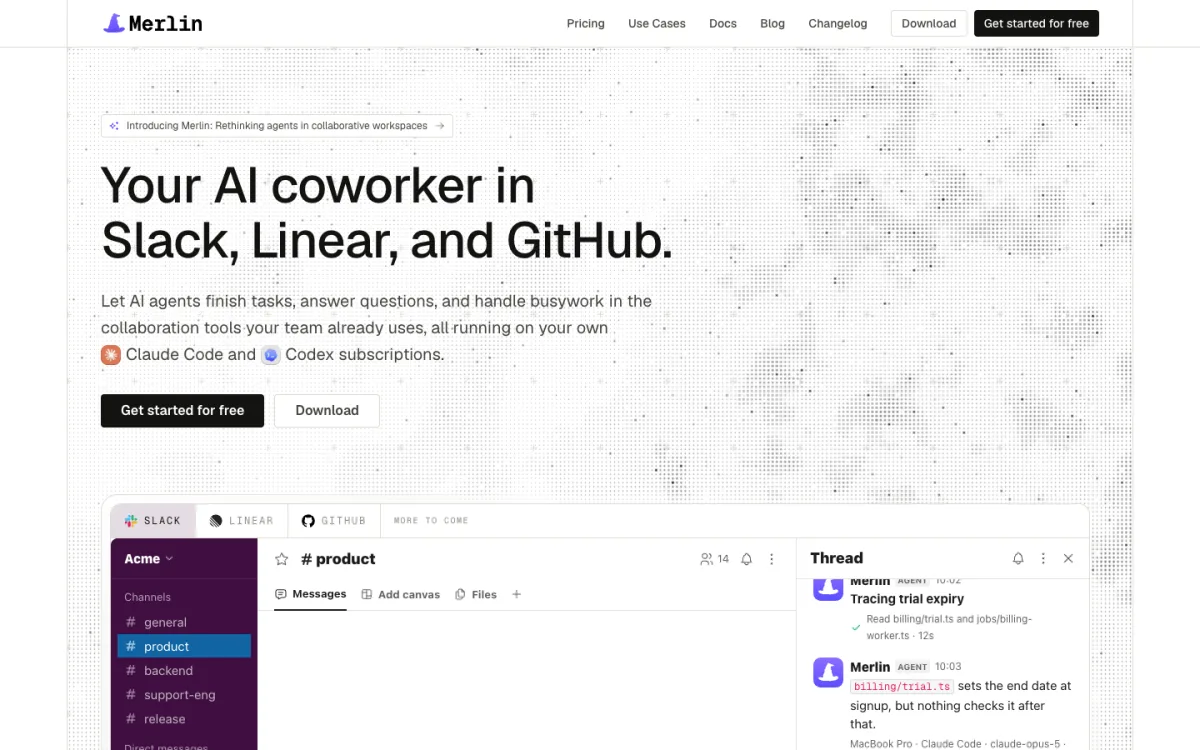 Merlin brings the Claude Code and Codex your engineers already run into Slack, Linear and GitHub.
Merlin turns the coding agents a team's engineers already run, Claude Code and Codex, into an AI coworker the whole company can work with. Anyone can @mention Merlin in a Slack thread, DM it, delegate a Linear issue, or mention it on a GitHub issue or pull request. The work runs on a teammate's machine through the macOS or Windows desktop app or the Linux CLI daemon (prerequisites), using that machine's repositories, credentials, tools and MCP servers, and progress streams back to the thread where anyone can steer it. While Slackbot works for the one person asking, Merlin's runs happen in the open in the channel, and the price is per workspace instead of per seat.
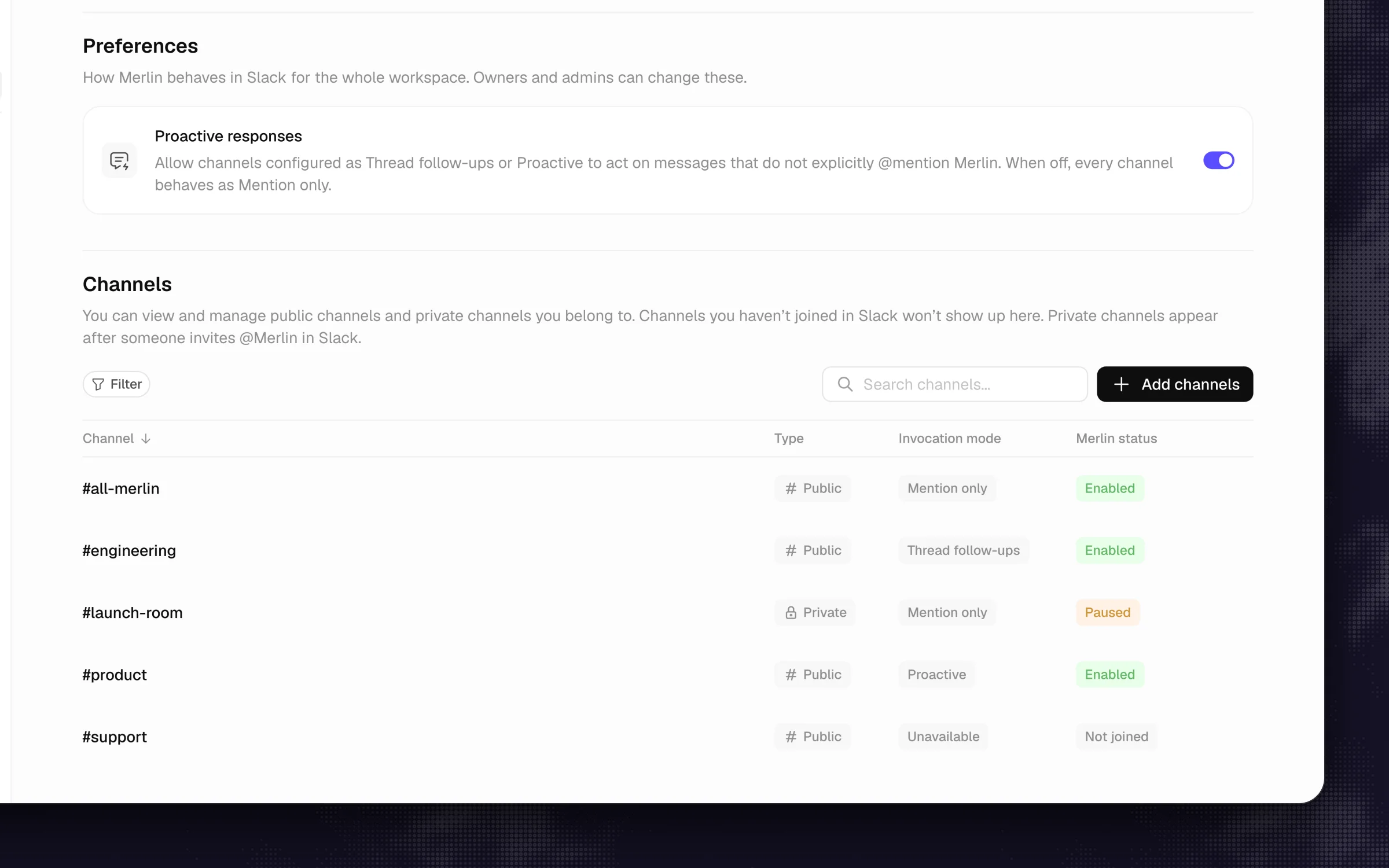 Each channel gets its own response mode, from Mention only to Proactive.
What stands out
- Each Slack channel gets its own response mode (Slack docs): Mention only, Thread follow-ups, or Proactive. Workspace shared skills, scheduled automations and per-channel memory come built in.
- Each machine owner chooses whether their runtime stays private or is shared with teammates (devices and runtimes).
- Merlin hosts no model. Model usage stays on each machine owner's own Claude or ChatGPT plan, billed directly by Anthropic or OpenAI.
Worth knowing
- Not for teams where nobody runs Claude Code or Codex on real tasks, or teams with no engineers.
- It doesn't support Microsoft Teams, a shared machine has to stay awake and online to pick up requests, and there is no free plan.
Pricing: Starter at $9 per workspace per month (up to 3 active users, 1,000 requests), Team at $59 (up to 50 active users, 5,000 requests), and Scale at $99 (up to 200 active users, unlimited requests), with a 14-day Team trial and no card required (pricing, seen on October 27, 2026).
2. Claude Tag
Best for teams on Claude Team or Enterprise.
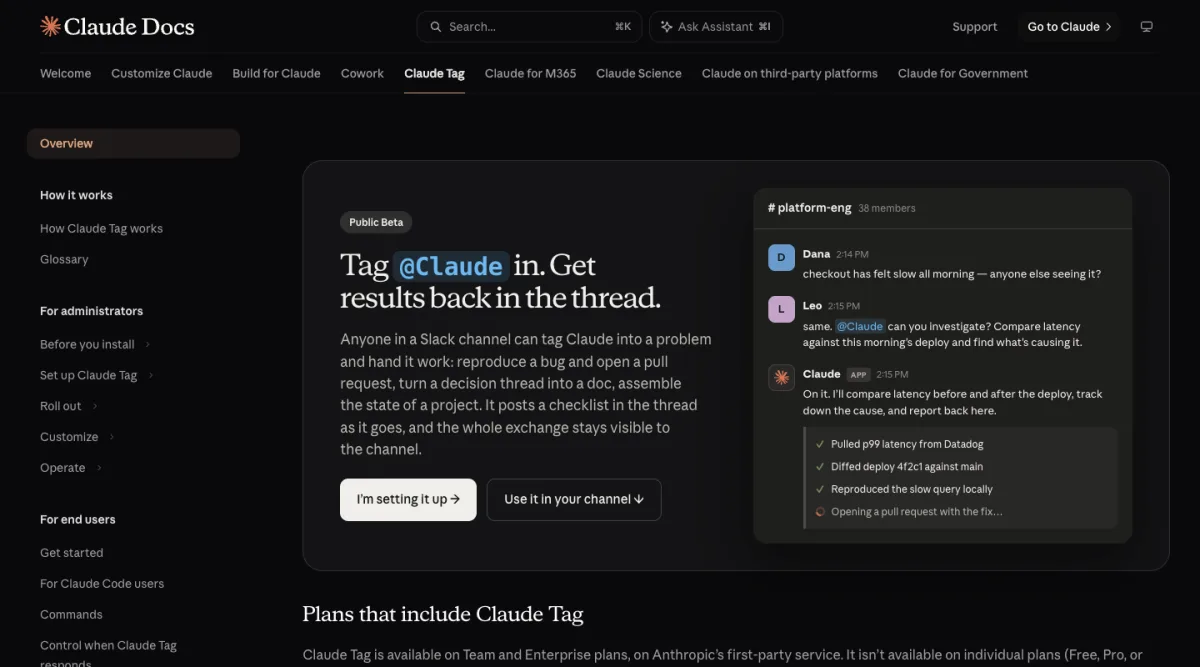 Claude Tag is Anthropic's own channel agent, still in public beta.
Launched in public beta on June 23, 2026, Claude Tag is Anthropic's own Slack teammate (docs). Since Slackbot is itself powered by Claude, Claude Tag gives you the same model family working as a shared channel teammate. Anyone in a channel can tag @Claude to reproduce a bug, open a draft pull request through the Claude GitHub App, write a doc or report project status, and it posts a live checklist in the thread as it works.
What stands out
- Works across channels, threads, group DMs and direct messages, with per-channel memory and proactive scheduled jobs, channel watching and triggers.
- Slack users don't need individual Claude seats to interact with it in channels (direct messages run on the sender's own Claude seat).
Worth knowing
- Still labeled Public Beta on October 27, 2026, restricted to Claude Team and Enterprise organizations, and limited to Claude models.
- Each session runs in an ephemeral cloud sandbox ("not on your computer") that gets discarded when the conversation goes idle.
Pricing: no per-seat charge for channel work, billed by usage to the organization's usage balance under an owner-set spend limit with no published per-task rate (overview, seen on October 27, 2026).
3. ChatGPT in Slack
Best for teams already paying for ChatGPT.
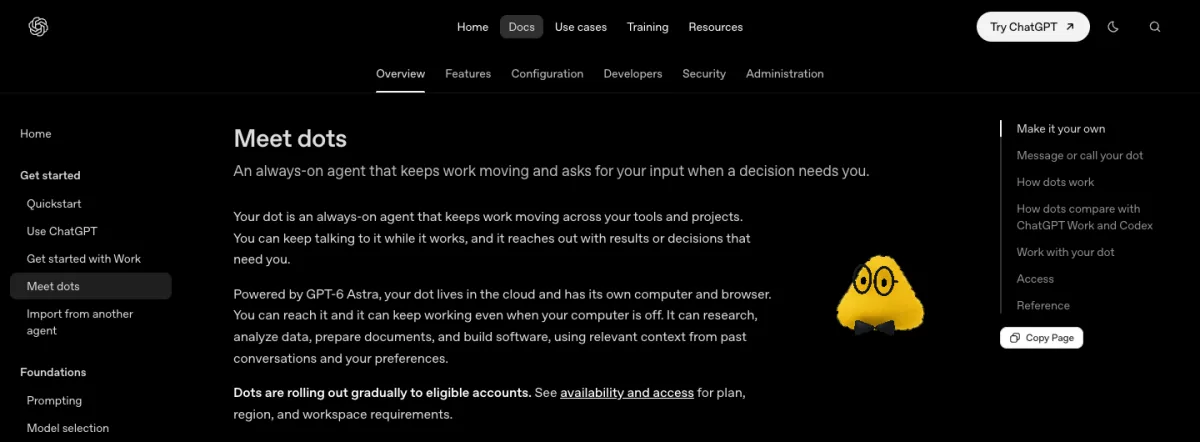 Dots is OpenAI's always-on agent, reachable from Slack on ChatGPT Pro.
OpenAI connects to Slack in two ways. The first is the ChatGPT Slack app, where teammates mention @ChatGPT (which replaced the old @Codex handle) in enabled public or private channels, kicking off Codex Cloud tasks for repository work and returning results to the thread. The second is Dots, announced September 29, 2026: an always-on agent running on GPT-6 Astra with its own cloud computer and browser that you can DM or mention in Slack, with memory that carries across ChatGPT, Slack, Teams and calls.
What stands out
- Coding requests hand off cleanly to Codex Cloud once an admin configures the deployment and shares a published environment.
- With Dots, you can choose which channels and events your dot watches.
Worth knowing
- Dots behaves like a personal assistant (similar to Slackbot) and responds to its owner by default. It is available on ChatGPT Pro outside the EEA, UK and Switzerland, and rolling out to Business Premium and Enterprise (where it is off by default).
- Runs in OpenAI's cloud only, requires admin setup, and doesn't work in Slack Connect channels.
Pricing: Plus ($20 a month) lists the Slack integration, Business is $20 per user per month billed annually ($25 monthly), Pro starts at $100, and Enterprise is sales-led (pricing, seen on October 27, 2026).
4. Glean
Best for answers across many company systems.
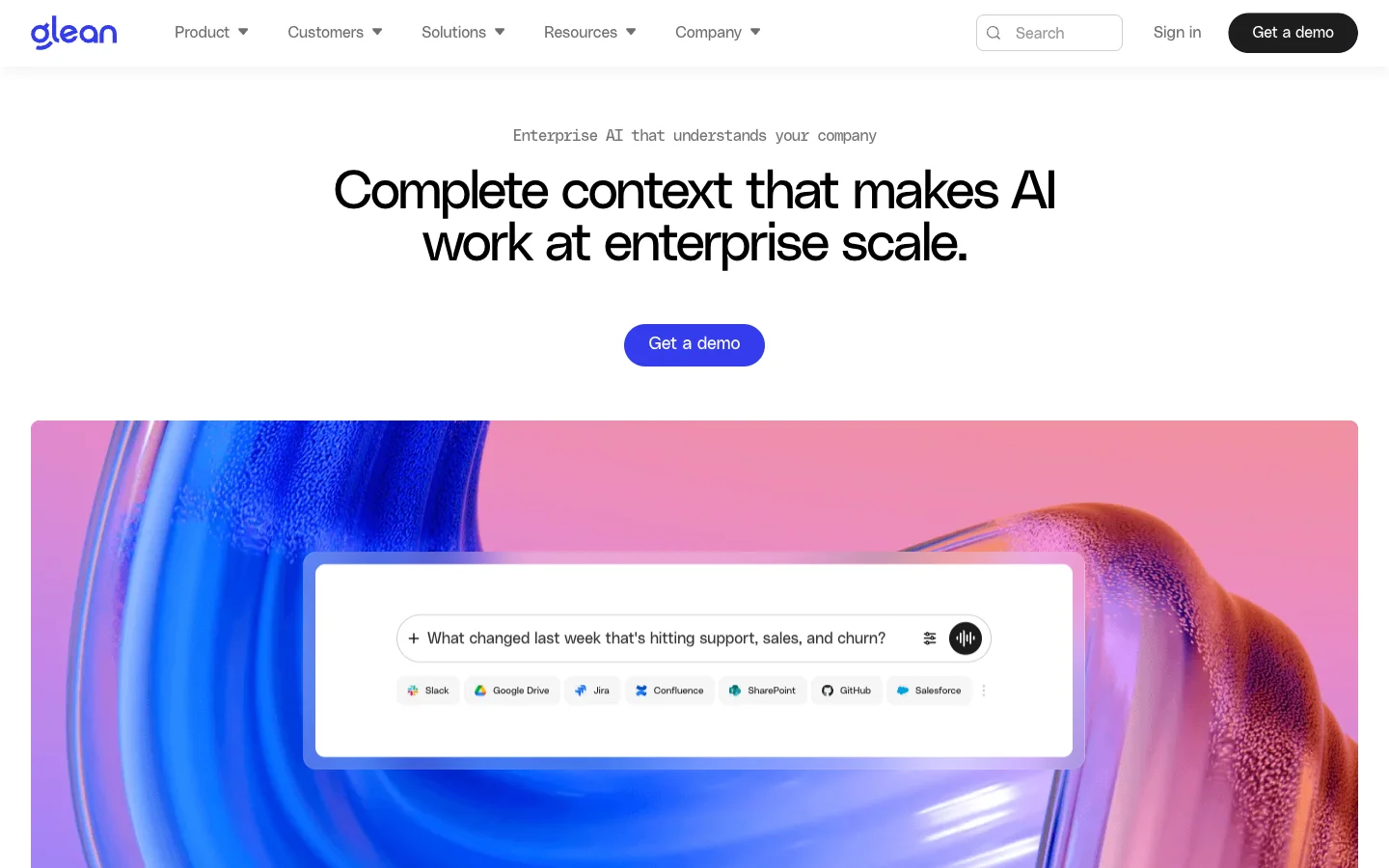 Glean answers from every connected system, Slack included.
Glean is the heavyweight of enterprise search across a company's connected apps. Inside Slack (Slack docs), it gives you /glean search across every source, AI answers in channels, a sidebar with the full Glean Assistant, a Daily Digest of channels and topics, and a Public mode so the whole channel can see the reply.
What stands out
- Code Writer turns a Slack thread, ticket or stack trace into a draft GitHub pull request on the user's behalf and posts the link back to the conversation.
- Flexible infrastructure: run it Glean Hosted or Customer Hosted in your own GCP or AWS tenant (deployment), with Claude, GPT and Gemini models available through Model Hub (or bring your own key).
Worth knowing
- Sales-led and priced for larger enterprises, with an admin-heavy rollout where IT controls which features are turned on.
Pricing: per-user seat fee with no public dollar price, plus Model Hub usage billed at provider API rates per million tokens (pricing, seen on October 27, 2026).
5. Dust
Best for building many governed agents for different teams.
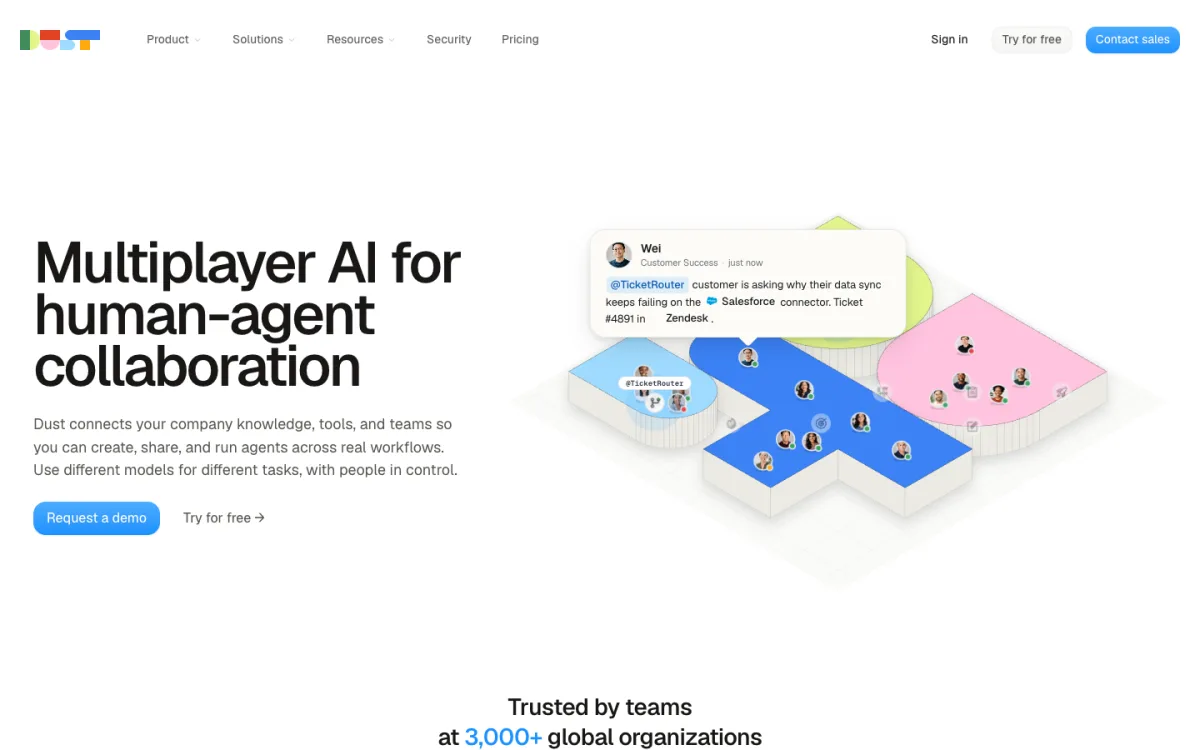 Dust is built around many named agents, each with its own data and tools.
Dust lets you build a roster of specialized company agents connected to internal data and tools, accessible from its web app and Slack. In Slack (Slack docs), teammates use @Dust in channels and threads, or @Dust +AgentName to summon a specific agent, and no mention is needed in DMs. Admins can also assign a default agent to a channel so it replies to every message automatically.
What stands out
- Built-in write tools for GitHub (creating pull requests and issues), Notion, Confluence, HubSpot and Salesforce, plus a Computer tool that executes code.
- Access to over 20 models from OpenAI, Anthropic, Google, Mistral and DeepSeek on every plan, hosted in Dust's cloud with US or EU data residency.
Worth knowing
- You can only call one agent per Slack message, monthly credits don't roll over, and per-seat pricing scales up quickly as you add headcount.
Pricing: Free tier with 500 lifetime credits, Pro at €24 per seat per month billed annually (€30 monthly) with 8,000 credits per seat, and Max at €120 (pricing, seen on October 27, 2026).
6. Gemini Enterprise
Best for teams that run on Google Workspace.
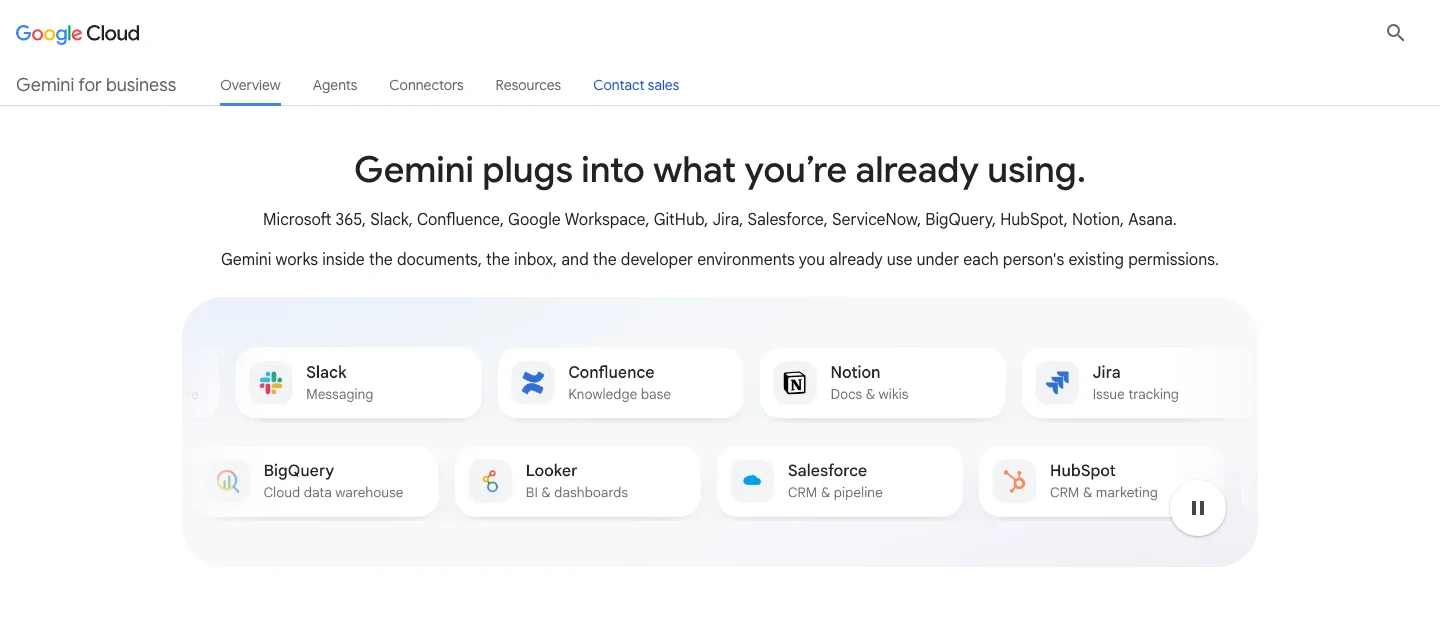 Slack is one of many connectors on Google's Gemini for business page.
Branded as "Gemini for business" on Google Cloud's storefront and Gemini Enterprise in the documentation, Google's offering connects Gemini models to your company's data stores. Its Slack app went generally available for DMs and slash commands on June 17, 2026, followed by channel @mentions and multi-turn DMs on September 10, 2026 (release notes). An admin installs the Slack app, and each user authorizes the connector.
What stands out
- Searches across all connected data stores, and pairs with Google's Workflow Builder (generally available September 3, 2026), which includes a Slack connector to search and take actions in Slack.
Worth knowing
- When you mention it in a channel, the reply arrives privately first so you can review it before sharing, which makes it feel more like a personal assistant than a live channel teammate.
- Runs on Gemini models in Google Cloud only, and doesn't ship code from Slack.
Pricing: billed per seat per month with a user license (FAQ, seen on October 27, 2026).
7. Notion Custom Agents
Best for teams whose knowledge already lives in Notion.
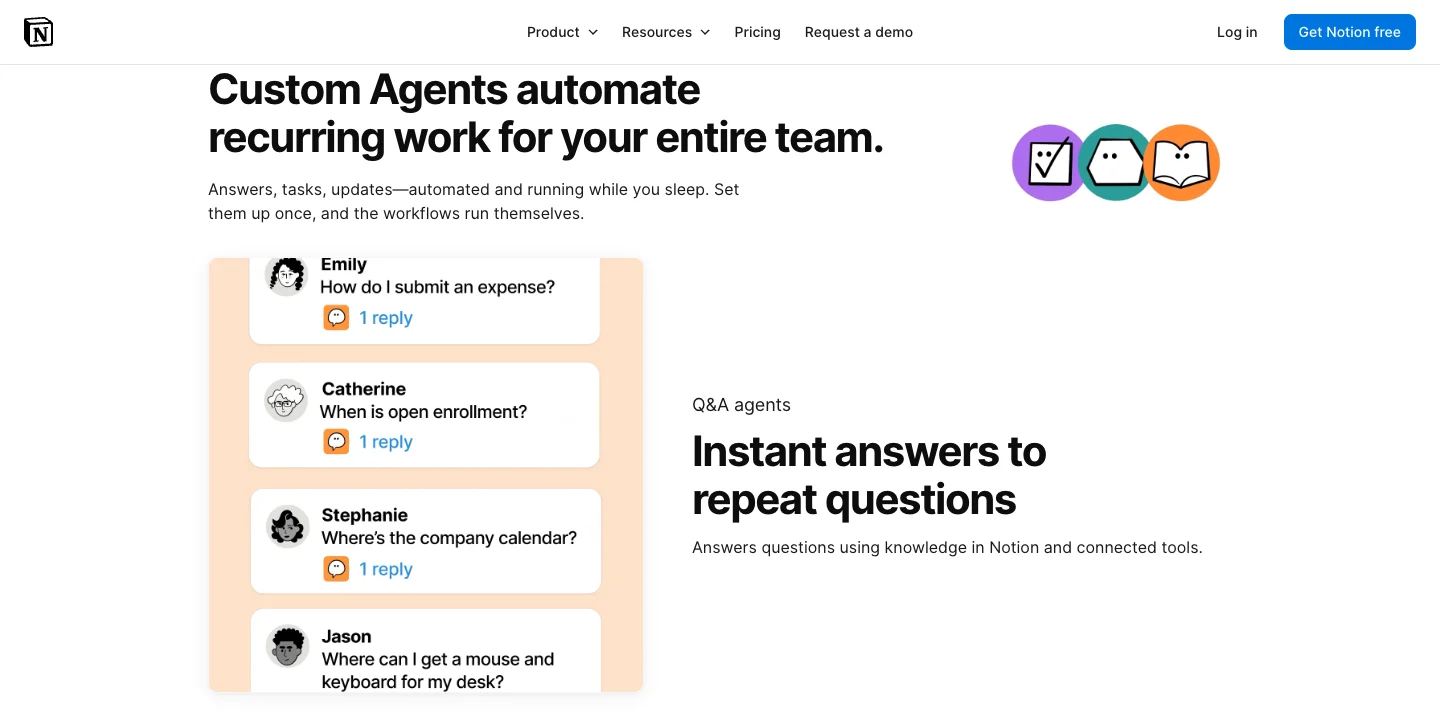 Notion's Q&A agents answer repeat questions from your Notion pages.
Notion splits its AI lineup between Notion Agent (a personal assistant) and Custom Agents (team agents that run on schedules or triggers, generally available since May 2026). In Slack, a Custom Agent can wake up on a new channel message, an emoji reaction or an @mention, filter by keywords or thread replies, and post answers from your Notion pages into the channels you choose (help center).
What stands out
- Model choice includes Claude, GPT, Gemini and Grok alongside an Auto router, with admin controls to restrict which models the workspace uses.
Worth knowing
- Setup requires a Slack admin connection, matching email addresses across Slack and Notion, and Slack permissions allowing members to create user groups if you want to
@mentionan agent by name. - Runs in Notion's cloud only, doesn't ship code, and requires a Notion Business plan or higher.
Pricing: requires Notion Business at $20 per seat per month, and Custom Agents are free to try and then cost $10 per 1,000 Notion credits a month (pricing, seen on October 27, 2026).
8. Viktor
Best for a cloud "AI employee" billed per workspace.
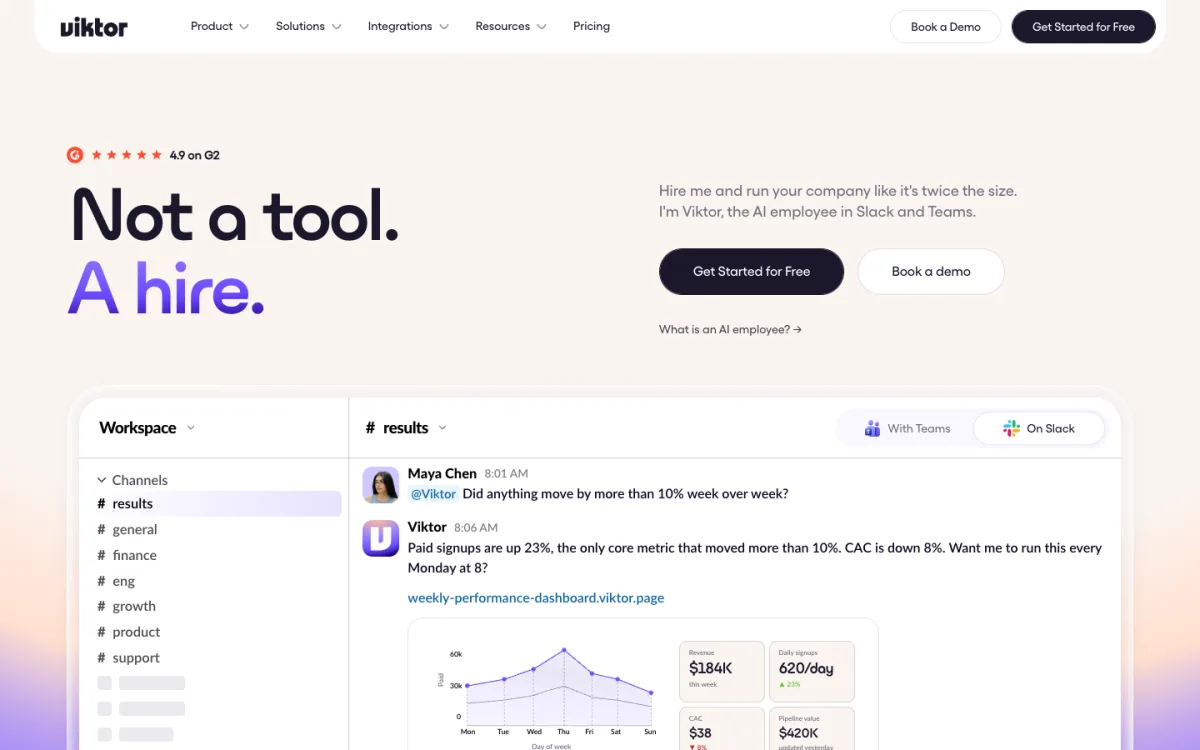 Viktor returns finished work from its own cloud.
Viktor pitches itself as an "AI employee" in Slack and Microsoft Teams that handles tasks end to end. You can @mention it in channels it has joined, message it in DMs, or set up recurring tasks and nudges. It connects to over 9,800 integrations, keeps shared team memory, clones repositories, writes fixes on branches, opens pull requests, and builds and hosts small web apps (if you are comparing cloud coworkers, see the full roundup of Viktor alternatives).
What stands out
- Workspace billing with no per-seat fees, and unused monthly credits roll over for one month.
- Runs in an isolated cloud environment per user in AWS us-east-1 by default, with EU data residency available on Enterprise (data architecture).
Worth knowing
- Credit usage is tough to forecast: credits work out to about $0.0025 each, with quick tasks taking 100 to 300 credits.
- Cloud-only with no self-hosting. It holds SOC 2 Type 1 certification, with Type 2 and ISO 27001 still in progress.
Pricing: up to $100 in free credits to start, then $50 a month for 20,000 credits or $100 for 40,000 credits, billed per workspace (pricing, seen on October 27, 2026).
9. Lindy
Best for ops and sales work across Slack, email and iMessage.
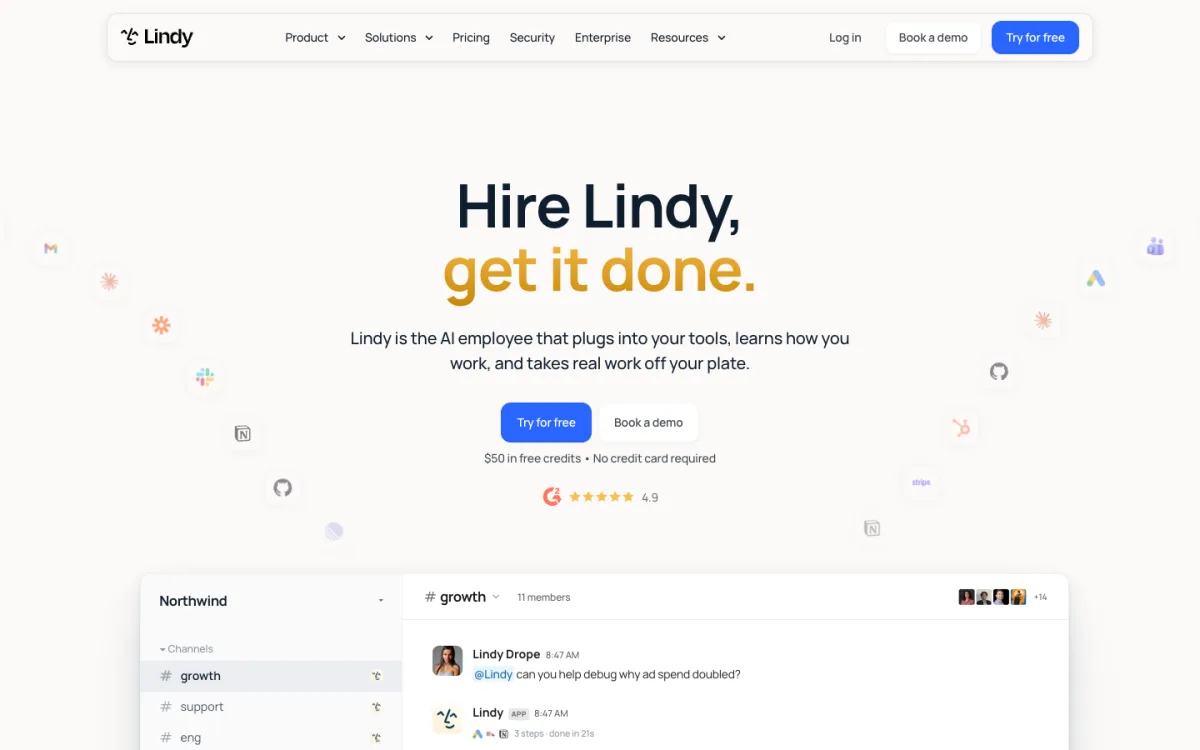 Lindy follows you from Slack to email, iMessage and calls.
Lindy is a Slack-native assistant built for operations and GTM workflows that also reaches into iMessage, email, a Chrome extension and phone calls. In Slack, it replies in threads when @mentioned in channels it has joined, answers private DMs, and runs scheduled routines like an 8:00 AM briefing.
What stands out
- Stores memory as plain files you can open and edit, supports shared skills, and connects to over 1,500 integrations plus any hosted MCP server, with computer use available on paid tiers.
Worth knowing
- Billed per active user: anyone who
@mentionsLindy in Slack claims a paid seat after a free first week. - Monthly credits don't roll over, and it isn't built to be a coding agent.
Pricing: free 7-day trial with $50 in credits, then Team plans from $29.99 per active user per month (including 3,000 credits each), with top-ups at $10 per 1,000 credits (pricing, seen on October 27, 2026).
10. Runbear
Best for named shared agents at a flat team price.
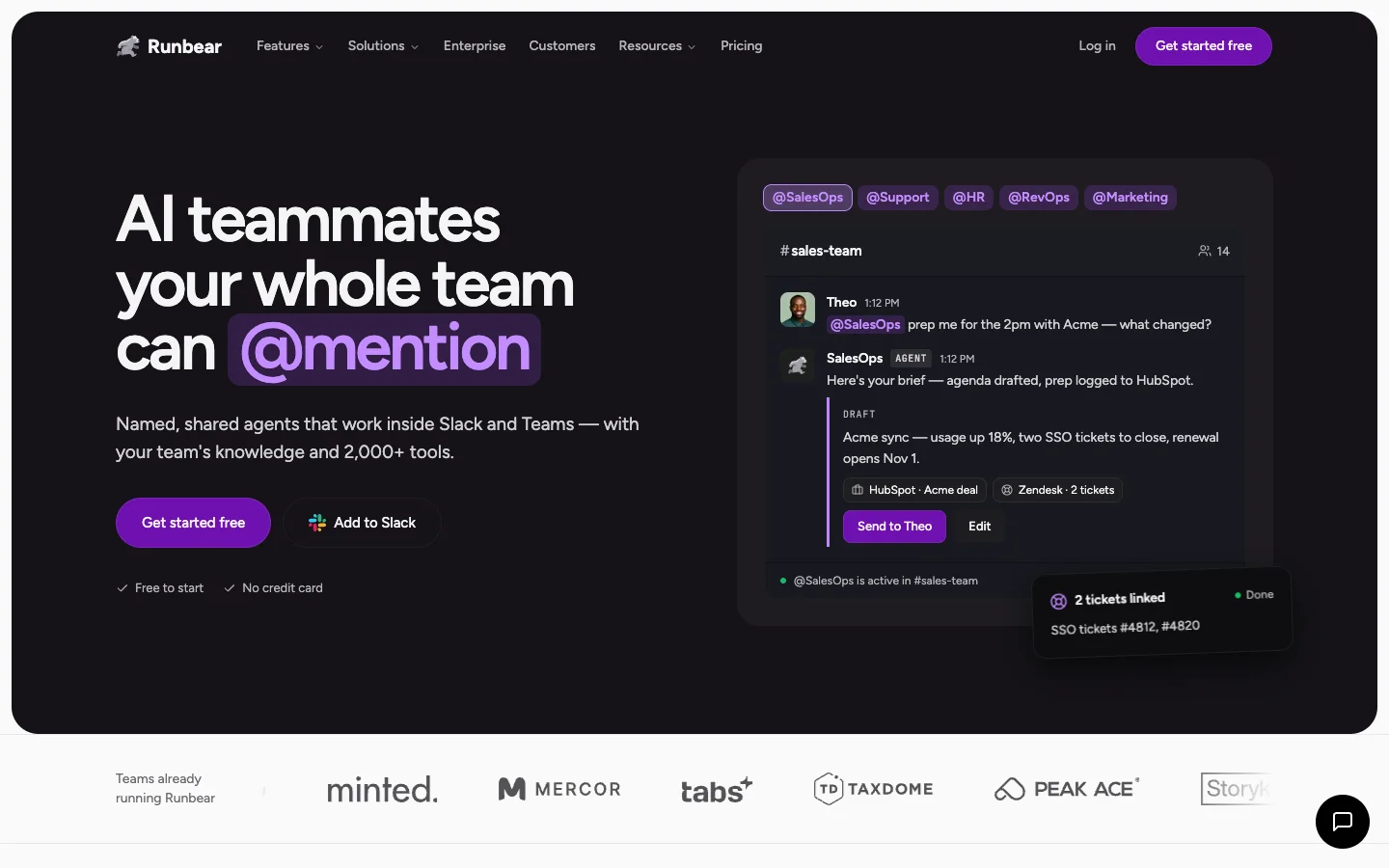 Runbear agents get their own names, like @SalesOps and @Support.
Runbear lets you deploy named, shared AI agents across Slack, Microsoft Teams and Discord, wired into team knowledge and over 2,000 tools. You can call them via the shared @Runbear bot or give each agent its own custom bot name. Every channel works as an independent connection with its own rules (Slack docs): reply in threads, answer every message, run on a schedule, wake up on keyword triggers, or reply privately.
What stands out
- Reads and updates HubSpot, Zendesk, Linear and Salesforce using per-user authentication.
- The default runtime is built on the Claude Agent SDK with your choice of Claude, GPT or Gemini models per agent, and you can bring your own API key on Business plans and above (runtimes).
Worth knowing
- Its GitHub and GitLab tools are still in beta, agents pause when workspace credits run out, and the Team plan caps you at 5 agent builders.
Pricing: Team at $99 a month (20,000 credits, up to 5 builders) and Business at $399 a month (100,000 credits), billed per workspace with a 20% discount on annual billing (pricing, seen on October 27, 2026).
How to choose a Slackbot alternative
A good starting point is to ask four questions in order:
- Do you need the agent to work for the whole channel, or for one person at a time? If personal help is all you need, Slackbot itself (or ChatGPT's Dots and Gemini Enterprise) will feel natural. If you want the whole team to watch and steer the work in a thread, look at Merlin, Claude Tag, Dust, Viktor or Runbear.
- Do you need it to ship code? If yes, your shortlist is Merlin, Claude Tag, ChatGPT (through Codex Cloud), Glean (via Code Writer) and Viktor.
- Where does your team's knowledge live? If it spans dozens of enterprise systems, look at Glean or Dust. If your company runs in Notion, pick Notion Custom Agents. If you live in Google Docs and BigQuery, check Gemini Enterprise.
- How should the bill grow? Per-seat plans (Slackbot, Dust, Lindy, Notion, ChatGPT Business) charge you as you hire. Workspace plans (Merlin, Viktor, Runbear) and usage balances (Claude Tag) let a 25-person team share the tool without multiplying the invoice by 25.
Five things most lists skip
- You can run Slackbot alongside another agent. You don't have to rip Slackbot out to add a teammate. Many teams let Slackbot handle personal search and thread recaps while a shared agent handles channel work, code or external systems.
- Check the Pro-to-Business+ upgrade math. If Slackbot was the main reason you moved to Business+, compare that $7.75-per-seat monthly jump against keeping Slack Pro and adding a workspace-priced agent. Just be sure to check what other Business+ features you rely on, such as SAML single sign-on, before downgrading.
- Non-Marketplace apps face strict Slack API rate limits. Since May 29, 2025, commercially distributed apps outside the official Slack Marketplace can call
conversations.historyandconversations.repliesonly once per minute, pulling at most 15 messages per call. Marketplace apps and internal custom apps are exempt, so check how any vendor distributes its app before expecting it to read long threads. - Slack Code complements Slackbot. Available on any Slack plan, Slack Code lets you tag partner coding agents like Claude, Devin, GitHub Copilot, ChatGPT and Vercel inside a code channel. You still pay each partner separately, so think of them as add-ons to Slackbot.
- Check guest access and MCP admin controls. Slackbot blocks guest accounts completely, and Slack locks per-server MCP admin controls behind Enterprise Grid and Enterprise+. If you work with contractors in shared channels or want tight tool permissions on a mid-tier plan, verify how your alternative handles both.
FAQ
No. In June 2025, Slack stopped selling the standalone Slack AI add-on and folded its AI features directly into its paid plans (announcement). Today those capabilities live inside the relaunched Slackbot, included with Business+ and Enterprise+.
Slackbot is included on Business+ at $15 per user per month billed annually ($18 monthly), with a limit of 15 Slackbot messages per member per week (limits). Enterprise+ removes the weekly cap and requires contacting sales, while Free and Pro workspaces get a limited trial that does not reset.
Not by itself. For coding tasks, Slack uses Slack Code to hand the request off to partner agents (such as Claude, Devin, GitHub Copilot or ChatGPT) that require your own accounts with those vendors, or you can install a third-party coding agent like Merlin, Claude Tag or Viktor.
Slack states that Slackbot is powered by Claude. According to Slack's security documentation, customer data stays on Slack-controlled infrastructure and is never used to train third-party large language models (a rule Slack also enforces on third-party developers in its API terms).
Yes. Because Slackbot is already built into the workspace, many teams keep it around for personal search and thread summaries while adding a shared agent like Merlin, Dust or Runbear to work inside team channels.
Look at tools that charge per workspace instead of per seat. Merlin's Starter plan is $9 a month for up to 3 active users (model usage stays on each machine owner's own Claude or ChatGPT plan), Viktor starts at $50 a month for the whole workspace, and Runbear starts at $99 a month, compared with paying $15 per user every month on Slack Business+.
If your engineers already live in Claude Code or Codex, start with Merlin. If you want Anthropic's cloud sandbox, try Claude Tag. If your problem is finding answers across fifty company tools, talk to Glean or Dust, and if you just want a flat workspace bill for ops tasks, give Viktor or Runbear a spin.
Try Merlin for free
Hand work to Claude Code and Codex from Slack, Linear and GitHub. Free for 14 days, no API keys, no card required.
Get started for free