

Best Dust Alternatives for Slack-First Teams
 Dott
Dott
Your team lives in Slack. You installed Dust because you wanted specialized agents grounded in your company data, and the agents themselves are genuinely good. Then day-to-day reality set in: the agents live in Dust's web app, and Slack is just a front door.
Whenever someone wants to build or tweak an agent, they have to leave Slack for Dust's web builder. In a channel, you can call only one agent per message with @Dust +AgentName, and the bot sees only the thread it's mentioned in unless you set up a separate data sync. Scheduled runs land in the Dust web app by default, agent memory stays private to each individual user, and you pay per seat for everyone who wants in.
For a Slack-first company, the deciding question is where the agent actually lives: inside the Slack thread, where you can teach it, steer it and get scheduled work back, or in a web app that Slack points at. Two things sort the alternatives: where you build and teach the agent, and what it sees once you @mention it.
If you're just here for a quick recommendation, here's the summary.
The short answer
- Your engineers already run Claude Code or Codex: Merlin. It turns the setup on your team's machines into a teammate in Slack threads, Linear and GitHub, with channel memory and scheduled automations.
- You're on Claude Team or Enterprise and want Anthropic's own Slack agent: Claude Tag.
- You want non-technical teammates to build named agents by chatting in Slack: Runbear.
- You like Dust's web builder, but want unlimited seats and your own API keys: Gumloop.
- You want one AI employee that delivers finished work for a flat workspace price: Viktor.
- Your ops and GTM teams want one shared assistant with routines: Lindy.
- You need European hosting with model usage included in the seat price: Langdock.
- You're a larger company that needs permission-aware search across every system: Glean.
- Your company is already standardized on ChatGPT: ChatGPT Business.
- You want zero new vendors and AI that comes with Slack: Slackbot.
The 10 Dust alternatives at a glance
"Built and taught in" is the column I'd read first, because it tells you whether your team shapes the agent inside Slack or in another browser tab.
| Alternative | Best for | Built and taught in | What it sees in Slack | Ships code? | 10 people a month |
|---|---|---|---|---|---|
| Dust (for reference) | A fleet of governed custom agents | Dust's web builder | The thread it's mentioned in | No | $240 (Pro, yearly) |
| Merlin | Teams already on Claude Code or Codex | Slack threads, plus the web app for admin | The thread, with channel memory | Yes | $59 per workspace, plus your own Claude or ChatGPT plans |
| Claude Tag | Claude Team and Enterprise shops | Slack, plus admin settings | The thread and channel history | Yes, draft PRs | 2 Team seats ($40) plus usage |
| Runbear | Named agents without code | A Slack chat | The thread, or every message by keyword | No | $99 (5 builders) |
| Gumloop | Dust's builder with unlimited seats | Gumloop's web builder | The thread, public and private channels | Not its focus | From $37 plus usage |
| Viktor | Finished deliverables, flat price | Chat | Channels it's invited to | Yes | $100 for any headcount |
| Lindy | Ops and GTM routines | Chat, plus "Watch and Learn" | The thread, follow-ups without a re-mention | Not its focus | From $299.90 |
| Langdock | EU hosting, models in the seat | Langdock's web app | Only the thread it's tagged in | No | €250 (monthly) |
| Glean | Permission-aware enterprise search | Glean's web Agent Builder | Mentions, plus auto-answers if enabled | Yes, draft PRs | No public price |
| ChatGPT Business | Teams already on ChatGPT | ChatGPT | Mentions in enabled channels | Via Codex Cloud | $200 (yearly) plus credits |
| Slackbot | No new vendor | Skills in Slack | What you can already see | No, partner agents via Slack Code | $150 (Business+, yearly) |
These are the list prices I saw on October 31, 2026.
How Dust works in Slack
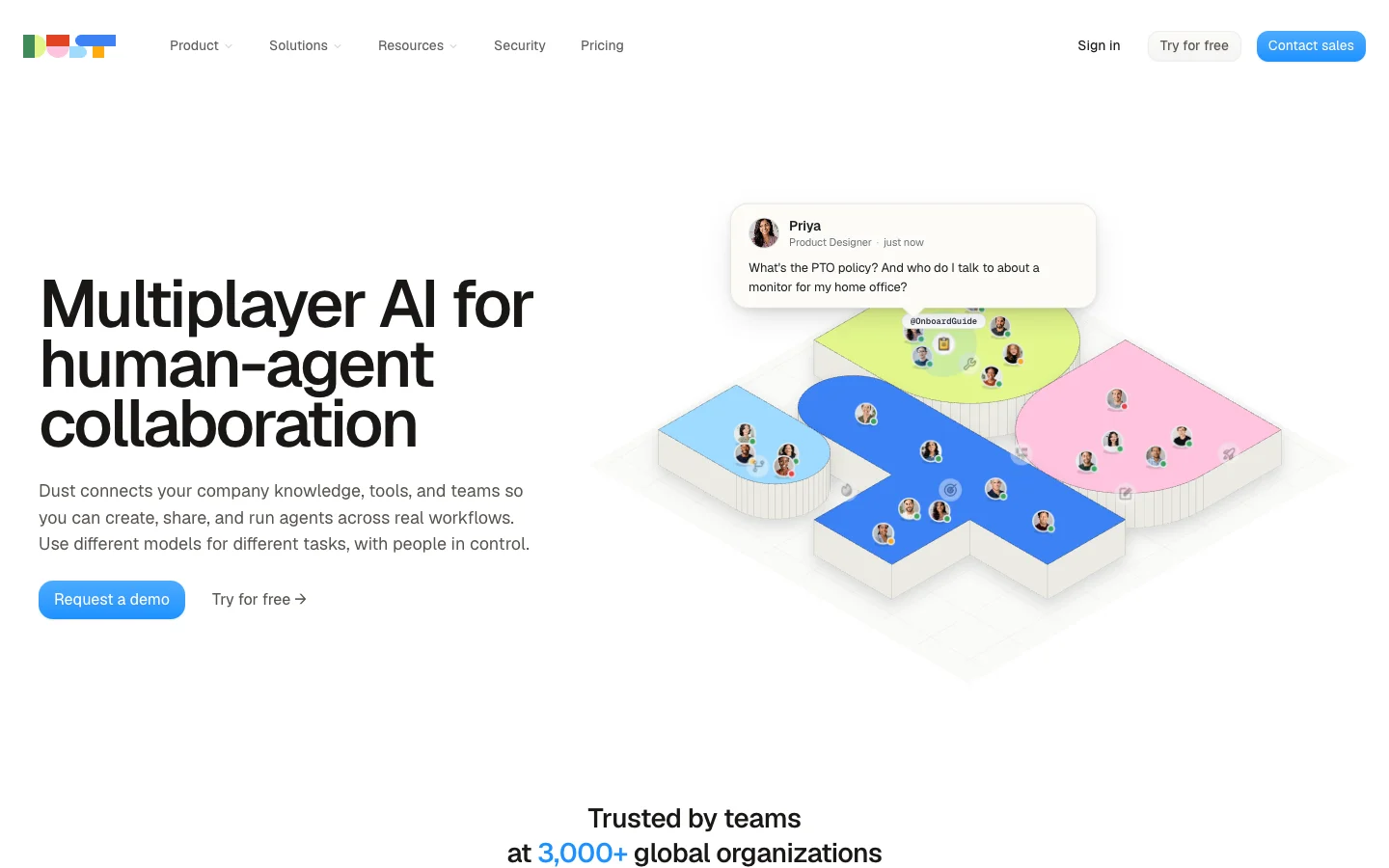 Dust is built around many specialized agents, each designed in its web app and called by name.
Dust does a lot of things right. It gives you a choice of 20+ models across Claude, GPT, Gemini and Mistral, supports Microsoft Teams alongside Slack, holds SOC 2 Type II certification, and lets you choose US or EU hosting with an EU-only model mode. It announced a $40M Series B in May 2026 and claims over 3,000 organizations on the platform.
When your team's daily work happens in Slack channels, though, Dust's architecture shows where its home really is. Per Dust's Slack docs and troubleshooting guide, seven behaviors shape the daily experience:
- One agent per message, called by syntax. You summon a specific agent by typing
@Dust +AgentName. You can call only one agent per message, even though Dust's Microsoft Teams integration supports multiple agents in the same thread. - The bot only sees the thread. By default, the
@Dustbot receives only the thread it's mentioned in, leaving the rest of the channel history invisible unless you configure the separate Slack data sync connection or Slack tools. - Three Slack apps to wire up. Full Slack setup involves three distinct apps: Dust Data Sync (for indexing, created from a manifest), the
@Dustbot, and Slack Tools (to post and search as the user), requiring both a Slack Owner or Admin and a Dust admin. - Private channel limits. You cannot set a default agent for private channels in Dust, and only one Slack workspace per Dust workspace can have the
@Dustbot active. - All-or-nothing auto-reply. Auto-reply (added in August 2026) is admin-only per channel and answers every message without a mention. An empty reply counts as a failure and is retried, so the agent cannot selectively stay silent.
- Scheduled runs land in the web app. Scheduled and webhook trigger runs land in the user's Dust conversation history or a Pod unless you wire up a Slack tool, and webhook triggers default to 42 runs per 24 hours.
- Private memory and read-only GitHub. Agent memory is private to each individual user, and Dust's GitHub connection syncs issues, pull requests and code read-only.
When looking at alternatives, five criteria sort the field:
- Where you build and teach it: a web builder or the Slack conversation itself.
- What it sees: the single thread, the whole channel, or synced history.
- Where scheduled work lands: back in the Slack channel or in a separate web app.
- Who pays: per seat, per workspace, usage credits, or your existing model plans.
- What it can finish: answers, actions in connected tools, or shipped code.
The 10 best Dust alternatives in 2026
1. Merlin
Best for teams whose engineers already run Claude Code or Codex and want that agent working in Slack threads, Linear and GitHub.
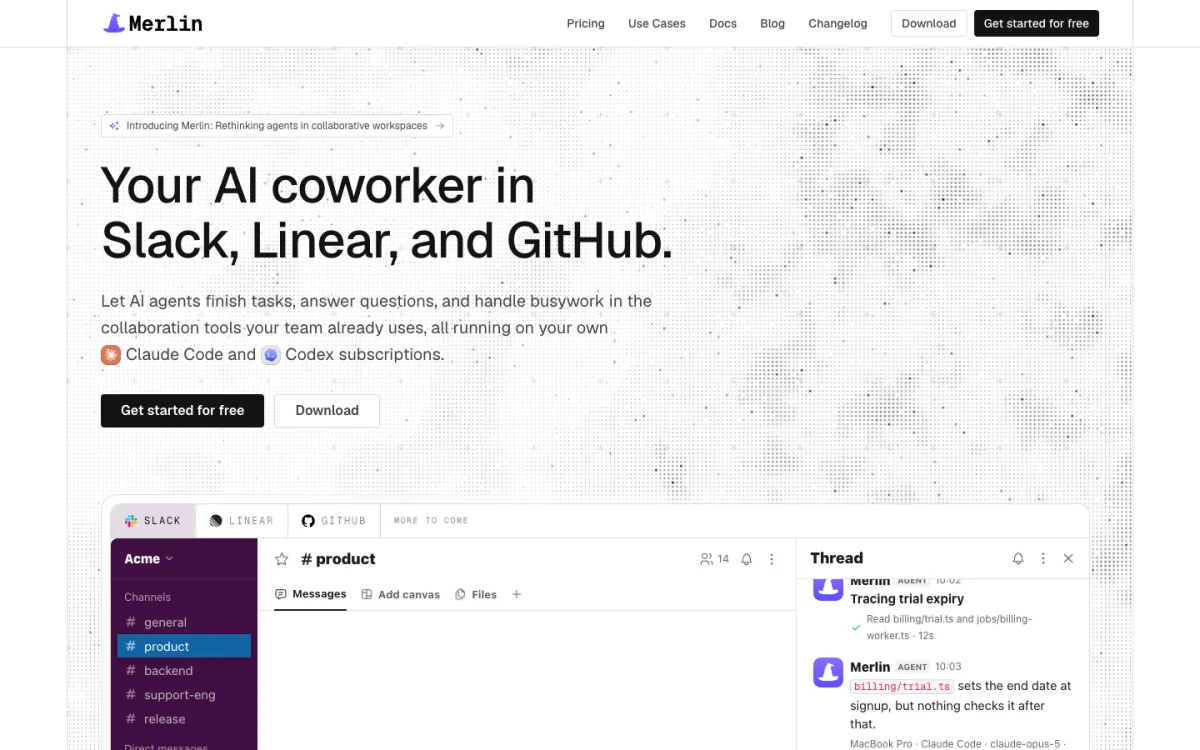 Merlin brings the Claude Code and Codex your engineers already run into Slack threads, Linear and GitHub.
If you have engineers on the team, they probably already have Claude Code or Codex set up on their machines with repositories cloned, credentials working and MCP servers connected. Merlin turns that local setup into an AI coworker the whole company can reach. Anyone can @mention Merlin in a Slack thread, delegate a Linear issue, or tag it on a GitHub pull request. The work runs on a teammate's machine through their existing Claude or ChatGPT subscription, and progress streams back into the Slack thread where anyone can reply to steer the task mid-run. Where Dust keeps agent configuration, scheduled runs and memory inside its web app, Merlin lets teammates teach the agent and schedule work in plain English right inside the channel.
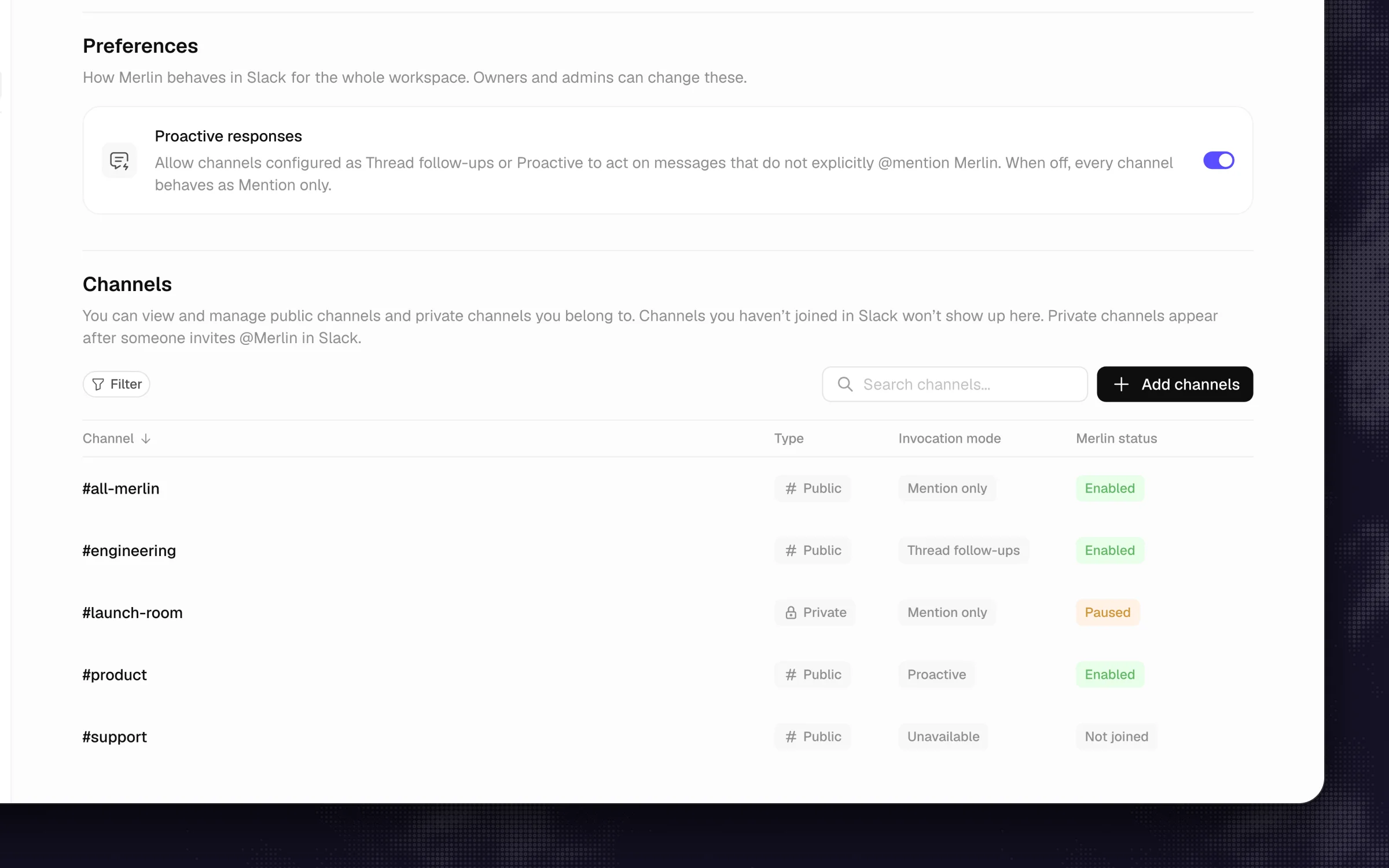 Each channel gets its own response mode, from Mention only to Proactive.
What stands out
- Taught in Slack, shared with the channel: Team memory is scoped to the Slack channel where a fact was learned. Tell Merlin "Remember that we ship on Thursdays" in a channel, and that context helps the next person who asks there. You can also set up automations by asking in Slack, such as "every weekday at 9, summarize yesterday's Linear progress here", and the run posts straight back to that channel.
- Three response modes per channel: Each public or private channel (invited with
/invite @Merlin) can be set to Mention only, Thread follow-ups, or Proactive, where Merlin may also consider unmentioned top-level messages in the channel. - Ships real code: Because it drives Claude Code and Codex in a working environment, Merlin goes beyond read-only search to trace bugs, run tests and open pull requests.
Worth knowing
- Not for you yet if nobody on the team runs Claude Code or Codex (prerequisites), or if your company has no engineers.
- A teammate's machine running the macOS or Windows desktop app or Linux CLI daemon has to stay awake and online to pick up work, and Merlin does not support Microsoft Teams.
Pricing: billed per workspace for active users: Starter is $19 per month (up to 5 active users, 1,000 requests), Team is $59 per month (up to 50 active users, 5,000 requests), and Scale is $99 per month (up to 200 active users, unlimited requests), with a 14-day free Team trial and no credit card required (pricing). Model usage stays on your existing Claude or ChatGPT plans.
2. Claude Tag
Best for teams on Claude Team or Enterprise who want Anthropic's own agent in their channels.
 Claude Tag reads the thread and the channel's history, and channel users need no Claude seat.
Claude Tag is Anthropic's official Slack teammate for Claude Team and Enterprise customers, launched in public beta in June 2026. When you mention @Claude in a channel, each thread becomes its own session where anyone in the channel can reply to steer the work. Unlike Dust's bot, which only sees the thread it's tagged in, Claude Tag reads both its thread and the channel's history, including pinned items (how it works).
What stands out
- No seat needed for Slack users: Adding Claude to Slack adds no per-seat charge, and teammates talking to it in channels don't each need a Claude seat.
- Channel memory and routines: Private channels get their own isolated memory, and you can set up routines on a schedule, a channel watch, or a repository event.
- Ships draft pull requests: It runs code in an ephemeral cloud sandbox and opens draft PRs under the Claude GitHub App.
Worth knowing
- It is still in public beta, works only in Slack with Claude models, and is not available on individual plans.
- Because every session runs in a fresh cloud sandbox, it starts without the local tools and credentials your engineers keep on their own machines.
Pricing: requires a Claude Team or Enterprise plan (Team starts at $20 per seat per month billed annually, minimum 2 seats, or $25 monthly). Channel work draws from an organization usage balance under an Owner spend limit, with no per-task rate published.
3. Runbear
Best for non-technical teams that want named agents built by chatting in Slack, priced by usage.
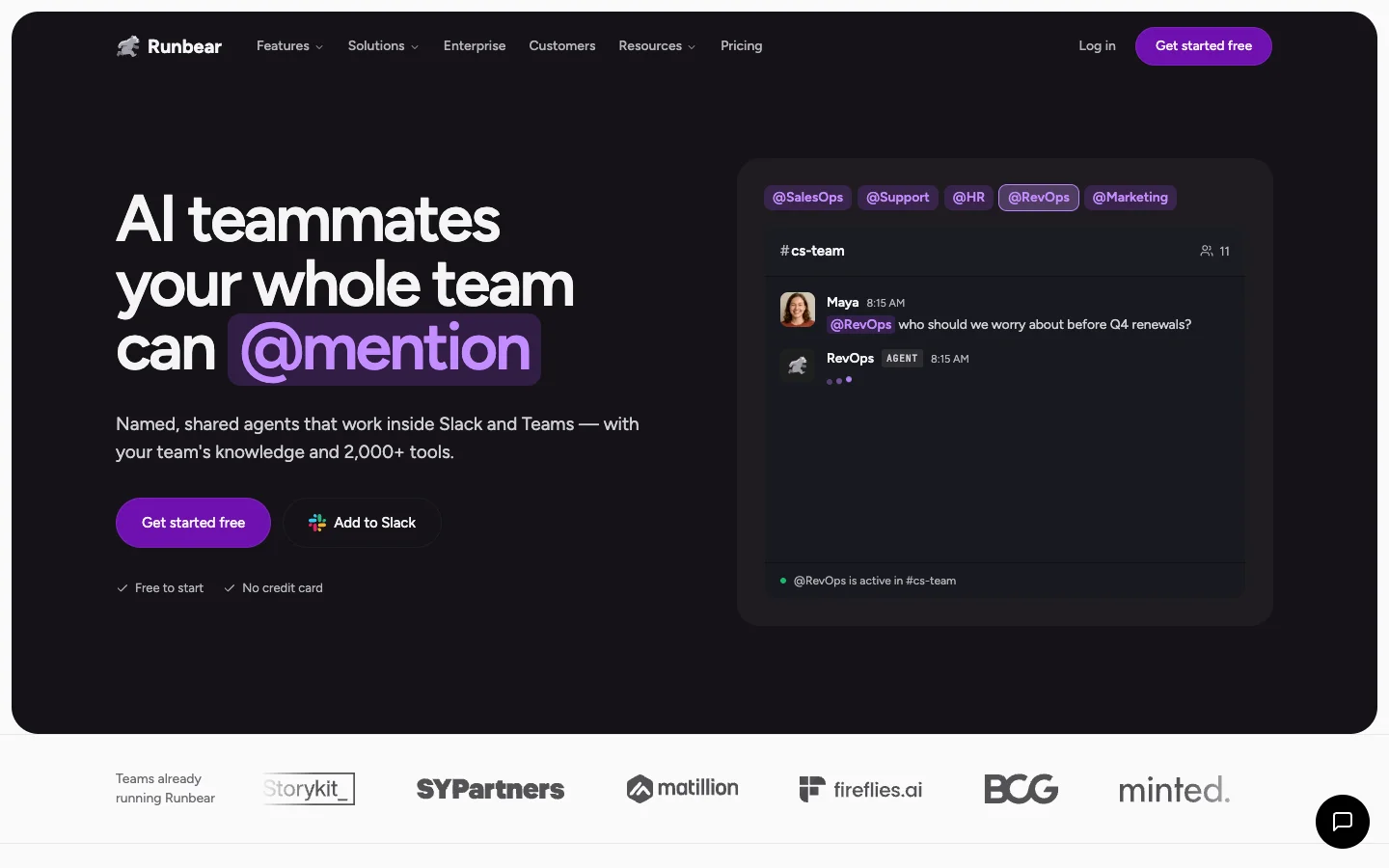 Runbear's named agents (@SalesOps, @Support, @HR) are built by describing the job in a Slack chat.
If the main thing you liked about Dust was having named specialists like @SalesOps, @Support or @HR, Runbear gives you that pattern without the web builder or the per-seat bill. You create shared agents in Slack or Microsoft Teams simply by describing the job in a Slack chat, and connect them to over 2,000 tools.
What stands out
- Built by chatting: Non-technical ops and support leads can spin up and refine agents inside Slack without learning a workflow canvas.
- Flexible channel triggers: Agents reply in threads when mentioned, or can watch a channel and reply to specific keywords or every new message.
- Writes back to business tools: It updates records in Linear, Zendesk, HubSpot and Salesforce.
Worth knowing
- Runbear is built for operations, support and GTM work, and it is not a coding agent.
- Deep multi-step tasks consume 300 to 1,500 credits per run (compared to about 5 credits for a quick answer), so heavy automation will move you up a tier.
Pricing: billed by usage, not per seat. Team is $99 per month (20,000 credits, 5 builders) and Business is $399 per month (100,000 credits, 10 builders, bring your own API key) on Runbear's pricing page.
4. Gumloop
Best for teams that like Dust's builder but want unlimited seats and their own model keys.
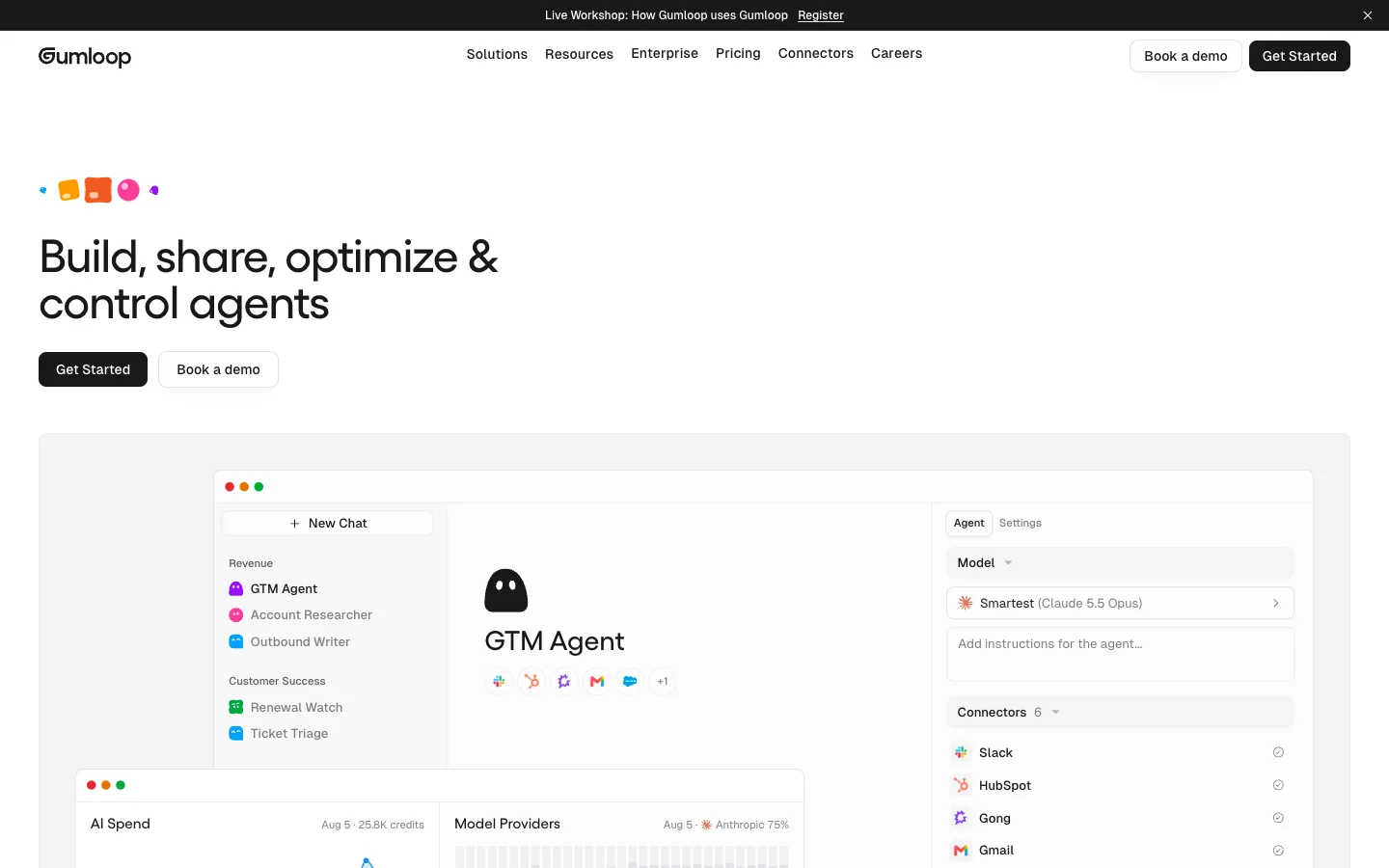 Gumloop is the closest match to Dust's model: agents built in a web app, then added to Slack.
Gumloop is the closest architectural match to Dust on this list: a multiplayer AI agent builder where you design agents in a web app and then expose them to Slack. The big departure from Dust is how you pay and how permissions work in channels.
What stands out
- Unlimited seats: A 30-person team doesn't multiply the base subscription thirty times just so everyone can talk to an agent in Slack.
- Thoughtful Slack channel controls: Custom agents work in both public and private channels, with a Thread Replies setting per agent (Auto, Only on mentions, or On all messages), and actions run using the caller's connected accounts by default.
- Bring your own keys: You can plug in your own model API keys and pay an 8% orchestration fee on top.
Worth knowing
- Like Dust, building and maintaining agents still happens in Gumloop's web app, and shipping code is not its focus.
Pricing: Pro starts at $37 per month with unlimited seats, 20,000 credits and a 14-day free trial (Gumloop pricing).
5. Viktor
Best for teams that want finished deliverables from one AI employee at a flat price for any headcount.
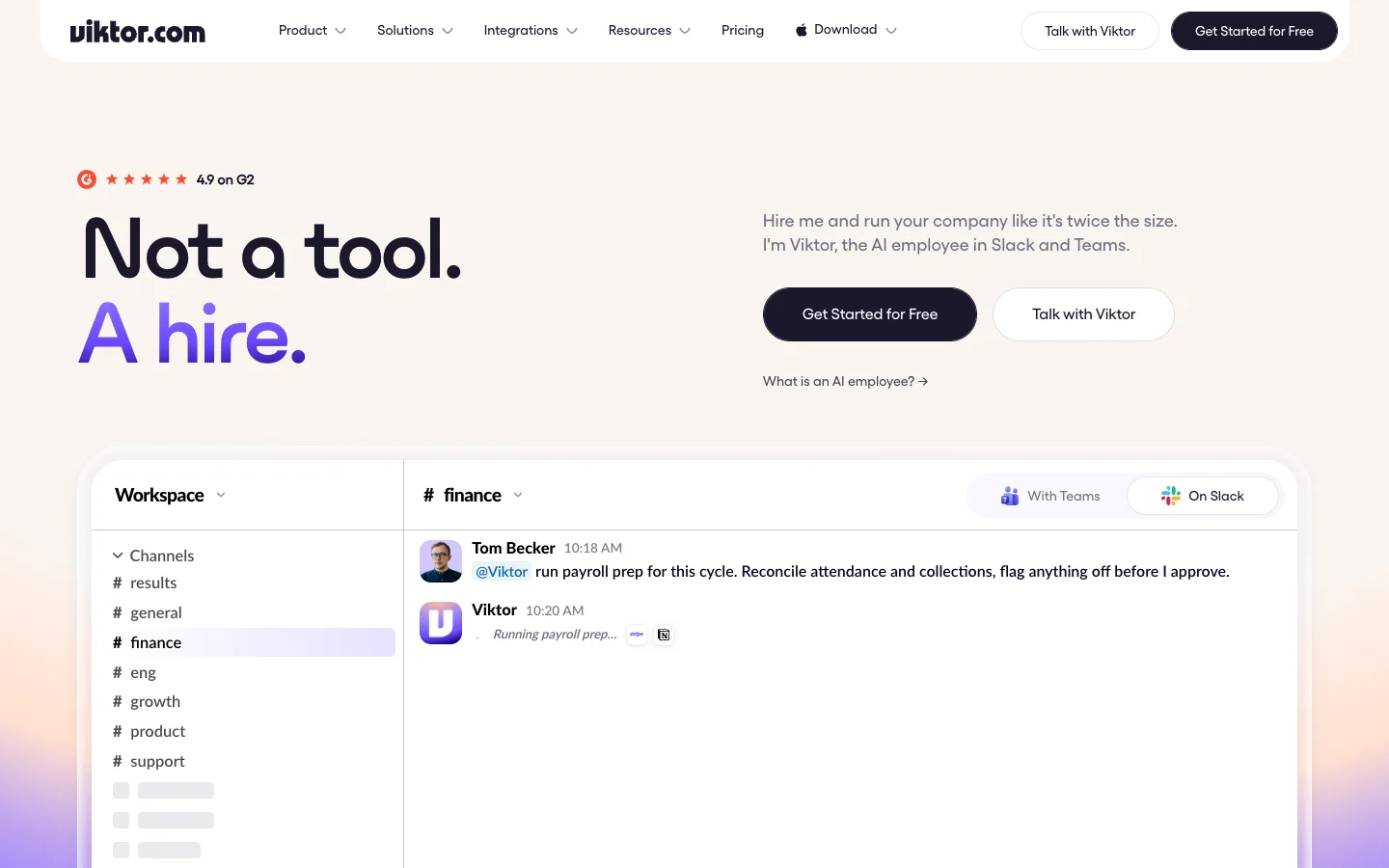 Viktor works like one AI employee in Slack or Teams, paid for from one credit pool.
Viktor pitches a single AI employee in Slack and Microsoft Teams instead of a fleet of narrow bots. Backed by a $75M Series A led by Accel in May 2026, Viktor connects to 9,800+ integrations, only sees the channels and chats it's invited to, and focuses on handing back finished work: spreadsheets, payroll prep, dashboards, or code fixes.
What stands out
- One flat workspace pool: Everyone in your Slack can talk to
@Viktorwithout counting seats. - High-agency output: It writes code fixes, opens pull requests, runs recurring tasks, and asks for approval in the thread before taking high-stakes actions.
- Unused credits roll over: Credits roll over for one month, which softens the bumps of usage billing.
Worth knowing
- Quick tasks take 100 to 300 credits while full projects take 2,000 to 5,000, so 8 to 20 big projects can burn through the base monthly pool.
Pricing: free start with up to $100 in credits, then Team at $100 per month for 40,000 shared credits across any headcount (Viktor pricing).
6. Lindy
Best for ops and go-to-market teams that want one shared assistant with routines.
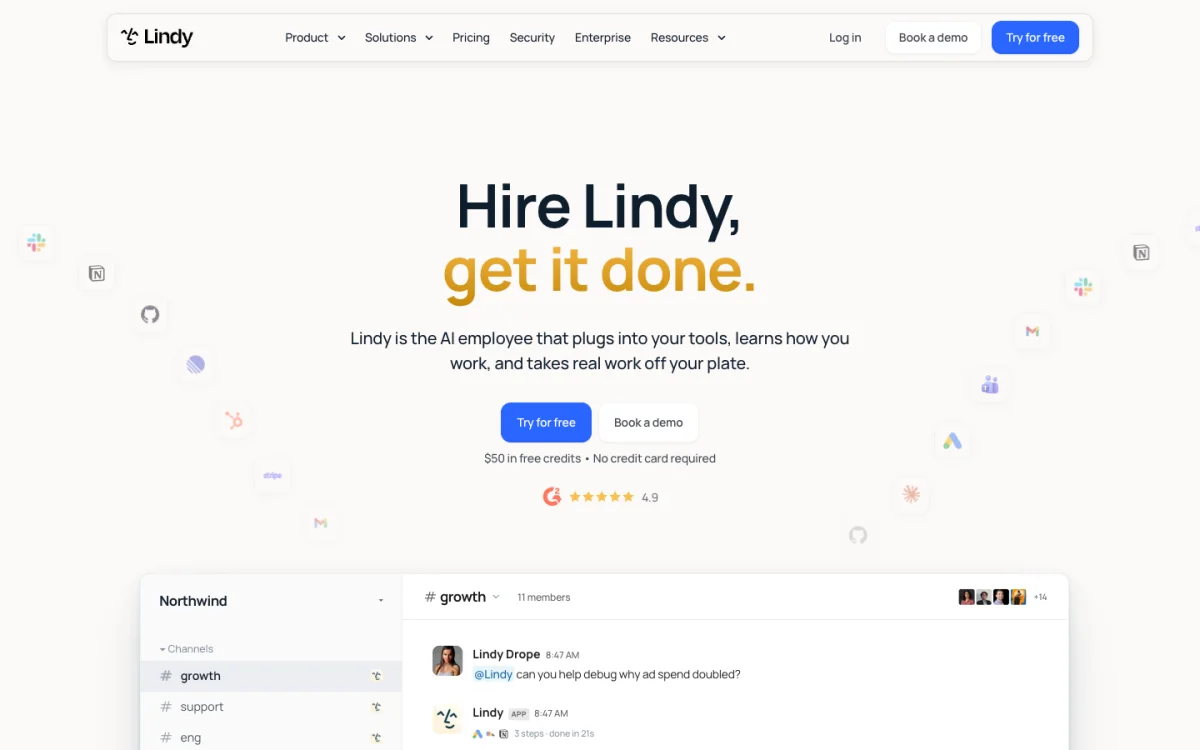 Lindy is one shared assistant for the whole team, billed per active user.
Lindy gives your team one shared assistant that lives in Slack and runs scheduled routines. When you @mention Lindy in a channel or thread, it replies in that thread and keeps following the conversation without needing a re-mention on every reply. You can also teach it tasks with "Watch and Learn" by showing it a workflow once.
What stands out
- Natural thread follow-ups: Once brought into a thread, it stays in the conversation like a human coworker and asks approval before irreversible actions.
- Strong GTM and ops routines: Built for recurring sales, recruiting and marketing operations.
Worth knowing
- Per Lindy's setup docs, its toolset in shared Slack channels is intentionally narrow (web search, image generation, public Slack search and Notion). You have to DM Lindy to use its full toolset, and it requires a paid Slack plan.
- Watch the seat math: Lindy's pricing docs note that "anyone who uses Lindy takes a seat," which includes teammates mentioning it in Slack.
Pricing: free start with $50 in credits, then Team from $29.99 per active user per month for 3,000 credits (Lindy pricing).
7. Langdock
Best for European companies that want Dust's model-agnostic setup hosted in Europe, with model use included in the seat.
 Langdock is the closest European counterpart to Dust, with model use included in the seat.
Many European teams look at Dust for its EU hosting and multi-model governance. Langdock is its clearest European counterpart, offering managed EU hosting, deployment in your own cloud, or on-premises installation, with one major pricing advantage: chat and agent runs have no usage-based credit costs on top of the seat.
What stands out
- Predictable European billing: You pay a flat seat price in euros with model usage included, avoiding Dust's expiring monthly credit pools.
- Workspace agents in Slack: Tag
@Langdockor DM it to talk to the default model or a specific workspace agent.
Worth knowing
- Its Slack integration has the same blind spot as Dust's: per Langdock's Slack guide, the bot "only sees messages in threads where it's tagged or messaged directly," and you still build agents in Langdock's web app.
Pricing: Business is €25 per seat per month (billed monthly, 20% off annually) and Business Max is €99 per seat per month for up to 1,000 users, with a 7-day free trial (Langdock pricing).
8. Glean
Best for large companies that need permission-aware search across many systems.
 Glean starts from a permission-aware index of everything a large company uses.
If you outgrew Dust because you hit connector limits or need ironclad document permissions across hundreds of tools, Glean is the enterprise heavy hitter. You build custom agents in Glean's web Agent Builder and call @Glean in Slack, where it can also answer questions automatically if an admin and the channel settings allow (Slack guide).
What stands out
- Permission-aware answers: Replies in Slack are private to the asker by default (with an option for Public Mode), strictly respecting source-system permissions.
- Code Writer: Mention
@Gleanwith a change request and its Code Writer feature can open a draft pull request in GitHub once an admin enables it and users connect GitHub OAuth.
Worth knowing
- Built for large enterprises rather than 20-person startups, with heavy admin governance and sales-led onboarding.
Pricing: no public price. Contact sales on Glean's pricing page.
9. ChatGPT Business
Best for teams already standardized on ChatGPT.
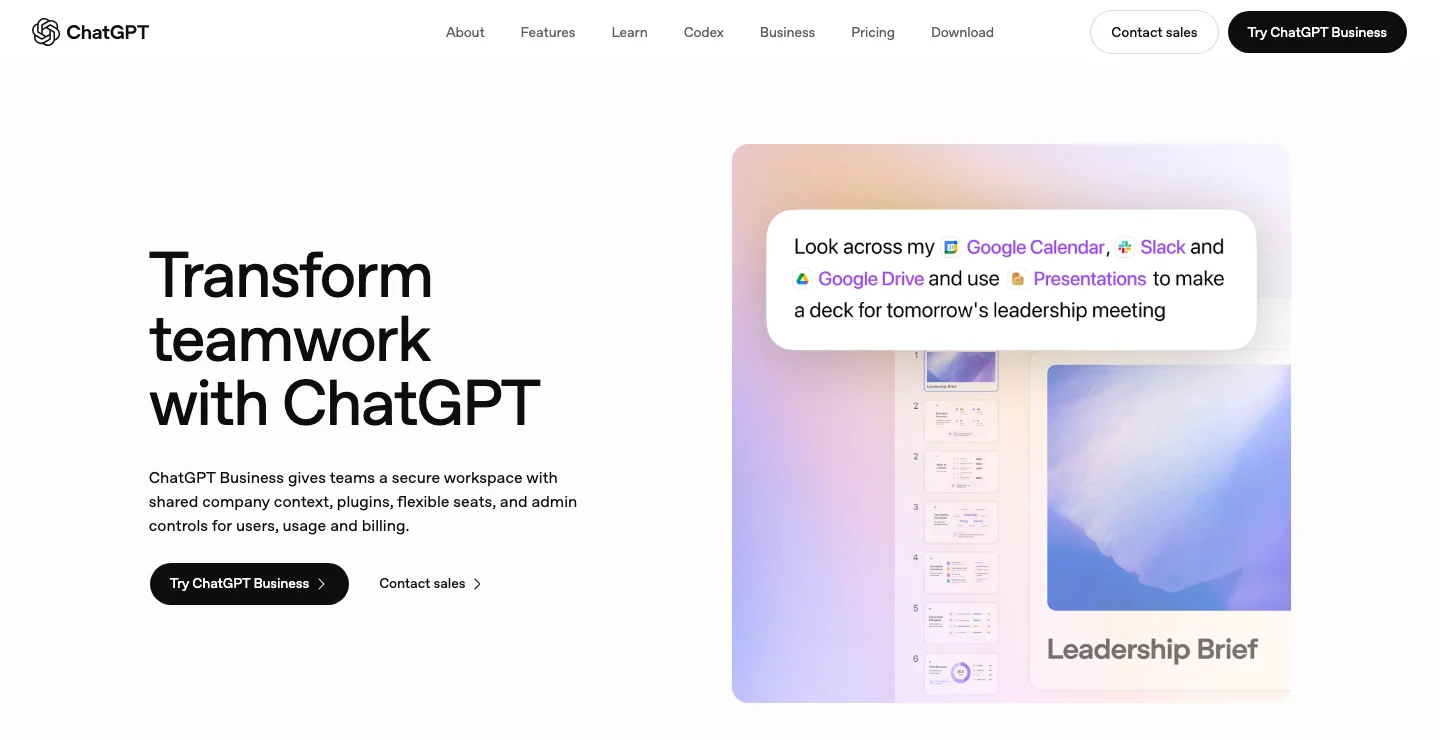 ChatGPT Business shows ChatGPT's own app first. In Slack, @ChatGPT runs on a service account.
If your company already pays for ChatGPT seats, you can bring @ChatGPT straight into enabled public or private Slack channels (Slack docs). It answers in threads and can hand repository work off to a Codex Cloud task, returning the result to the thread.
What stands out
- Uses seats you already own: No separate agent vendor if your team is standardized on OpenAI.
- Codex Cloud handoff: Can run coding tasks against connected repositories and post results back to Slack.
Worth knowing
- Per OpenAI's enterprise Slack docs,
@ChatGPTin Slack runs on a shared service account with admin-chosen tools, does not inherit an individual user's private-channel access, and does not work in Slack Connect channels.
Pricing: $20 per user per month billed annually (2+ users) or $25 monthly, plus ChatGPT credits for extra usage (ChatGPT pricing).
10. Slackbot
Best for teams that want no new vendor.
 Slackbot comes with Business+ and only surfaces what each person can already see.
Slackbot is built into paid Slack plans, surfaces only what each user already has permission to see, and lets teammates create skills from simple instructions with no coding. It can also act in Jira, Figma and Salesforce with human approval.
What stands out
- Zero procurement or setup: It's already in your workspace and respects Slack permissions automatically.
- Partner coding agents: While Slackbot itself doesn't write code, Slack's AI interface update introduced Slack Code to host partner coding agents.
Worth knowing
- Per Slack's September 15, 2026 announcement, Slackbot working directly inside channels is still in early pilot, and Business+ plans cap how many messages each user can send per week.
Pricing: included in Slack Business+ at $15 per user per month billed annually ($18 monthly) with a weekly message limit, or Enterprise+ via sales (Slack pricing).
How to choose a Dust alternative
Run these four questions in order, and you'll narrow the list to one or two tools in a minute:
- Do you want to build agents in a web app, or teach one in Slack? If you like Dust's web builder canvas and just want better seat economics, look at Gumloop or Langdock. If you want your team teaching the agent and scheduling work inside Slack threads, look at Merlin, Claude Tag or Runbear.
- Does anyone need it to ship code? If yes, Merlin (running on your team's machines), Claude Tag (in Anthropic's cloud sandbox) and Viktor are your real options, with Glean and ChatGPT Business covering lighter draft PRs.
- Who pays: per seat or per workspace? For a 30-person Slack workspace where 25 people only occasionally ask a question, per-seat pricing hurts. Merlin, Viktor, Runbear and Gumloop keep casual Slack askers off a per-seat meter, and Claude Tag charges no seat fee for channel users.
- Does your data need to stay in Europe? If EU residency is non-negotiable, stay on Dust's EU mode or look at Langdock.
6 things most lists skip
- Seats follow the mention. Dust bills per seat ($24 per month on Pro yearly), and Lindy counts anyone who uses it as a seat, including teammates who mention it in Slack. By contrast, Claude Tag adds no per-seat charge for Slack channel users, Viktor and Runbear charge per workspace, and Merlin bills per workspace for active users. In a 40-person Slack, that billing rule matters more than any feature checkbox.
- "Proactive" means very different things. Dust's auto-reply answers every single message in a channel once an admin flips it on, and the agent can't choose to stay quiet because an empty reply is treated as a failure and retried. Merlin's Proactive mode and Runbear's keyword triggers actually decide when to speak.
- Where scheduled work lands matters more than having a scheduler. Dust's scheduled and webhook runs land in the user's web conversation history or a Pod unless you configure a Slack tool. Merlin automations, Claude Tag routines and Lindy routines post straight into the Slack channel where the team is working.
- Memory scope decides whether the team gets smarter. Dust's agent memory is private to each user. Claude Tag and Merlin keep memory per Slack channel, so when one person corrects the agent in
#launch-ops, the next teammate who asks there gets the right answer. - Connector caps bite on small plans. Dust's Business plan caps you at 3 connectors, 5 remote MCP servers and 5 Spaces.
- Category confusion. Many "Dust alternatives" pages rank workflow builders like n8n, Make, Relay.app and CrewAI, which automate flows but don't sit in a Slack thread as a teammate, or Notion Custom Agents (which read and reply in private Slack channels since May 2026, but fit only teams that live in Notion).
FAQ
Dust is a multiplayer AI platform used to build fleets of specialized company agents grounded in synced internal data. Teams build agents in Dust's web app and call them from the web browser, Chrome extension, Slack or Microsoft Teams.
Dust offers a Free seat with 500 lifetime credits, a Pro plan at $24 per seat per month billed yearly ($30 monthly) with 8,000 credits, and a Max plan at $120 per seat per month yearly ($150 monthly) with 40,000 credits (Dust pricing). Business plans cover up to 100 people with a cap of 3 connectors and 5 remote MCP servers, while Enterprise is sales-led. European customers are billed the same numbers in euros, and unused monthly credits do not roll over.
Not by default. The @Dust bot only receives the specific thread it is mentioned in (Slack troubleshooting). For an agent to read broader channel history, an admin has to set up the separate Slack data sync connection or enable Slack tools.
For software companies whose engineers already use Claude Code or Codex, Merlin is the strongest pick because it lives in Slack threads, remembers context per channel, posts scheduled automations back to Slack, and ships code. For Claude Team or Enterprise shops, Claude Tag is the best cloud option, and Runbear is the easiest pick for non-technical teams that want named bots built by chatting.
Yes, Langdock is hosted in Europe, offers self-hosted and on-premises deployments, and includes model usage in its €25 per seat monthly price. Dust itself also offers EU hosting and an EU-only model mode if you prefer to stay on its platform.
If your engineers already run Claude Code or Codex, Merlin is the most natural fit for a Slack-first team, while Runbear covers no-code ops teams that want named bots in Slack and Gumloop fits teams that still want Dust's web builder without per-seat pricing.
Try Merlin for free
Hand work to Claude Code and Codex from Slack, Linear and GitHub. Free for 14 days, no API keys, no card required.
Get started for free