

Best OpenClaw Alternatives for Teams
 Dott
Someone on your team installed OpenClaw on a spare laptop or a tiny Linux box. For a week it was their personal assistant. By week three, three other people were DMing it in Slack, asking it to check logs, summarize threads and open pull requests. Then someone noticed that every one of those requests was running under the first person's GitHub token, API keys and shell access.
That is usually the moment a team starts searching for an OpenClaw alternative. Two questions decide where you land: whether you want the agent to keep running on your own machines, and how many trust boundaries your team needs once more than one person can talk to it.
If you're just here for a quick recommendation, here's the summary.
The short answer
Keep it running on your own machines
- You want the agent on your team's machines, with one boundary per machine: Merlin. Each engineer's Claude Code or Codex stays private on their machine until they share it, and teammates use it from Slack, Linear and GitHub.
- You want commands on your own hardware while planning runs in the vendor's cloud: Devin with Outposts.
- You have a small, high-trust team and want to stay on OpenClaw: OpenClaw's own Multiplayer mode, covered in the section below.
Cloud is fine
- You want one managed AI employee for the whole company: Viktor.
- You already pay for Claude Team or Enterprise: Claude Tag.
- Your engineers already live in Cursor: Cursor cloud agents.
- You like OpenClaw itself and just want someone else to host and govern it: WorkClaw.
- Ops and go-to-market teams want a shared teammate in Slack: Lindy.
- You already have ChatGPT Business and want each request to run under the asker's own account: Codex in Slack.
The 8 OpenClaw alternatives at a glance
"Acts with whose access" is the column I'd read first, because that is the exact thing a shared OpenClaw blurs.
| Alternative | Best for | Runs on | Acts with whose access | Starts at |
|---|---|---|---|---|
| Merlin | Keeping the agent on your own machines | Each teammate's own machine | The machine owner's local setup, shared only if they make the runtime public | $9 a month per workspace, models on your own plans |
| Viktor | A managed AI employee for the whole company | Viktor's cloud (AWS us-east-1) | The workspace's shared integrations | Free with up to $100 in credits, Team from $100 a month |
| Claude Tag | Claude Team and Enterprise shops | Anthropic's ephemeral sandbox | Admin-provisioned service accounts per channel | Claude Team or Enterprise plus usage |
| Devin | Engineering work with commands on your hardware | Cognition's cloud, or your machines through Outposts | Each person's linked Devin account, org secrets shared | Pro $20 a month, Teams $80 a month plus $40 per dev seat |
| Cursor cloud agents | Teams already on Cursor | Cursor's cloud VMs (Team Pools need Enterprise) | Each person's linked Cursor account under the team | Premium $30 a month, Teams $30+ per user |
| WorkClaw | OpenClaw, hosted with admin controls | WorkClaw's remote cloud computers | Workmates shared with people or the team | Team $29 a month, unlimited users, shared credits |
| Lindy | Ops and GTM teams | Lindy's cloud | Personal or admin-shared connections | $29.99 a month per active user |
| Codex in Slack | Teams on ChatGPT Business | OpenAI's cloud | The requester's own ChatGPT account | Business $20 per user a month (annual) |
Prices seen on November 11, 2026.
What changed when OpenClaw went multiplayer
OpenClaw is an MIT-licensed AI assistant created by Peter Steinberger and now stewarded by the OpenClaw Foundation, with 394,301 GitHub stars as of November 11, 2026 and no paid or hosted tier. You run a gateway on your own computer, connect the models you want, and talk to it from Slack, Discord, Teams, WhatsApp, Telegram, iMessage and 20+ other channels while it reads and writes plain Markdown memory files on disk.
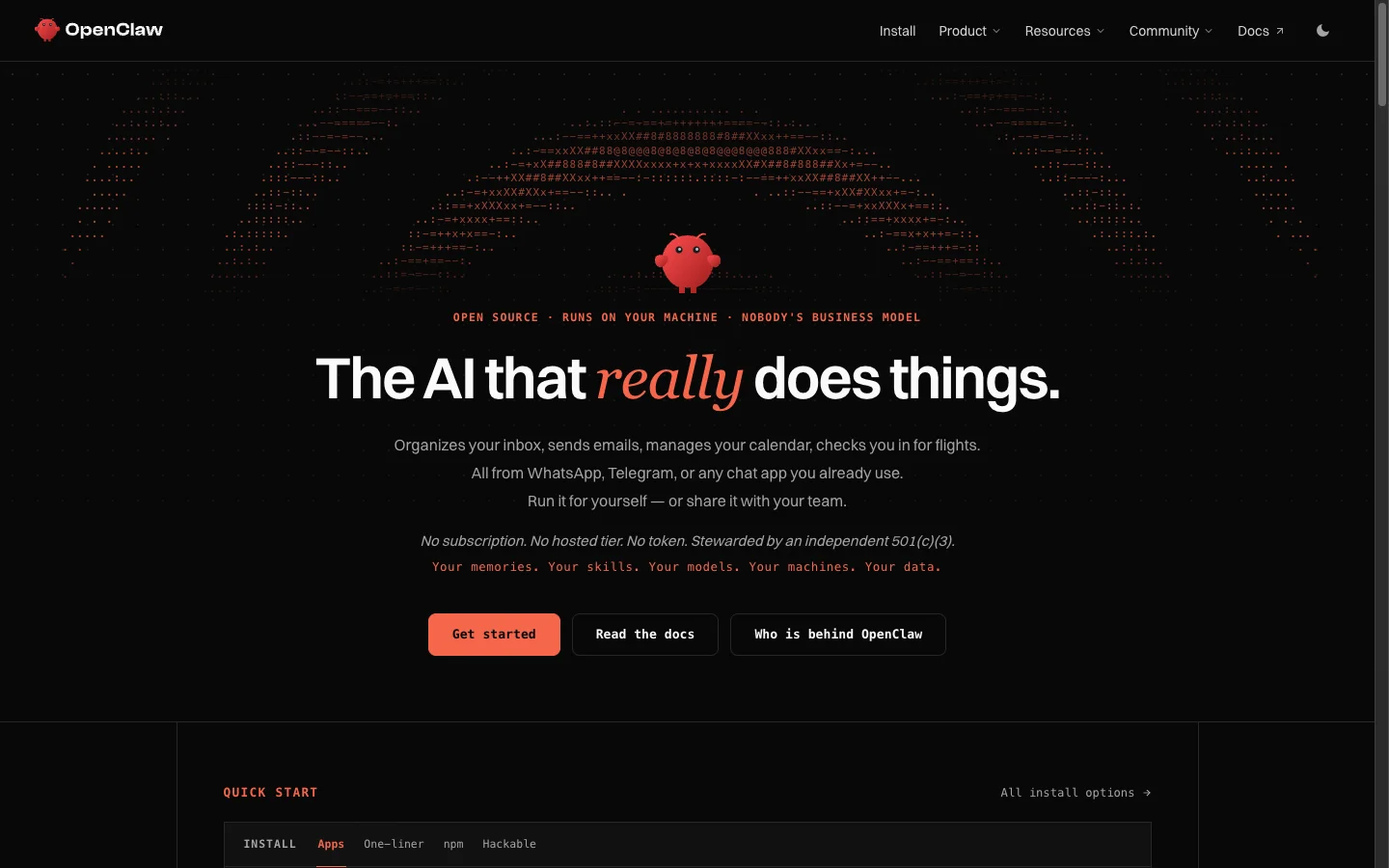 OpenClaw now pitches sharing with your team on its homepage, and it still has no hosted tier: someone on your team runs it.
Most "OpenClaw alternatives" roundups still tell you OpenClaw is single-user. That is out of date. OpenClaw 2.0 shipped on August 30, 2026 and Multiplayer arrived on November 5, 2026, adding a shared request queue, per-person sign-in and named operator roles. The foundation runs 50+ people on one shared gateway of its own.
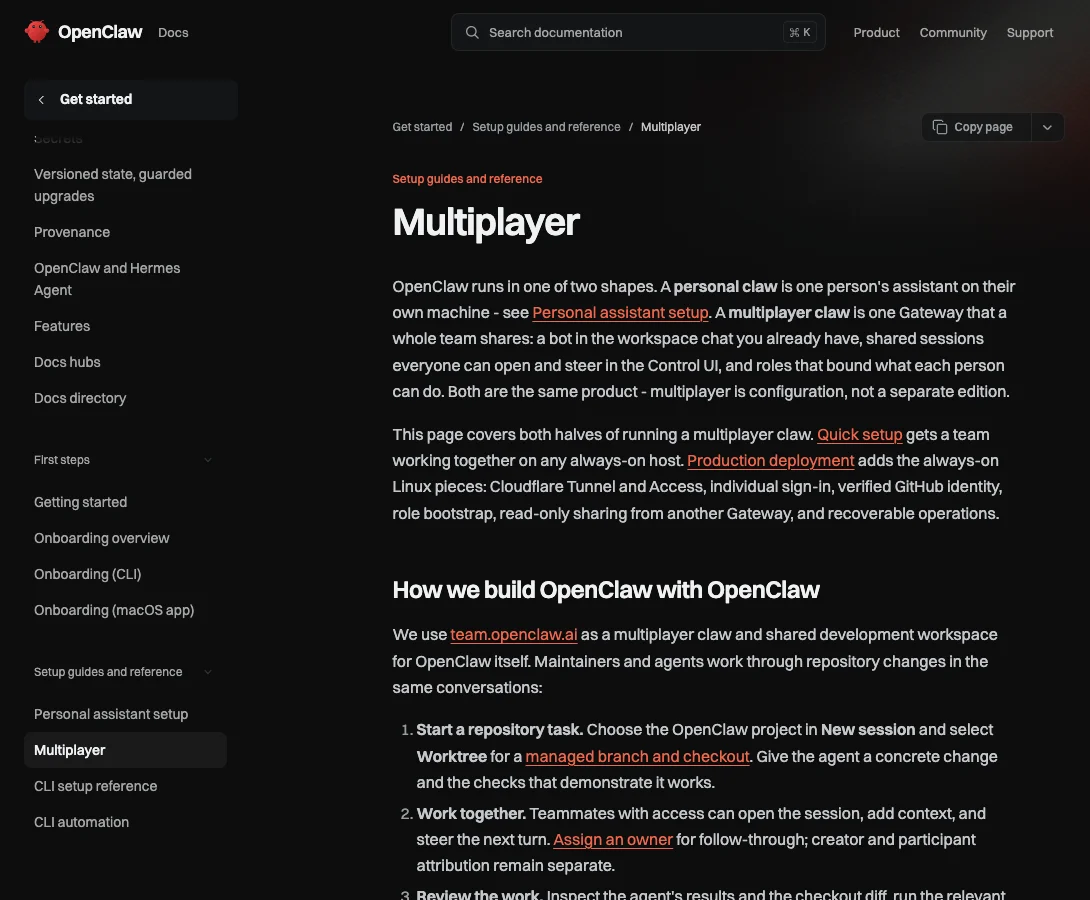 OpenClaw's Multiplayer docs: the team version is the same gateway with different configuration, which also means one trust boundary for everyone on it.
OpenClaw's own security docs explain why teams still go looking for something else. The FAQ puts it plainly: "a gateway is one trust domain." The trust model goes further: "Everyone who can message a tool-enabled agent shares that agent's delegated tool authority," and named roles "are collaboration guardrails, not tenant isolation." By default, an unsandboxed tool-enabled agent can read every session on the gateway, including other people's transcripts (tools.sessions.visibility defaults to all), and guest pull requests go out under the gateway's shared GitHub account (multiplayer guide). A request for role-based access control (issue #8081) and a report of a single-writer session lock that slows down under three to five concurrent users (issue #96477) were both closed as not planned. OpenClaw Enterprise, announced September 29, 2026, promises hard multi-tenant boundaries, and it is still pre-1.0 and in pilots.
Then there is the job of running it yourself. Production multiplayer wants a Linux host, Cloudflare Tunnel and Access or Tailscale, an identity provider, a secret store and off-server backups. In January 2026, Censys counted 21,639 publicly exposed OpenClaw instances, a CVSS 8.8 one-click token leak (CVE-2026-25253) needed patching, and researchers at Koi Security found 341 malicious skills on ClawHub before VirusTotal scanning was added in February.
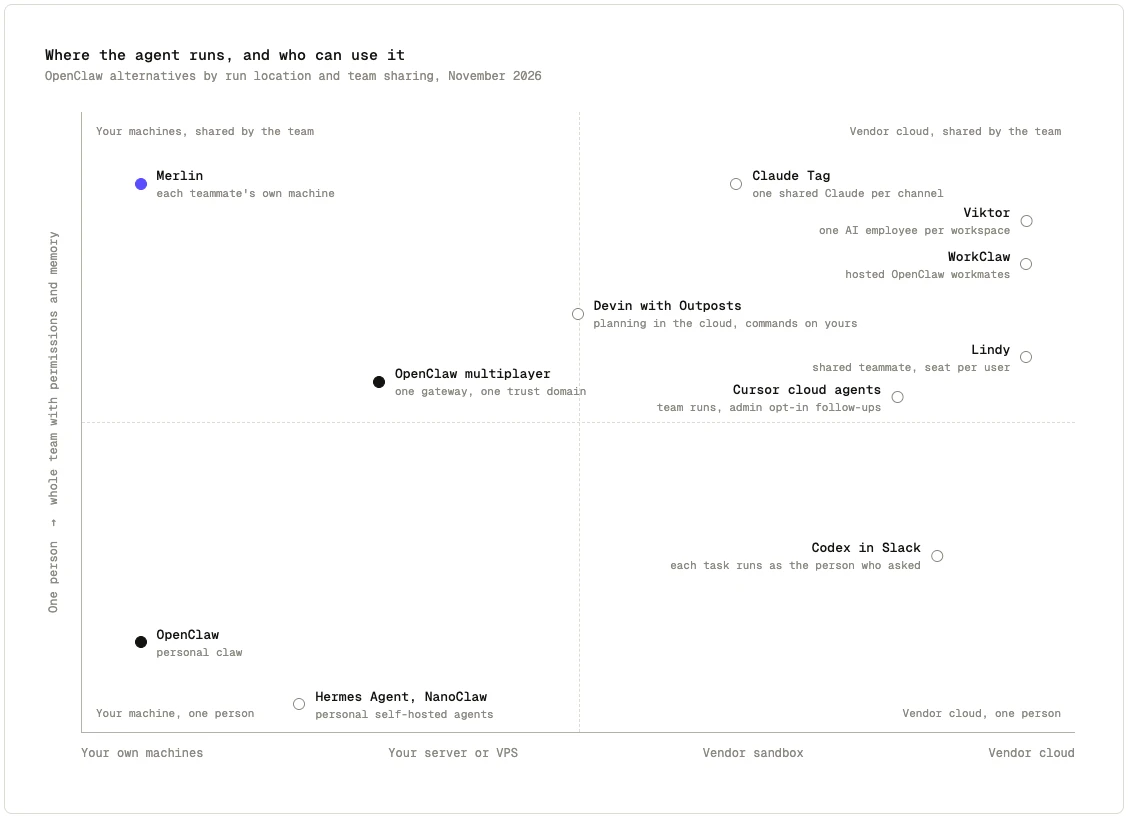 OpenClaw owns the bottom left. The top left, a team sharing an agent that still runs on its own machines, has the fewest options.
The positioning map above shows the trade-off. Almost every team tool solves OpenClaw's shared trust domain by moving the agent into the vendor's cloud. Only a couple keep the work on your own machines. Every tool below is compared on four things:
- Where the work runs: your team's own machines, a server you host, an ephemeral vendor sandbox, or a vendor cloud.
- How the team shares it: whose identity and credentials a request uses, who can see transcripts, and how memory is split between personal and team context.
- Model choice: one vendor's models, a curated menu, or your own keys and subscriptions.
- How you pay: per seat, shared workspace credits, or flat workspace pricing on top of the model plans your team already has.
The 8 best OpenClaw alternatives for teams in 2026
1. Merlin
Best when you want to keep the agent on your own machines and the whole team needs to use it.
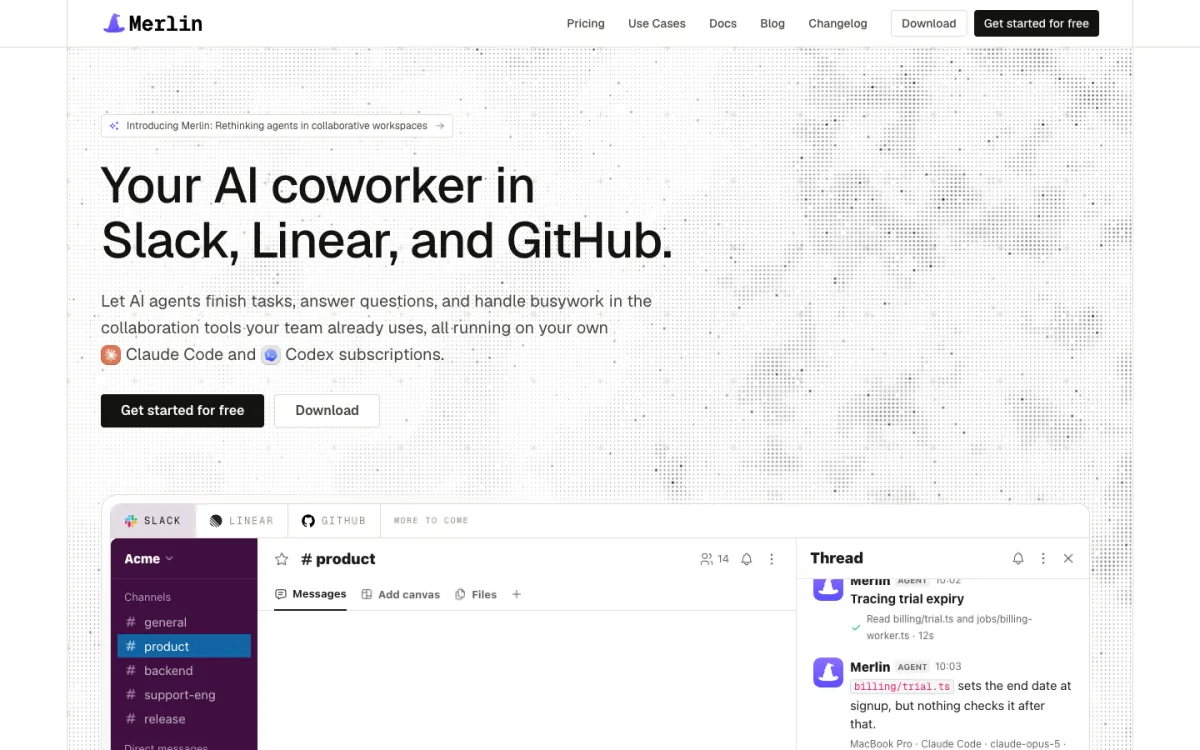 Merlin brings the Claude Code and Codex your engineers already run into Slack, Linear and GitHub.
Merlin is for teams that liked the core OpenClaw idea, an agent running on a real developer machine with real local tools, and hit the wall when the second and third person joined in. Each engineer installs the Merlin desktop app or CLI daemon on their own computer, where it drives the Claude Code or Codex they already use. Teammates @mention Merlin in a Slack thread or DM, delegate a Linear issue, or mention it on a GitHub issue or pull request, and the work runs on a machine that already has the repo, credentials, MCP servers and local scripts set up.
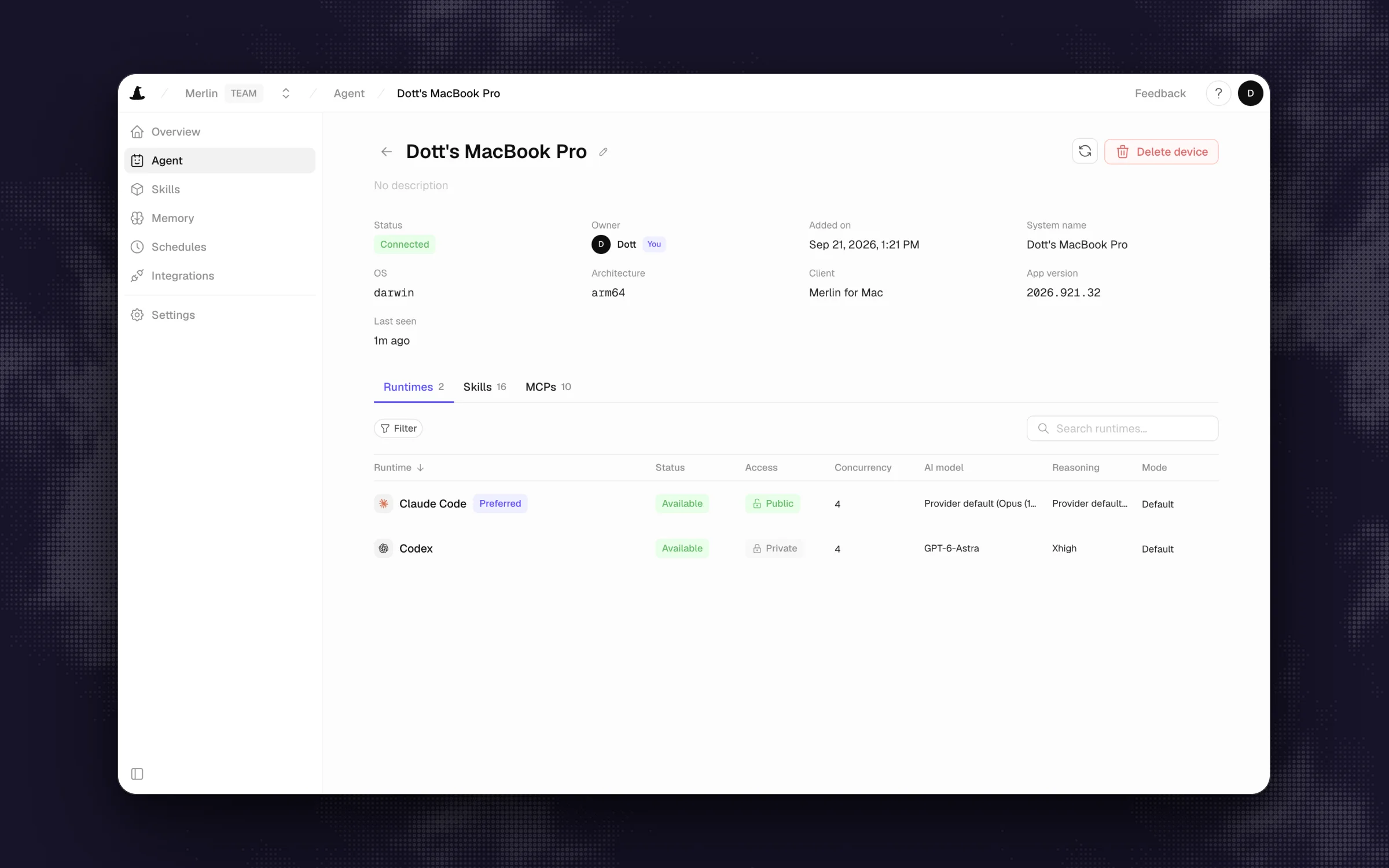 Each runtime has its own access setting. A new one starts private, and only its owner can open it to the team.
What stands out
- Every runtime starts private, so it accepts only its owner's requests (prerequisites, devices and runtimes). A machine owner chooses if and when to make a runtime public for the workspace, and can flip it back to private at any time (runtime sharing security).
- Memory is stored per Slack channel as Markdown files with a
MEMORY.mdindex, off by default, with private-channel notes kept inside that channel. - Merlin does not resell model tokens. Every run uses the Claude or ChatGPT subscription already signed in on that machine.
Worth knowing
- Not for you yet if nobody on the team runs Claude Code or Codex on a machine that stays online. A public runtime also delegates that machine's enabled local skills, files and credentials without per-command prompts, and Merlin adds no OS sandbox of its own.
- It only supports Claude Code and Codex, and it lives in Slack, Linear and GitHub. If you want an assistant in WhatsApp, Telegram, iMessage or Microsoft Teams, OpenClaw or WorkClaw fits better.
Pricing: Starter at $9 a month per workspace (up to 3 active users, 1,000 requests), Team at $59 a month (up to 50 active users, 5,000 requests), Scale at $99 a month (up to 200 active users, unlimited requests), with a 14-day Team trial and no card required (pricing, seen on November 11, 2026).
2. Viktor
Best managed "AI employee" for the whole company when the vendor's cloud is fine.
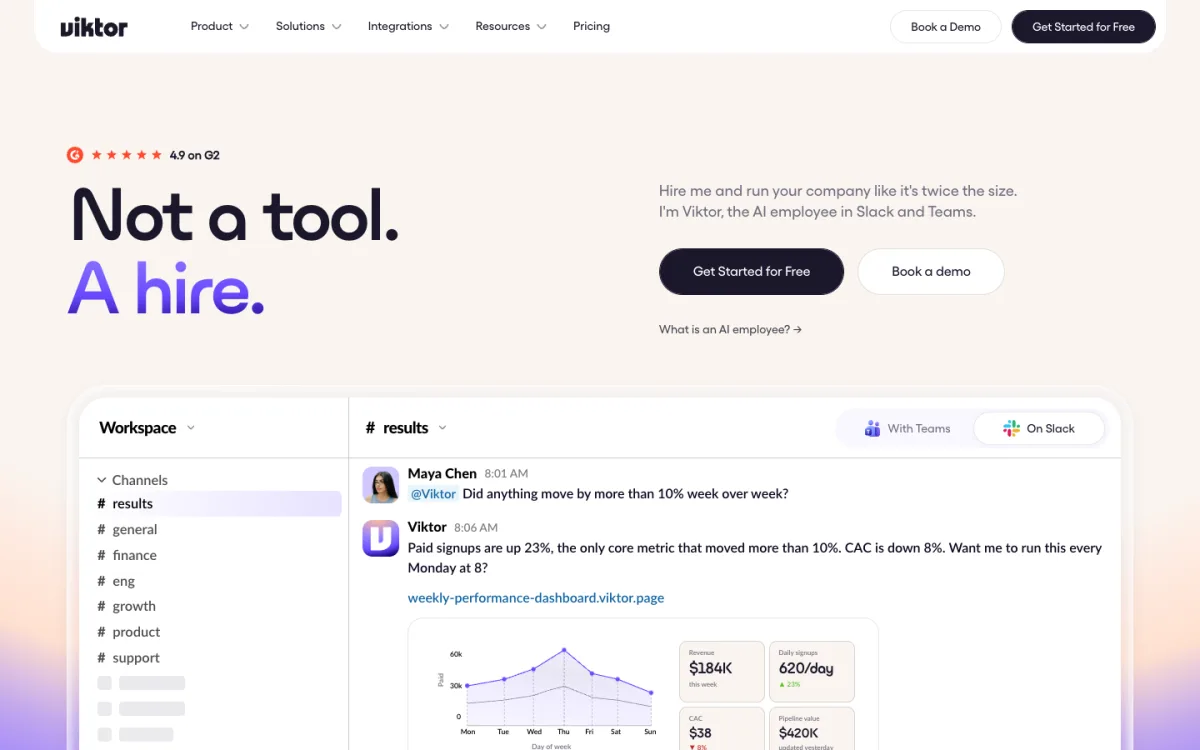 Viktor sells itself as one AI employee for the whole workspace, running in its own cloud.
Viktor is one shared coworker in Slack and Microsoft Teams that builds dashboards, runs reports, writes code and deploys small apps from a sandboxed environment on AWS us-east-1 (security). Viktor even runs its own "OpenClaw alternative built for teams" page arguing that you shouldn't have to babysit a gateway to give the company an agent. (If Viktor is already on your shortlist, the Viktor alternatives roundup goes deeper on how it compares.)
What stands out
- Steady team governance shipping all year in the changelog: each user's agent sees only the Slack channels they belong to, admins can restrict who Viktor may DM, and credit usage breaks down by channel and by member.
- Model presets from Cheap to Ultra (on Claude Opus 5.5, GPT-6.1 Sol, Grok 4.7 and Kimi K3), a per-channel default model, and bring-your-own OpenRouter key support.
- Workspace-level billing instead of per-seat pricing, so casual askers don't each add a license.
Worth knowing
- Everything runs in Viktor's cloud, so it cannot reach developer laptops or VPN-only services unless you expose them.
- Per-user "Private Mode" is still on the roadmap, and credit burn across a busy workspace is harder to predict than a flat plan.
Pricing: free tier with up to $100 in credits, then Team from $100 a month for 40,000 shared workspace credits, with smaller packs from $50 (pricing, seen on November 11, 2026).
3. Claude Tag
Best for Claude Team or Enterprise shops that want Anthropic's own shared agent in Slack.
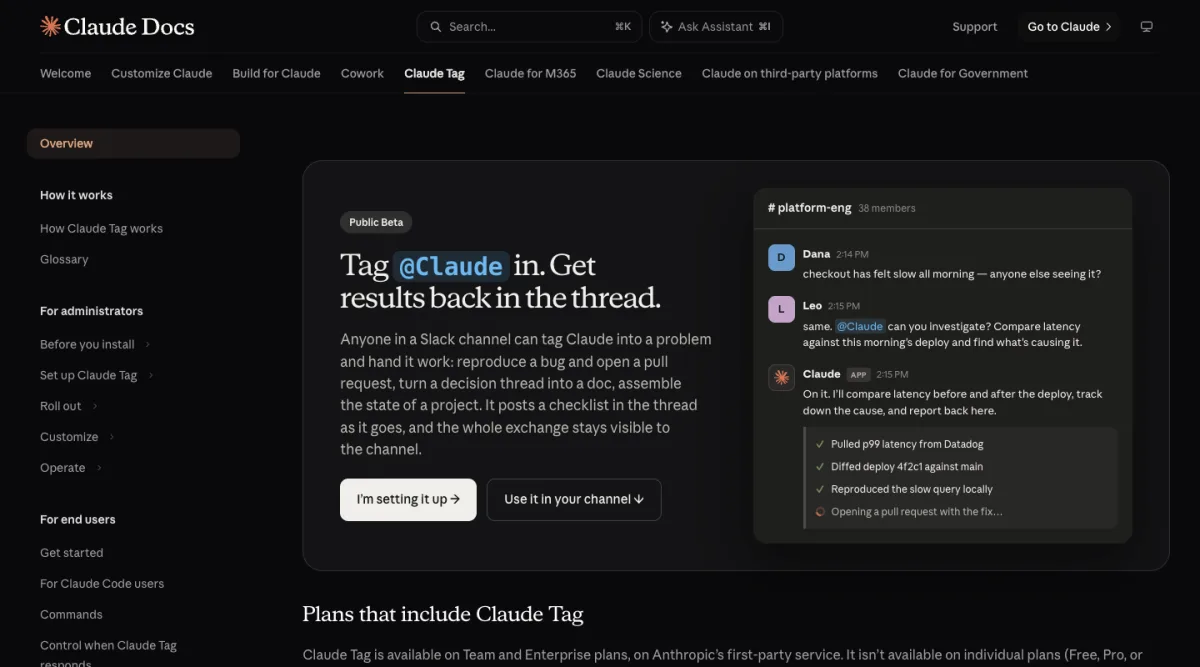 Claude Tag gives each Slack channel one shared Claude that anyone in the channel can steer.
Claude Tag is Anthropic's public-beta team agent in Slack (docs). Mention @Claude in a channel and it spins up an ephemeral cloud sandbox for that thread, clones repos, edits code, opens pull requests and keeps per-channel notes. The Claude Tag alternatives guide takes a wider look at where it fits.
What stands out
- Clean, predictable identity rules: in channels, Claude acts through admin-provisioned service accounts, and per its identity docs, "what Claude can do never changes based on who asked."
- Anyone in the channel can steer a running session, and there is no extra per-seat fee on top of Claude Team or Enterprise.
Worth knowing
- It runs in Anthropic's cloud sandbox with outbound HTTP and HTTPS only, so your local environment is out of reach.
- It is Slack-only, still in beta, locked to Claude models, and Anthropic does not publish a per-task price.
Pricing: included with Claude Team and Enterprise. Channel work bills to the organization's usage balance under a monthly spend cap (seen on November 11, 2026).
4. Devin
Best for engineering teams that want commands to run on their hardware while planning stays in Cognition's cloud.
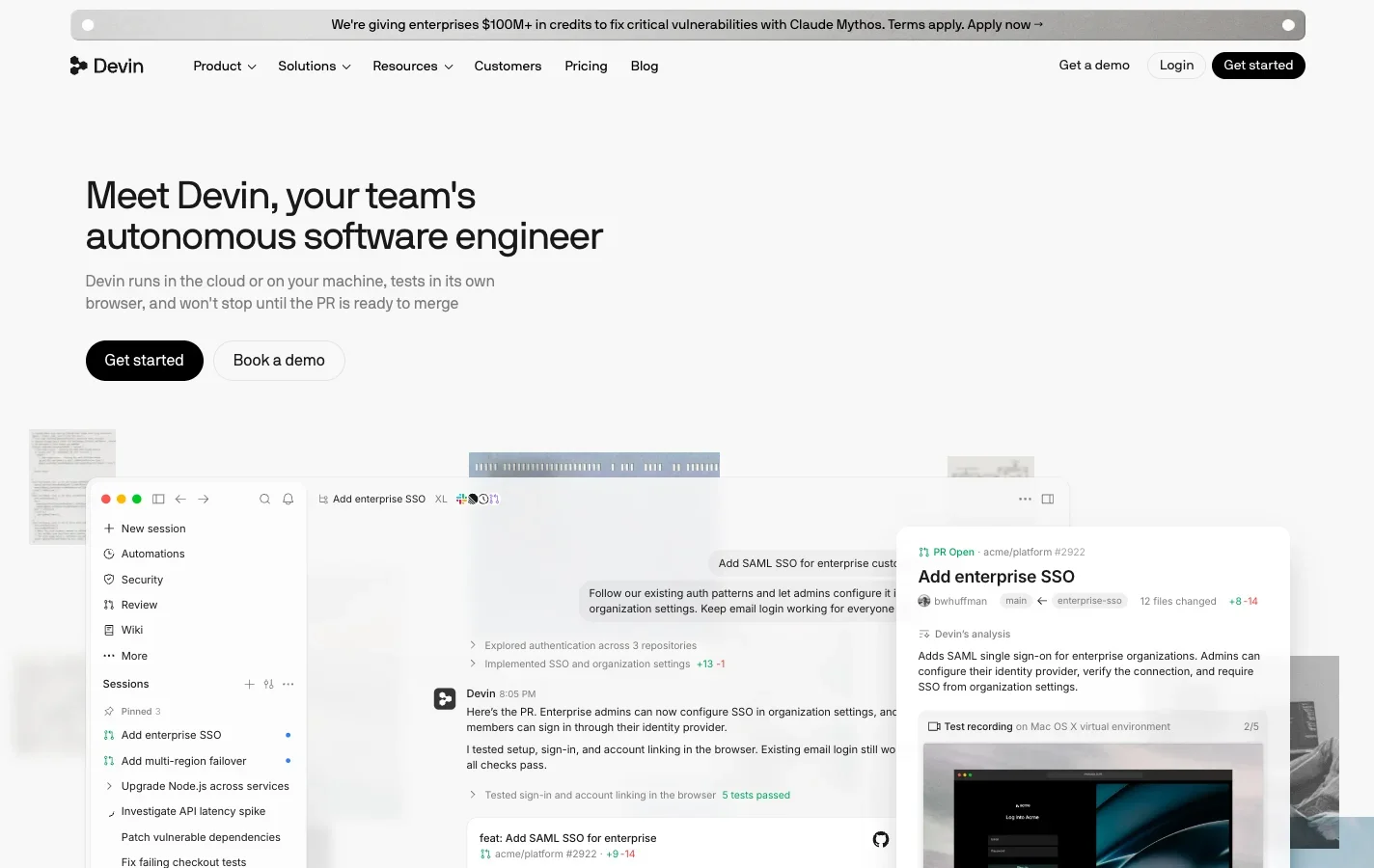 Devin runs each session in Cognition's cloud, and Outposts can move the commands onto your own machines.
Devin is Cognition's autonomous software engineer. By default each session gets its own cloud VM, and every teammate links their own Devin account before tagging @Devin in Slack. The piece that makes it interesting to an OpenClaw user is Outposts: you can register your own VMs, Kubernetes cluster or a Mac Mini so that commands, file edits and repo access happen on your hardware while Devin's planning loop stays in Cognition's cloud. The Devin alternatives roundup covers how Devin stacks up in detail.
What stands out
- Outposts is available on Pro, Max and Teams, giving you local command execution without running the whole agent stack yourself.
- Multiplayer sessions, SSO, and usage limits by team and per user on the Teams plan.
Worth knowing
- Inference and planning always stay in Cognition's cloud, organization secrets are shared across the whole org, and third-party API keys aren't supported.
- It is built for software engineering rather than general ops or personal-assistant work.
Pricing: Free tier, Pro at $20 a month, Max at $200 a month, and Teams at $80 a month plus $40 per full developer seat, with extra usage at API pricing (pricing, seen on November 11, 2026).
5. Cursor cloud agents
Best for teams already standardized on Cursor.
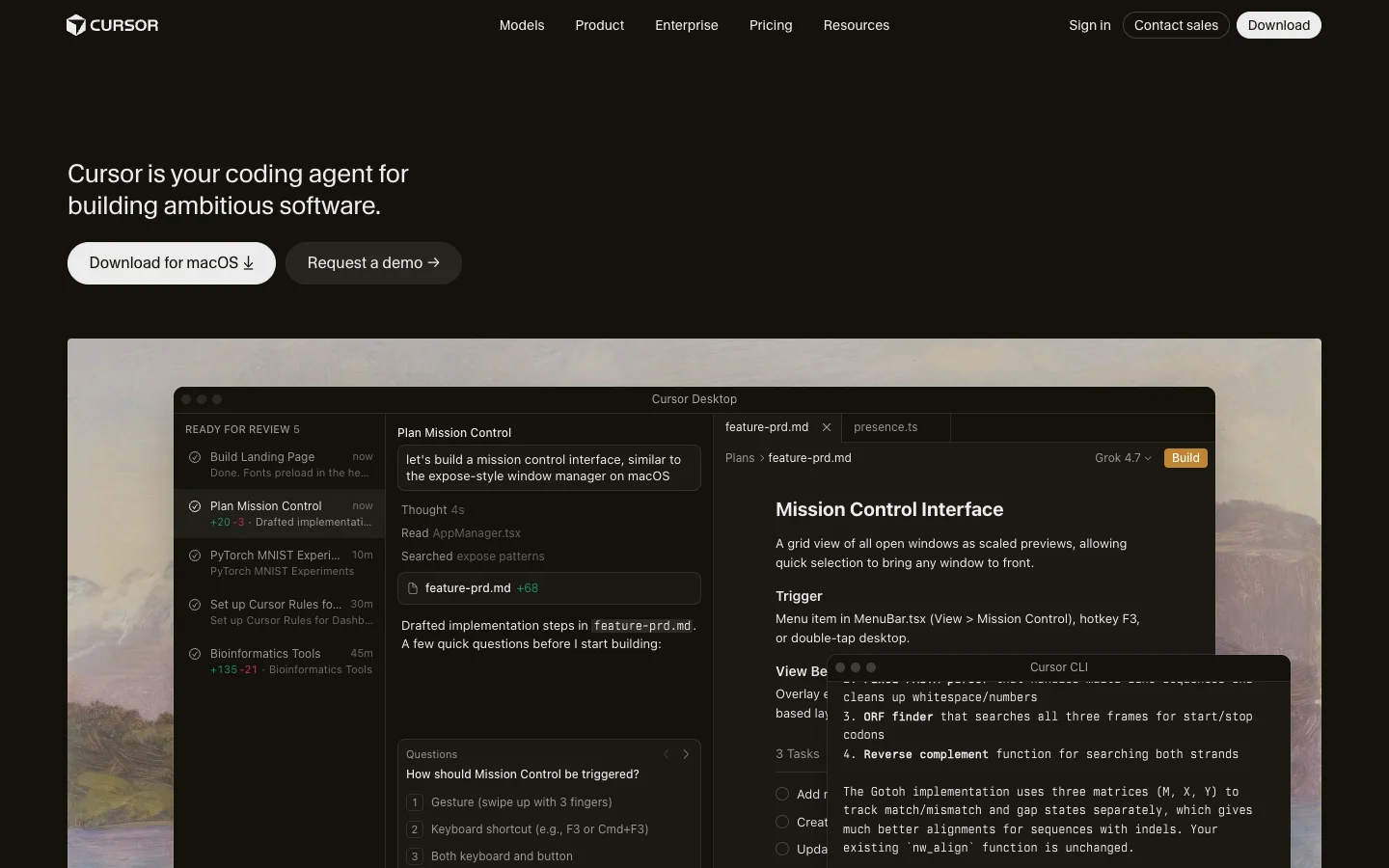 Cursor's homepage. Cloud agents are the part that takes requests from Slack.
If your engineers already write code in Cursor, Cursor cloud agents let anyone link their Cursor account and tag @Cursor in Slack to kick off a coding run in an isolated Cursor-managed VM under the team's billing and settings.
What stands out
- Each person acts through their own linked Cursor account, and admins can enable Team follow-ups so colleagues can steer a thread.
- Personal "My Machines" workers let an individual run jobs on their own box, and Enterprise adds Team Pools on your own infrastructure.
Worth knowing
- Shared Team Pools on your own hardware require an Enterprise contract, cloud agents have no persistent memory layer, and third-party models (Claude, GPT, Gemini) bill at API list price on top of the seat.
Pricing: cloud agents start on Premium at $30 a month, and Teams starts at $30+ per user a month (pricing, seen on November 11, 2026).
6. WorkClaw
Best if you like OpenClaw itself and want it hosted with admin controls.
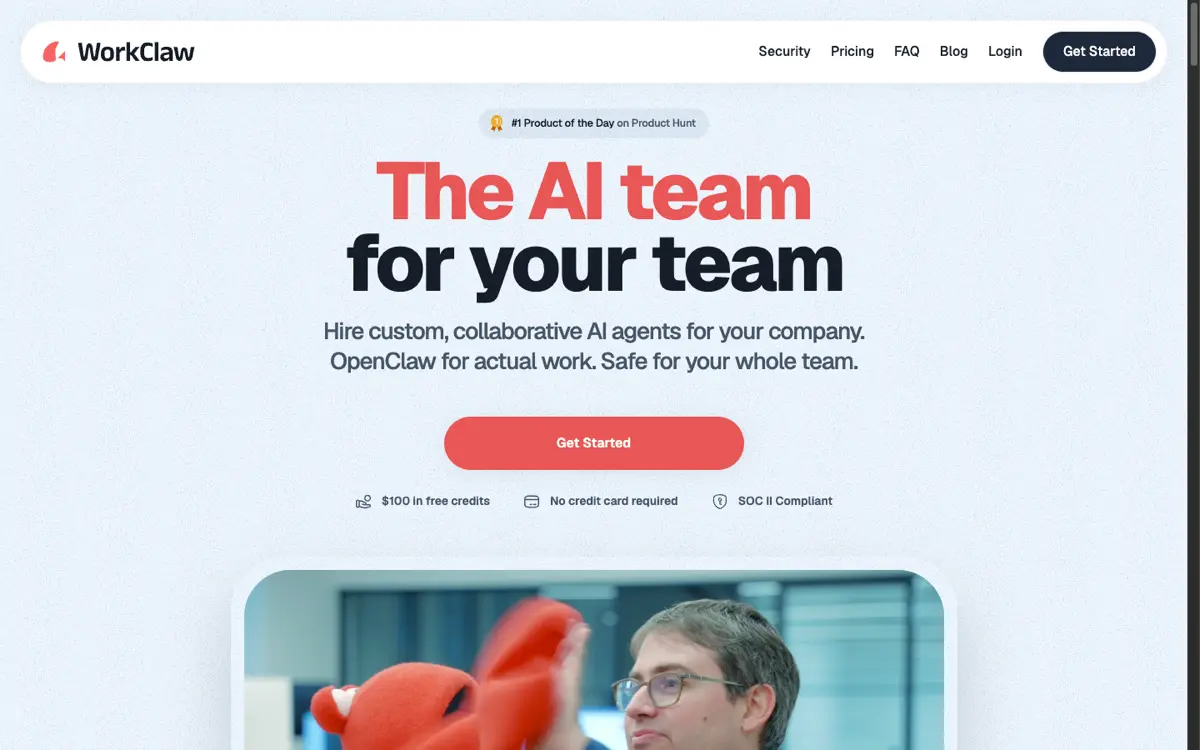 WorkClaw is built on OpenClaw and hosts each workmate on its own cloud computer.
WorkClaw is literally OpenClaw wrapped in a managed service for companies. Each "workmate" gets its own remote cloud computer, starts private to the person who created it, and can then be shared with specific colleagues or the whole team in Slack and Microsoft Teams while admins govern integrations and skill installs.
What stands out
- Keeps the OpenClaw workflow and skill model while removing the job of patching a gateway and locking down Cloudflare tunnels.
- Unlimited users on the Team plan, sharing a single credit pool.
Worth knowing
- Workmates run on WorkClaw's cloud computers rather than your own machines.
- The $29 Team tier includes Claude models only. Bring-your-own-key, SSO, audit logs and role-based limits sit on the custom Business tier.
Pricing: $100 in free credits, then Team at $29 a month for 30,000 shared credits across unlimited users, and custom Business pricing (pricing, seen on November 11, 2026).
7. Lindy
Best for ops and GTM teams that want one shared teammate with team and personal memory.
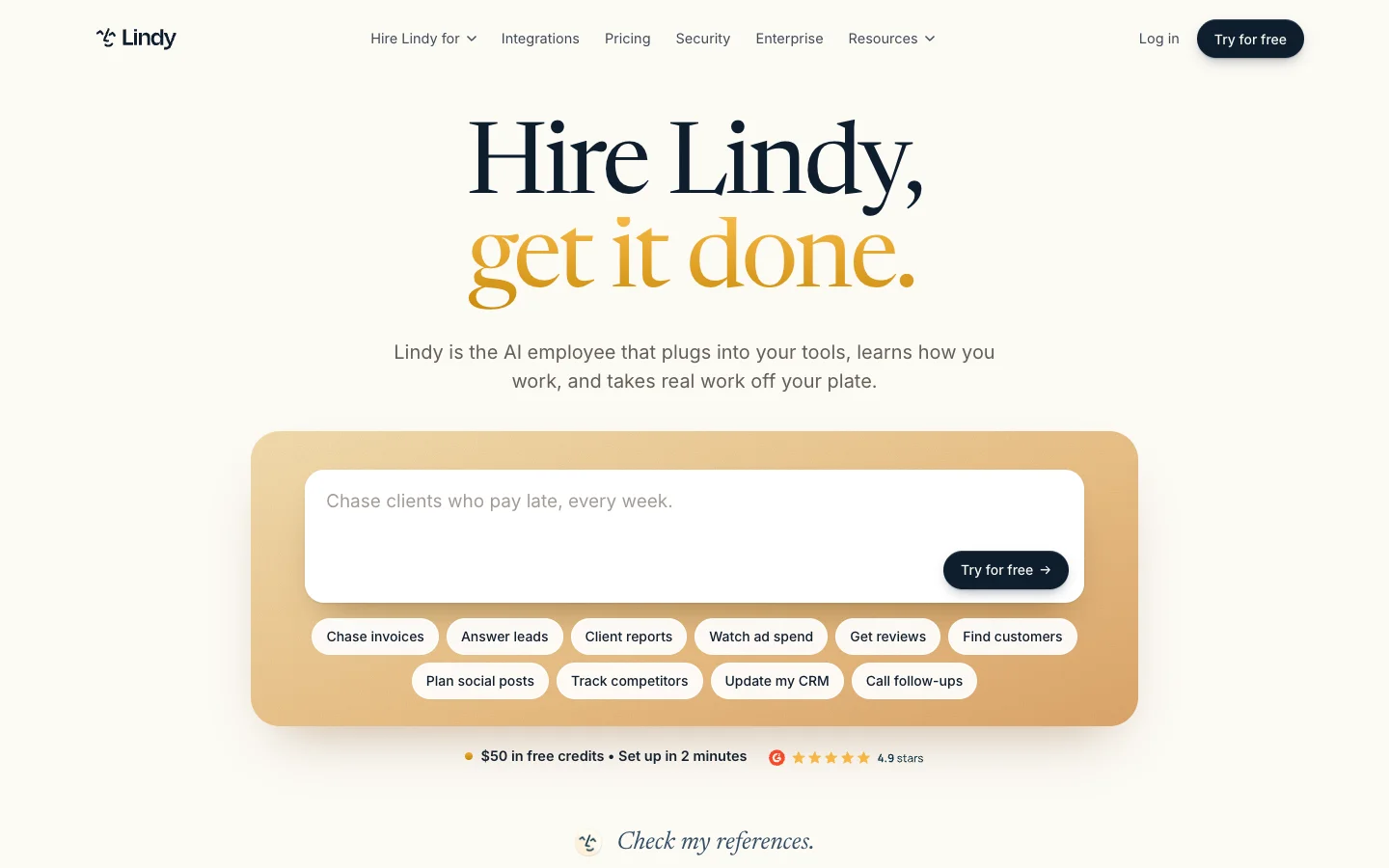 Lindy aims at ops and go-to-market work, with one shared teammate in Slack.
Lindy puts one shared teammate into Slack channels and DMs for CRM updates, inbox triage, scheduling and follow-ups. Its setup docs draw a clear line between personal app connections (kept private to that member) and admin-shared connections (which act with the connected account's permissions), and shared channels get a restricted public-safe toolset.
What stands out
- Memory is split cleanly into Personal (private), Team (shared, edited by owners and admins) and System files.
- Model choice across OpenAI, Anthropic, Google and DeepSeek, plus per-action approval rules.
Worth knowing
- Per Lindy's pricing page, "anyone who uses Lindy takes a seat," including a colleague who only @mentions it once in a channel. That adds up fast in a big Slack workspace.
- It is not a coding agent, new installs require a paid Slack plan, and Microsoft Teams support is still marked coming soon.
Pricing: 7-day trial with $50 in credits, then Team at $29.99 a month per active user with 3,000 pooled credits per seat (pricing, seen on November 11, 2026).
8. Codex in Slack
Best for teams already on ChatGPT Business that want each task to run under the person who asked.
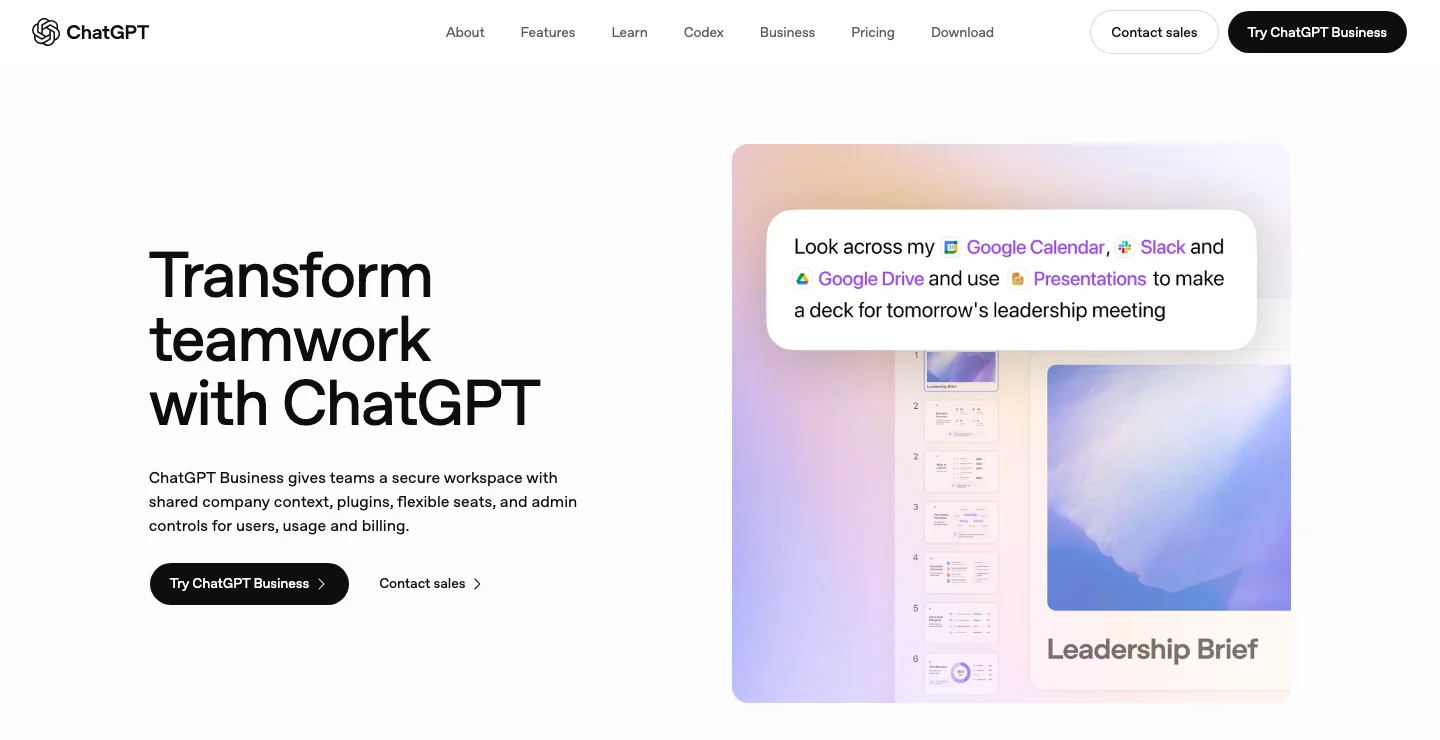 The ChatGPT Business page. Codex in Slack comes with the ChatGPT plan, and each task runs under the account of the person who asked.
If your company already pays for ChatGPT Business, Codex in Slack lets teammates mention @ChatGPT in a thread and hand repository work to a Codex cloud environment running on OpenAI's VMs.
What stands out
- Per the Slack docs, Codex runs each task "using your account," so authority follows the person who asked rather than a shared gateway owner.
- Bundled into the ChatGPT Business seat many teams already carry.
Worth knowing
- Because each task belongs to the requester's account, a follow-up from a second teammate can spin up a separate task instead of steering the same one, and there is no shared team memory.
- Runs only on OpenAI's cloud VMs and OpenAI models, and bringing a bare API key does not unlock the Slack integration.
Pricing: included with ChatGPT Business at $20 per user a month billed annually, or $25 monthly (pricing, seen on November 11, 2026).
How to choose an OpenClaw alternative
A list like this is a starting point. Run these four questions in order and most teams are down to one or two options.
- Do you need the work to stay on your own machines? If yes, look at Merlin (full agent on each teammate's machine), Devin with Outposts (commands on your hardware, planning in Cognition's cloud), or OpenClaw Multiplayer on a host you lock down yourself. Everything else moves execution to the vendor's cloud.
- Do the people talking to the agent share one trust boundary or need separate ones? A small founding team where everyone already has production access can share one OpenClaw gateway. Once a PM, a designer or a contractor is in the same Slack channel, you want either explicit per-runtime sharing (Merlin), admin-provisioned channel service accounts (Claude Tag), or per-requester accounts (Devin, Cursor, Codex in Slack).
- What kind of work is it doing? For code across Slack, Linear and GitHub, pick between Merlin, Claude Tag, Devin, Cursor and Codex in Slack. For company-wide reports, ops and apps in Slack and Teams, look at Viktor, WorkClaw or Lindy.
- How do you want the bill to scale as more teammates @mention it? Per-seat tools (Lindy, Cursor, Codex in Slack) charge for everyone who touches the bot. Workspace-priced tools (Merlin, Viktor, WorkClaw) let the whole company ask questions from one plan.
5 things most OpenClaw alternative lists skip
- OpenClaw already has a team mode. The reason to switch is how its trust boundary works, one shared domain per gateway, not a missing multiplayer button.
- The other open-source "claws" are personal agents too. Hermes Agent (262k GitHub stars), nanobot, NanoClaw, ZeroClaw and PicoClaw all describe themselves as personal assistants and document no team roles or multi-user access control. Swapping OpenClaw for one of them leaves you in the exact same spot.
- Whose credentials a request uses matters more than which model answers. Ask every vendor whether a Slack @mention runs as the person who asked, as a shared workspace service account, or as the person whose laptop hosts the runtime.
- Claude subscriptions can't power a shared OpenClaw gateway. OpenClaw's OAuth docs and multi-user docs note that a shared gateway needs an Anthropic API key for Claude rather than a personal subscription token. Merlin keeps Claude usage on each machine owner's own Claude Code subscription because the job runs on that owner's machine.
- "Free and self-hosted" still has an ops bill. Between tunnel configuration, token-leak advisories and vetting community skills, someone on your team becomes the gateway administrator whether that's in their job description or not.
FAQ
Yes. Merlin runs on your teammates' own machines through the Claude Code and Codex they already have installed, with each runtime private by default until its owner shares it with the workspace. Devin also lets you run commands and file edits on your own hardware through Outposts while its planning loop runs in Cognition's cloud.
Yes. Since OpenClaw 2.0 and the November 2026 Multiplayer release, a whole team can share one gateway with per-person sign-in and a shared request queue. OpenClaw's trust model states the catch clearly: one gateway is one trust domain, and everyone who can message a tool-enabled agent shares that agent's tool authority and, by default, can read other sessions on the gateway.
It can be for a small, mutually trusting team that locks down a Linux host behind Cloudflare Access or Tailscale and curates its own skills. OpenClaw's docs say a single gateway is not designed for mutually untrusted users, and public internet exposure (21,639 instances were found exposed in January 2026) and unvetted ClawHub skills have been the two biggest real-world risks.
If your engineers already pay for Claude or ChatGPT plans, Merlin starts at $9 a month for a workspace of up to 3 active users ($59 for up to 50) and adds no model markup. For a hosted cloud agent that includes model credits, WorkClaw starts at $29 a month for unlimited users sharing 30,000 credits, and Viktor offers up to $100 in free credits before its $50 and $100 monthly tiers.
No. Viktor, Claude Tag, WorkClaw, Lindy, Cursor cloud agents and Codex in Slack are all fully hosted by the vendor. With Merlin, nobody maintains a shared server either: the desktop app or CLI daemon runs on the laptops or workstations your engineers already use every day.
If you want to keep the agent on your own machines while the rest of the team uses it from Slack, Linear and GitHub, start with Merlin, or stick with OpenClaw Multiplayer if your team is small and happy to share one trust boundary. If a vendor cloud is fine, Viktor and Claude Tag are the quickest ways to give a whole workspace a shared agent, and Devin or Cursor fit best when the job is strictly shipping code.
Try Merlin for free
Hand work to Claude Code and Codex from Slack, Linear and GitHub. Free for 14 days, no API keys, no card required.
Get started for free